EasyManua.ls Logo

Topcom SOLOGIC B935 - User Manual

Topcom SOLOGIC B935
58 pages
Print Icon
To Next Page IconTo Next Page
Loading...
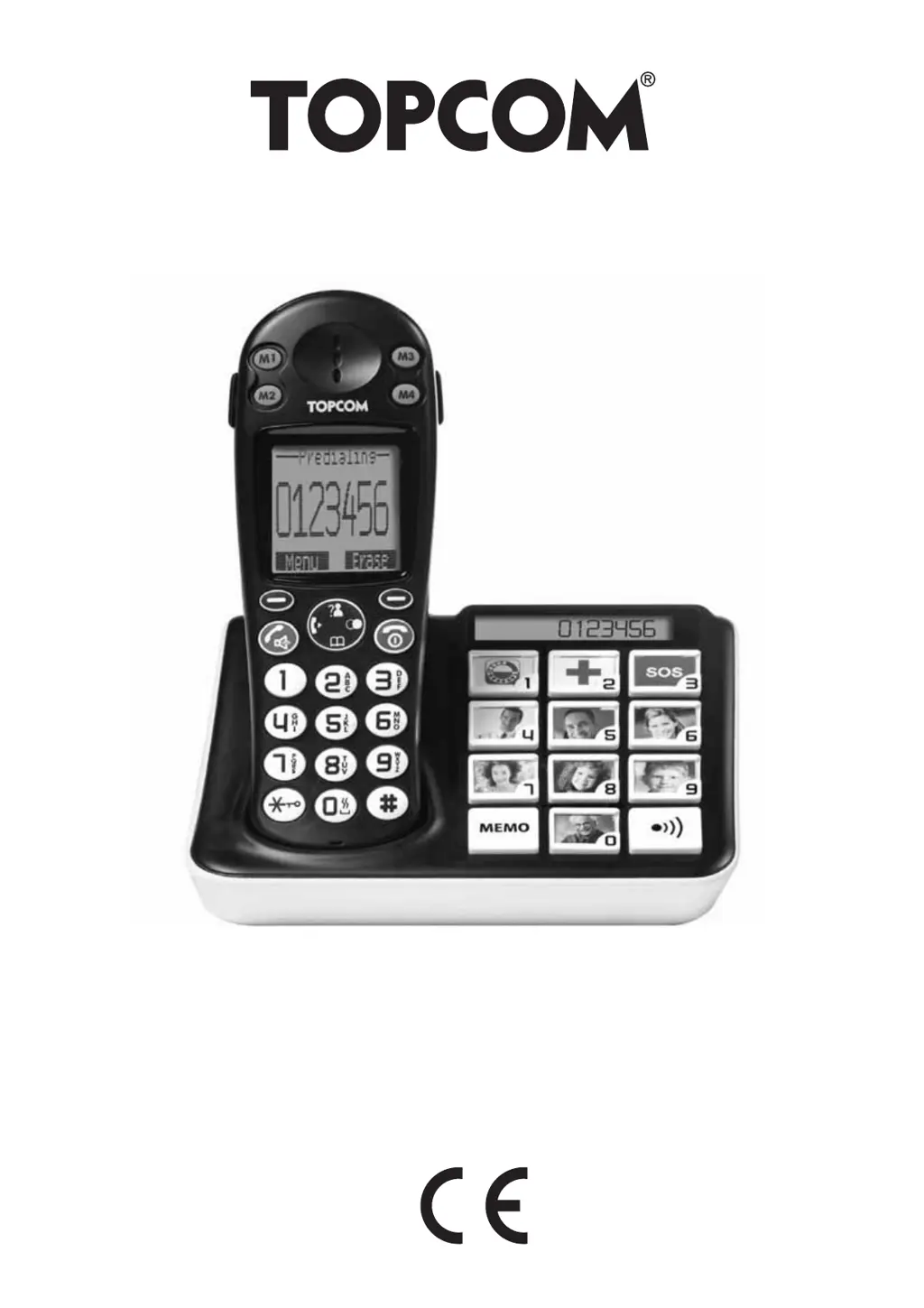
SOLOGIC B935
USER GUIDE / HANDLEIDING
MANUEL D’UTILISATEUR / BEDIENUNGSANLEITUNG
MANUAL DE USUARIO / BRUKSANVISNING
MANUALE D’USO / MANUAL DO UTILIZADOR / UŽÍVATEL’SKÝ MANUÁL /
INSTRUKCJA OBSUGI / UŽIVATELSKÁ PÍRUKA
V1.1 - 11/10

Questions and Answers

  • M
    Maria MyersAug 6, 2025
    Why is the icon flashing on my Topcom SOLOGIC B935 Telephone?
    • J
      John DennisAug 6, 2025
      If the icon is flashing on your Topcom Telephone, it could be due to several reasons. First, the handset might be out of range; try bringing it closer to the base. Second, the base might not have power; check the mains connection to the base. Finally, the handset might not be registered to the base; in this case, register the handset to the base.
  • J
    John MaxwellAug 10, 2025
    What to do if there is no tone on Topcom SOLOGIC B935?
    • H
      Heidi RichardsonAug 10, 2025
      If you are experiencing no tone on your Topcom Telephone, it could be due to a poorly connected or defective telephone cord. Ensure that the telephone cord connection is properly connected. Alternatively, the line may be occupied by another handset. In this case, wait until the other handset hangs up.
  • L
    Luis GonzalezAug 15, 2025
    Why doesn't my Topcom Telephone ring?
    • G
      Gwendolyn FrancisAug 15, 2025
      If your Topcom Telephone base or handset doesn't ring, it may be because the ringing volume is set to zero or is too low. Try adjusting the ringing volume to a higher level.
  • E
    Eric BruceAug 19, 2025
    How to fix a dark display on Topcom SOLOGIC B935 Telephone?
    • M
      Monica McclureAug 19, 2025
      If your Topcom Telephone display stays dark, there are a few potential causes. First, the batteries may be uncharged, so check their position and recharge them if necessary. Second, the handset may be turned off, so ensure that you turn it on.
  • D
    Don CarterAug 23, 2025
    What to do if Topcom SOLOGIC B935 Telephone has tone but cannot connect?
    • A
      Angela HoltAug 25, 2025
      If your Topcom Telephone has a good tone but cannot make any connection, the dialing mode might be incorrect. Try adjusting the dialing mode to either pulse or tone.
  • D
    Donna GonzalezAug 27, 2025
    What to do if Topcom SOLOGIC B935 does not react to pressing the keys?
    • B
      Bryan ReynoldsAug 27, 2025
      If your Topcom Telephone does not react when you press the keys, it might be due to a manipulation error. To resolve this, remove the batteries for at least 1 minute and then put them back in place.
  • D
    David RosalesSep 1, 2025
    Why is it not possible to transfer a call on PABX with Topcom SOLOGIC B935?
    • P
      pfisherSep 1, 2025
      If it's not possible to transfer a call on a PABX with your Topcom Telephone, the Flash Time might be too short. Try changing the Flash Time setting.

Summary

Safety Advice

Poisoning Danger

Installation

Menu Navigation

Menu Overview

Handset Operation

Making Calls

Procedures for initiating external calls, redialing, and number preparation.

Receiving Calls

Redial List Options

Activate;Deactivate Handsfree

Setting Speaker Volume

Mute Microphone

Locating Misplaced Handset

Setting Handset Ring Volume

Setting Earpiece;Handsfree Volume

Locking the Keypad

Changing Handset Name

Auto Answer

Handset Reset

Setting Clock and Alarm

Setting Date and Time

Alarm Feature Usage

The Phonebook

Adding Phonebook Entries

Steps to store new contacts with names and numbers in the phonebook.

Looking Up Phonebook Numbers

Editing Phonebook Entries

Deleting Phonebook Entries

One-Touch Memories

Base Operation

Changing PIN Code

Base Reset

Additional Handsets and Bases

Removing a Handset

Selecting a Base Unit

Multiple Handset Usage

Caller ID; CLIP

The Call List

Viewing the list of received calls, including date and time.

Calling from Call List

How to dial numbers directly from the call history.

Storing from Call List to Phonebook

Saving call list entries into the phonebook for easier access.

Deleting from Call List

Removing entries from the call history.

Troubleshooting

Topcom SOLOGIC B935 Specifications

General IconGeneral
TypeCordless Phone
Answering machineYes
GAP compatibleYes
DisplayAlphanumeric
Phonebook entries50
Caller IDYes
Handset SpeakerphoneYes
IntercomYes
Number of Handsets1
Range50m (indoor), 300m (outdoor)
Answering Machine Recording Time15 minutes
Frequency1.88 - 1.90 GHz

Related product manuals