26 Sologic B935
Sologic B935
• Press the up or down key / to look up the desired number.
•Press ‘More’ .
• Press the up or down key
/ repeatedly until ‘Delete’ is selected.
•Press ‘Select’ to confirm.
•Press ‘Del’ to erase or press ‘Cancel’ to leave the menu without saving.
14.4.2 Delete all numbers
• Press the left ‘Menu’ key.
•Press ‘Select’ to confirm.
• Press the up or down key
/ to look up the desired number.
•Press ‘More’ .
• Press the up or down key
/ repeatedly until ‘Delete All’ is selected.
•Press ‘Select’ to confirm.
•Press ‘Del All’ to erase or press ‘Cancel’ to leave the menu without saving.
15 Voice mail indicator
This function only works if you have the voice mail or phone mail service and if the network
sends this indication along with the caller ID (CLIP) information!
When you receive a new message in your voice mail system, the icon + ‘MSG WTG ON’
will appear on the display. Once you have listened to your messages, the icon will
disappear.
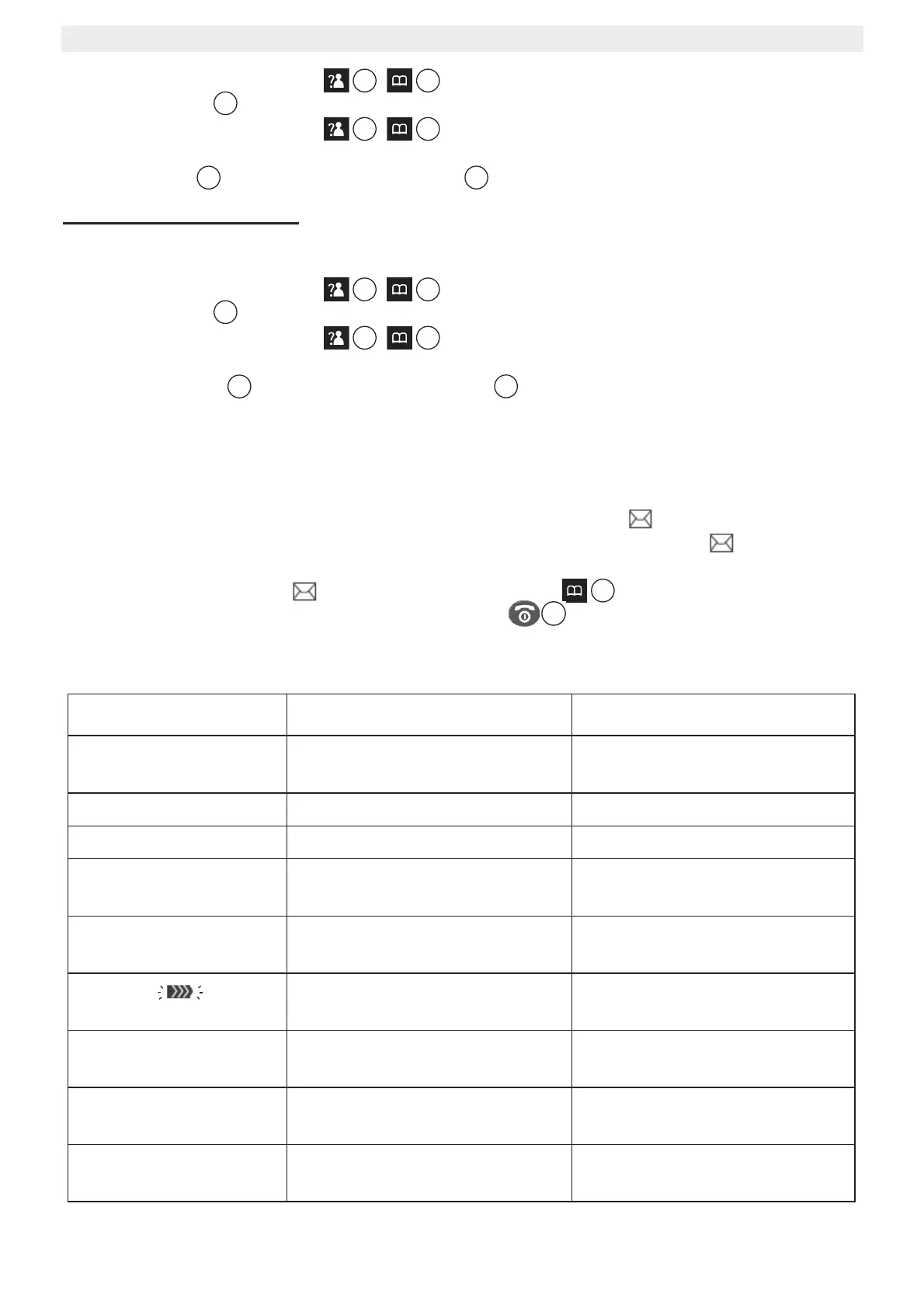
If you want to remove the icon, press the call log key , then press and hold the
numerical key ‘4’. After that press the on-hook key to return to standby.
16 Trouble shooting
Symptom Possible cause Solution
No display; the display
stays dark
Batteries uncharged Check the position of the
batteries
Recharge the batteries
Handset turned off Turn on the handset
No tone Telephone cord badly
connected or defect
Check the telephone cord
connection
The line is occupied by another
handset
Wait until the other handset
hangs up
The icon flashes
Handset out of range Bring the handset closer to the
base
The base has no power supply Check the mains connection to
the base
The handset is not registered to
the base
Register the handset to the
base
Base or handset do not
ring
The ringing volume is zero or
low
Adjust the ringing volume
15
7
5
15
7
15
7
5
15
7



 To Next Page