EasyManua.ls Logo

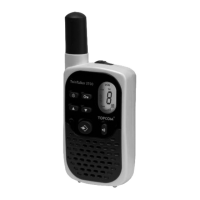
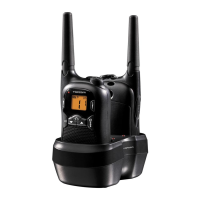
Topcom Twintalker 1400 - User Manual

Topcom Twintalker 1400
100 pages
Print Icon
To Next Page IconTo Next Page
Loading...
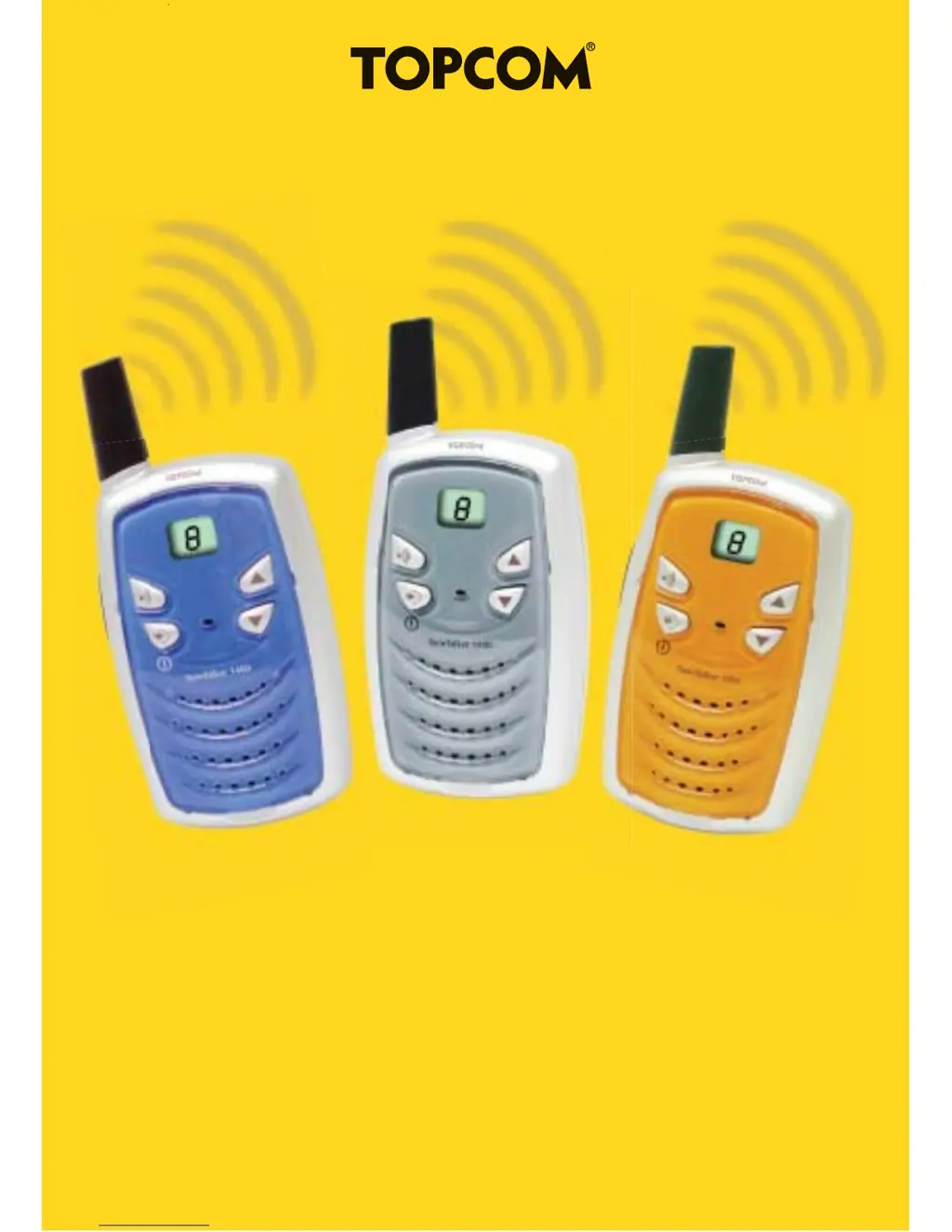
TwinTalker 1400
USER GUIDE / GEBRUIKSHANDLEIDING/
MANUEL D’UTILISATEUR / BEDIENUNGSANLEITUNG /
MANUAL DE USUARIO / MANUALE D’USO / MANUAL DO
USUÁRIO / Οδηγίς χρήσης / BRUKSANVISNING /
BRUGERVEJLEDNING / KÄYTTÖOHJE /
U
ž
IVATELSKÝ MANUÁL / U
ž
ÍVATEĽSKÝ MANUÁL
FELHASZNÁLÓI KÉZIKÖNYV
U8006271

Table of Contents

Questions and Answers

Summary

Introduction

Intended Purpose

Safety Instructions

General Safety Guidelines

Read safety and proper use information. Keep manual safe.

Burning Injuries Prevention

Avoid damaged antenna; battery short circuits cause burns.

Personal Safety Precautions

Keep away from airbags, pacemakers, and explosive atmospheres.

Poisoning Danger Alert

Keep batteries away from small children.

Legal and Usage Restrictions

Follow driving, airline, and facility regulations.

Notes and Maintenance

Important Notes

Avoid touching antenna during transmission; remove batteries for long periods.

Cleaning and Maintenance

How to clean and maintain the device.

Device Disposal

Instructions for environmentally friendly disposal.

Using the PMR Device

Getting Started

Initial setup and preparation for use.

Belt Clip Installation

Instructions for attaching and detaching the belt clip.

Battery Installation

Steps to install AAA batteries correctly, including cover and clip.

Device Operations

Low Battery Indication

Beep alert for low battery charge level.

Buttons Overview

Description of all buttons on the device.

LCD Display Guide

Explanation of icons and indicators on the LCD screen.

Turning the Unit On;Off

How to power the device on and off using the MENU/ON-OFF button.

Adjusting Speaker Volume

Instructions for increasing or decreasing the speaker volume.

Receiving a Signal

How the unit receives signals when on and not transmitting.

Transmitting a Signal

How to transmit a signal using the PTT button, microphone usage, and limits.

Changing Channels

Steps to change the communication channel using the buttons.

Call Tones Feature

How to use the call tone feature to alert other users.

Channel Scan Functionality

How to scan channels for active signals.

Activate Channel Scan

How to activate the channel scan to find active signals.

Deactivate Channel Scan

How to deactivate the channel scan mode.

Channel Monitor Functionality

How to monitor channel activity.

Activate Monitor Mode

How to activate the monitor mode to listen to channel activity.

Deactivate Monitor Mode

How to deactivate the monitor mode.

Roger Beep On;Off

Instructions to enable or disable the Roger Beep confirmation tone.

Troubleshooting

Technical Specifications

Warranty Information

Warranty Period Details

Details the 24-month warranty period and proof of purchase requirements.

Warranty Handling Process

Explains how to return a faulty unit for repair or exchange.

Warranty Exclusions

Lists conditions and damages not covered by the warranty.

Topcom Twintalker 1400 Specifications

General IconGeneral
Channels8
Range5 km
FrequenciesPMR446
Power sourceBattery
Power Output0.5W
WaterproofNo
VOXYes
ScanningYes
Keypad LockYes

Related product manuals