Topcom Twintalker 9100 9
Topcom Twintalker 9100
ENGLISH
13.2 Turning the Unit ON/OFF
• To activate; press and hold . The unit will “beep” and the LCD Screen will display the
current channel, CTCSS code and time.
• To switch off; press and hold again. The unit will “beep” and only the time is
displayed.
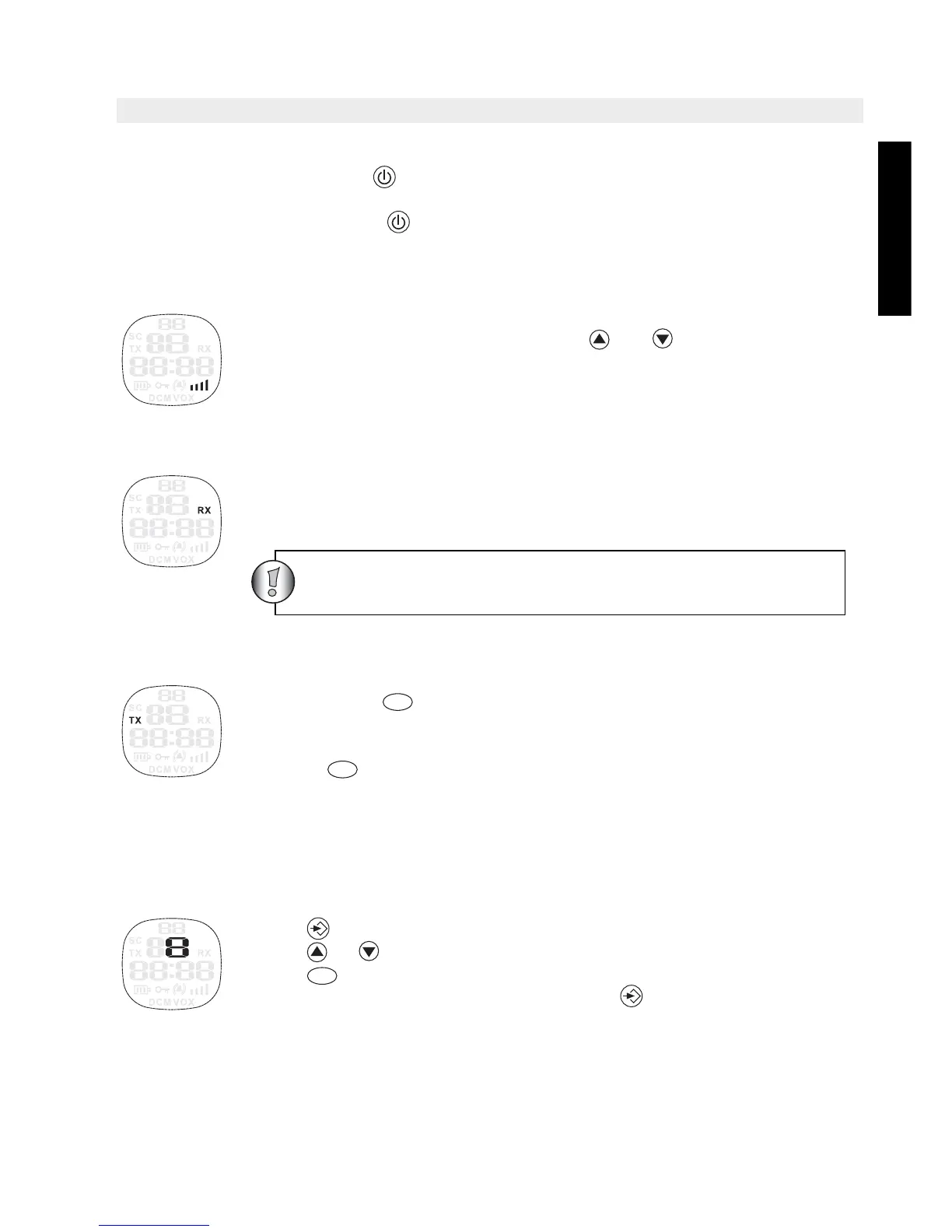
13.3 Adjusting Speaker Volume
The Speaker Volume can be adjusted using and . The Speaker Volume
level is displayed on the LCD.
13.4 Receiving a Signal
The unit is continuously in the RECEIVE mode when the unit is ON and not
transmitting. When you receive a signal on the current channel, the RX icon is
displayed.
13.5 Transmitting a Signal
• Press and hold to TRANSMIT.
• Hold the unit in a vertical position with the MICROPHONE 10 cm from the
mouth and speak into the microphone.
• Release when you have finished transmitting.
13.6 Changing Channels
The PMR has 8 available channels.
To change channels:
• Press once, the current channel number flashes on the LCD Screen.
• Press or to change the channel.
• Press to confirm your selection and return to the NORMAL mode.
• To confirm and shift to the next option, press .
NOTE: Any PMR set on the same channel can receive and listen to the
conversation, also when the other use a CTCSS code.
In order for other people to receive your transmission, they
must be set on the same channel and CTCSS code
PTT
PTT
PTT





 To Next Page