Topcon FH915/2400 Commands Reference Manual
10
Commands Reference
This chapter goes into the details of the format of the commands used
by the operator to change/query a variety of modem settings. Please
bear in mind the following rules when sending the commands to your
radio modem:
1. Press <Enter> after each command. The exception is +++, which
does not require <Enter>.
2. All responses to the commands end with <CR><LF> characters.
The exception is the response to ATI, which ends with
<CR><LF><LF>.
3. Putting the %% characters immediately before the command will
cause the modem to generate reply which indicates whether the
command is accepted or not. Do not use %% before the +++, ATI,
and ATO commands.
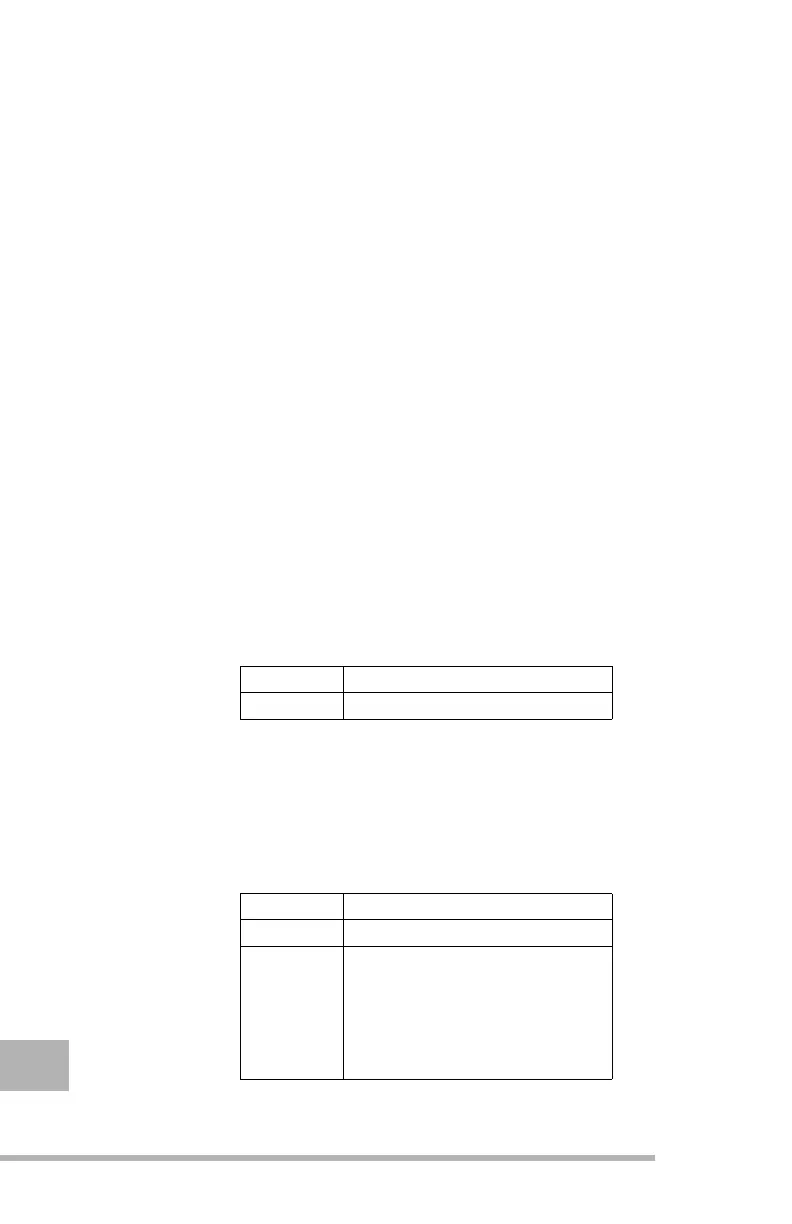
+++
This command switches your modem from the operating mode to the
command mode. Use the command mode to adjust various modem
settings.
ATI/ati
This command shows the information about the radio modem. This
information includes: modem name, modem firmware version, board
revision, and serial number. The command is not case sensitive.
Structure
+++
Reply
OK
- positive acknowledgment
Structure
ATI
Example
ati
or
ATI
Reply
A log containing
information about the
modem
- positive
acknowledgment
Error in Command
- negative
acknowledgment



 To Next Page