20
PREPARATIONS
INSTALLATION/REMOVAL OF COMPACTFLASH CARD
When using the CompactFlash
TM
card (hereafter, CF CARD), insert it into the instrument cor-
rectly according to the following procedure.
Installation of CF CARD
1 Make sure that the on the instrument is in the "OFF" ( ) position.
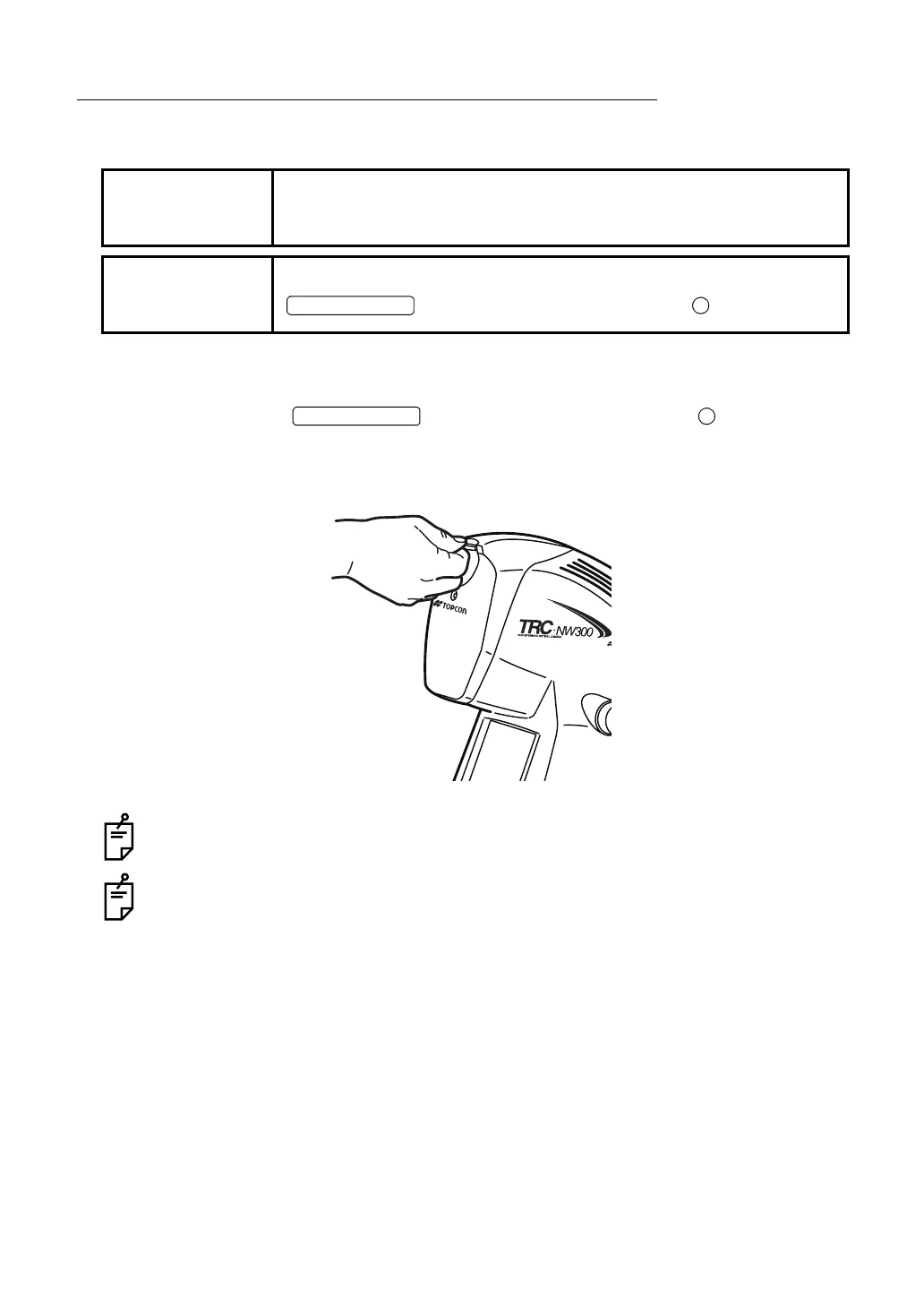
2 Insert the CF CARD in the correct direction. As illustrated, place the CF CARD with its
memory capacity display on top and push it all the way into the slot.
Use the CF CARD specified by TOPCON. For the CF CARD, refer to "OPTIONAL
ACCESSORIES" on page 80.
If problems are encountered by using any other CF CARD except the specified one,
TOPCON will not guarantee the instrument. Please understand this.
NOTE
Insert the CF CARD in the correct direction. If it is not inserted prop-
erly, the inside of the instrument may be damaged.
NOTE
Before inserting or removing the CF CARD, make sure that the
on the instrument is in the "OFF" ( ) position.
POWER SWITCH
POWER SWITCH



 To Next Page