EasyManua.ls Logo

Topcon TRC-NW300 - User Manual

Topcon TRC-NW300
88 pages
Print Icon
To Next Page IconTo Next Page
Loading...
INSTRUCTION MANUAL
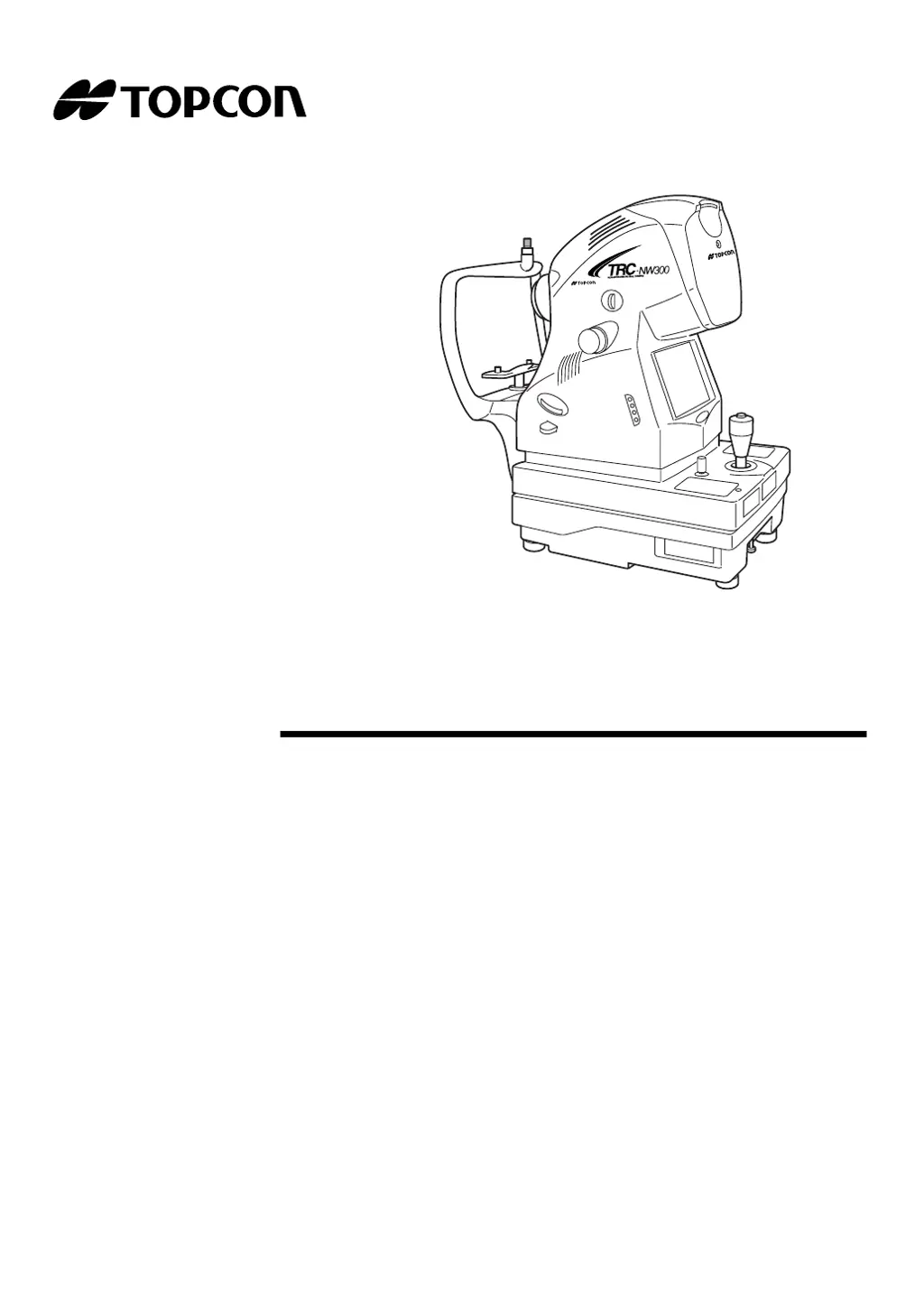
NON-MYDRIATIC RETINAL CAMERA
TRC-NW300

Table of Contents

Questions and Answers

  • J
    Joel TaylorAug 20, 2025
    How to fix 'NO CFCARD!!' error on Topcon TRC-NW300?
    • N
      Natalie Gomez PhDAug 20, 2025
      If the Topcon Laboratory Equipment displays 'NO CFCARD!!' error, it means the CF card is not inserted. Press the PHOTOGRAPHY SWITCH to cancel the error message. Insert the CF CARD or set "OFF" for the CF CARD.
  • J
    Janet WheelerAug 22, 2025
    What to do if Topcon Laboratory Equipment shows 'CF FULL!!' error?
    • W
      William ConnerAug 22, 2025
      If the Topcon Laboratory Equipment displays 'CF FULL!!' error, it means the CF CARD does not have sufficient capacity. To resolve this, press the PHOTOGRAPHY SWITCH to cancel the error message, then delete images from the CF CARD or connect a new CF CARD.
  • D
    Danielle CollinsAug 25, 2025
    What to do if Topcon TRC-NW300 says 'USB MEMORY FULL!!'?
    • C
      Connie TaylorAug 25, 2025
      If the Topcon Laboratory Equipment displays 'USB MEMORY FULL!!' error, it means the USB memory does not have sufficient capacity. Press the PHOTOGRAPHY SWITCH to cancel the error message. Then, delete the images in the USB memory or connect a new USB memory.
  • K
    Karen SandersAug 26, 2025
    What causes 'INTERLOCK ERROR!!' on Topcon TRC-NW300 Laboratory Equipment and how to fix it?
    • T
      todd07Aug 27, 2025
      If the Topcon Laboratory Equipment displays 'INTERLOCK ERROR!!', it indicates that the cover is open. Ensure the cover is closed to resolve this issue.
  • C
    christina54Aug 28, 2025
    Why does my Topcon TRC-NW300 Laboratory Equipment show 'PC NOT READY!!' error?
    • C
      Christopher MooreAug 28, 2025
      If the Topcon Laboratory Equipment displays 'PC NOT READY!!' error, it could be due to several reasons: * The external device is not connected to the instrument with the USB cable. * The photography software of the external device does not start. * The photography software of the external device is not in the photography possible condition. To solve this: * Check if the external device is correctly connected to the instrument. * Check if the photography software of the external device starts. * Check if the photography software of the external device is in the photography possible condition.
  • K
    Kaitlyn FoleyAug 30, 2025
    What does 'CF CARD HARDWARE ERROR!!' mean on Topcon TRC-NW300 Laboratory Equipment, and how do I resolve it?
    • L
      lisaburnettAug 30, 2025
      If the Topcon Laboratory Equipment displays 'CF CARD HARDWARE ERROR!!', it indicates an error caused by hardware in the CF CARD. Replace the CF CARD to fix this problem.
  • L
    Lisa FloresSep 1, 2025
    What should I do if my Topcon TRC-NW300 Laboratory Equipment shows 'CF CARD FORMAT ERROR!!'?
    • P
      Patricia HudsonSep 1, 2025
      If the Topcon Laboratory Equipment displays 'CF CARD FORMAT ERROR!!', it means the CF CARD cannot be formatted. You should replace the CF CARD.
  • B
    Brian HuffSep 2, 2025
    Why is the color LCD monitor not working on my Topcon Laboratory Equipment?
    • B
      Brianna LopezSep 3, 2025
      If the Topcon Laboratory Equipment's color LCD monitor isn't working, it could be due to a disconnected power cable, a blown fuse, or the power save function being active. Connect the power cable, change the fuse, or press the photography switch to cancel the power save function.
  • K
    Kimberly CummingsSep 4, 2025
    Why does the photographic image from my Topcon TRC-NW300 Laboratory Equipment have a dim white spot?
    • M
      Michael MercerSep 4, 2025
      If the Topcon Laboratory Equipment's photographic image has a dim white spot, it could be due to a stained objective lens or eyelashes obstructing the view. Clean the lens or have the patient open their eye wider during the photograph.
  • M
    Morgan PinedaSep 6, 2025
    Why is the photographic image dark all over when using Topcon TRC-NW300?
    • D
      davidpatelSep 6, 2025
      If the Topcon Laboratory Equipment's photographic image is dark all over, it may be due to insufficient flash level, loose xenon set screws, or a xenon lamp that has reached its end of life. Adjust the flash level, refasten the xenon PCB, or change the xenon lamp.

Summary

Introduction, Safety & Nomenclature

Introduction to the Retinal Camera

Overview of the TRC-NW300, its purpose, and key features.

Safety Cautions and Warnings

Comprehensive list of warnings and precautions for safe operation and handling.

Instrument Component Identification

Identifies and labels the main parts and units of the instrument.

Operations & Procedures

Preparations and Initial Setup

Steps for assembling, connecting, and configuring the instrument before use.

Basic Operations and Photography

Explains the general flow and fundamental procedures for operating the camera.

Objective Operations and Special Photography

Details specific photography types and advanced operational modes.

Image Playback and Management

How to view, print, delete, and protect captured images.

Maintenance, Troubleshooting & Specifications

Troubleshooting Common Errors

Lists error messages and provides solutions for common operational issues.

Daily Checkups and Maintenance

Routine maintenance tasks and care instructions for optimal performance.

Technical Specifications

Detailed technical data, dimensions, and performance characteristics.

Electromagnetic Compatibility (EMC) Information

EMC standards, emissions, and immunity guidance for the instrument.

Optical Radiation Hazard Information

Information on light sources, photochemical hazards, and safety measures.

Topcon TRC-NW300 Specifications

General IconGeneral
TypeNon-Mydriatic Retinal Camera
Flash SystemLED
ConnectivityUSB, Ethernet
Power SupplyAC 100-240V, 50/60Hz
Field of View45°
DisplayLCD

Related product manuals