42
BASIC OPERATIONS
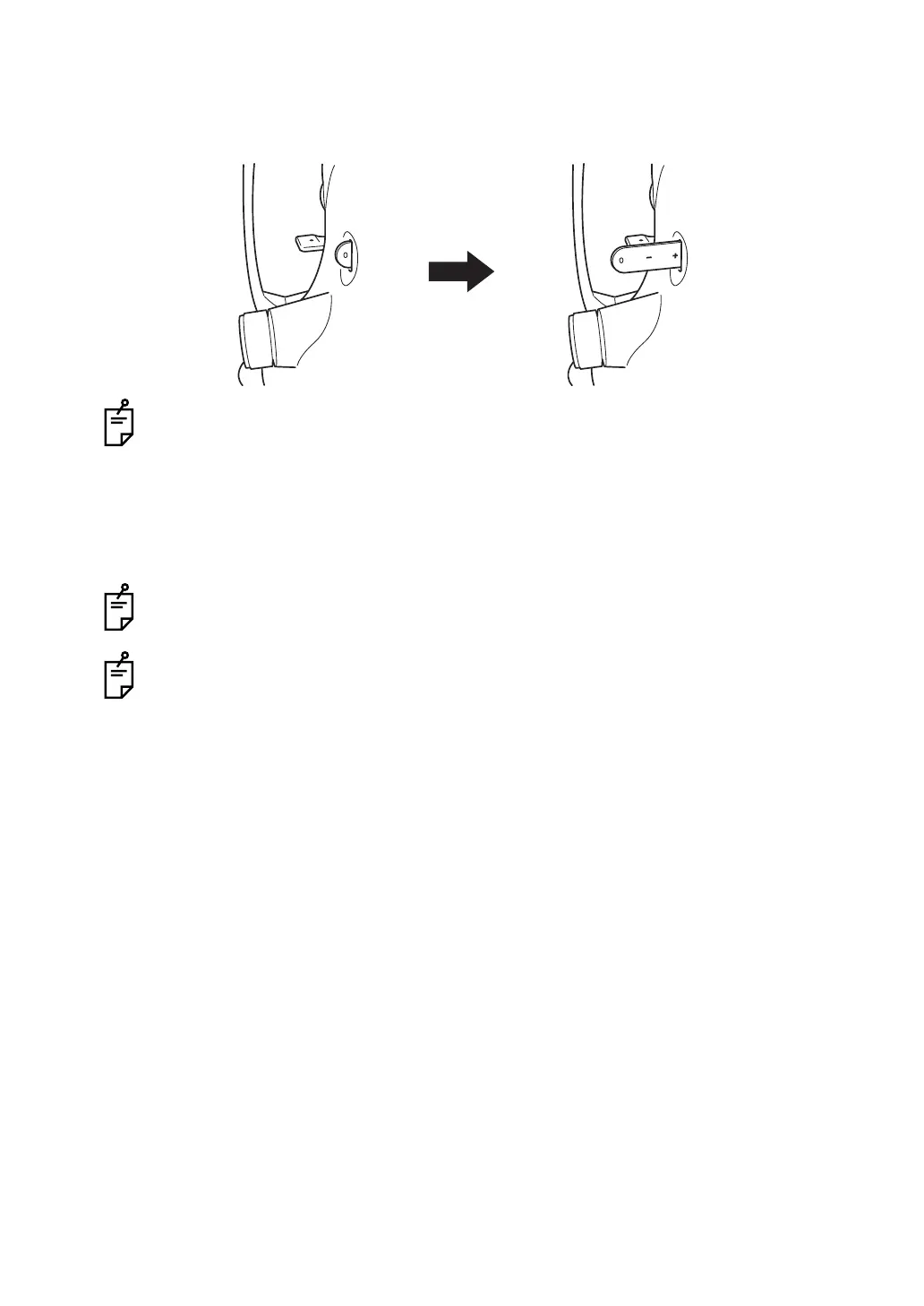
Changing the diopter compensation lens
Pull out the diopter compensation lens selector and change the diopter compensation lens for
the patient's eye.
On a highly myopic patient, pull out the diopter compensation lens selector by one step
and set it to (-) myopia.
On a highly hyperopic patient, pull out the diopter compensation lens selector by two
steps and set it to (+) hyperopia.
Compensation range: 0 : -13 to +12D
-:-33to-12D
+: +9to+40D
When the diopter compensation lens is set to any other value except "0", the split lines
disappear.
When the diopter compensation lens is inserted, its indication blinks at the upper right
corner on the Monitor screen.
At this time, the auto focus, auto shoot and auto small pupil functions do not work.



 To Next Page