A computer with Windows XP/7/8/10 system is required.
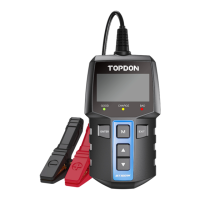
1) Go to www.topdon.com/products/bt600, click "DOWNLOADS"
of the page, and select "Update Tool" to download the update
tool to your computer.
2) Install the Update Tool and log in.
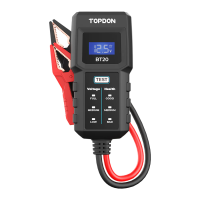
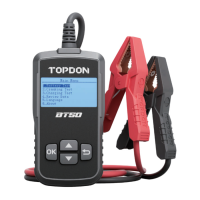
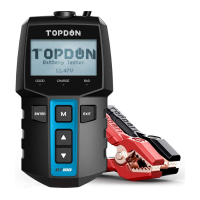
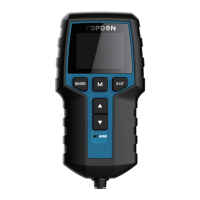
3) Connect the tester to the computer via the USB cable
included with the package.
4) Register the tester, the information of the tester will be shown
on the My Device interface. Conrm the serial number is
correct. (This step is not necessary if you've already registered
the decive.)
5) Select "Upgrade", the newest rmware version will show up.
Tap "Upgrade", the software will start to upgrade the tester.
Wait until it prompts successful.
SECTION 8
UPDATE
NOTE:
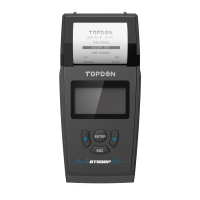
1. Only the last test result can be viewed and printed.
2. If your battery voltage is under 9.5V, the printing function
will be unavailable.
NOTE:
Any TOPDON account is able to log in. If you don't have an
account, register an account with your email address rst.
EN I 23


 To Next Page