16
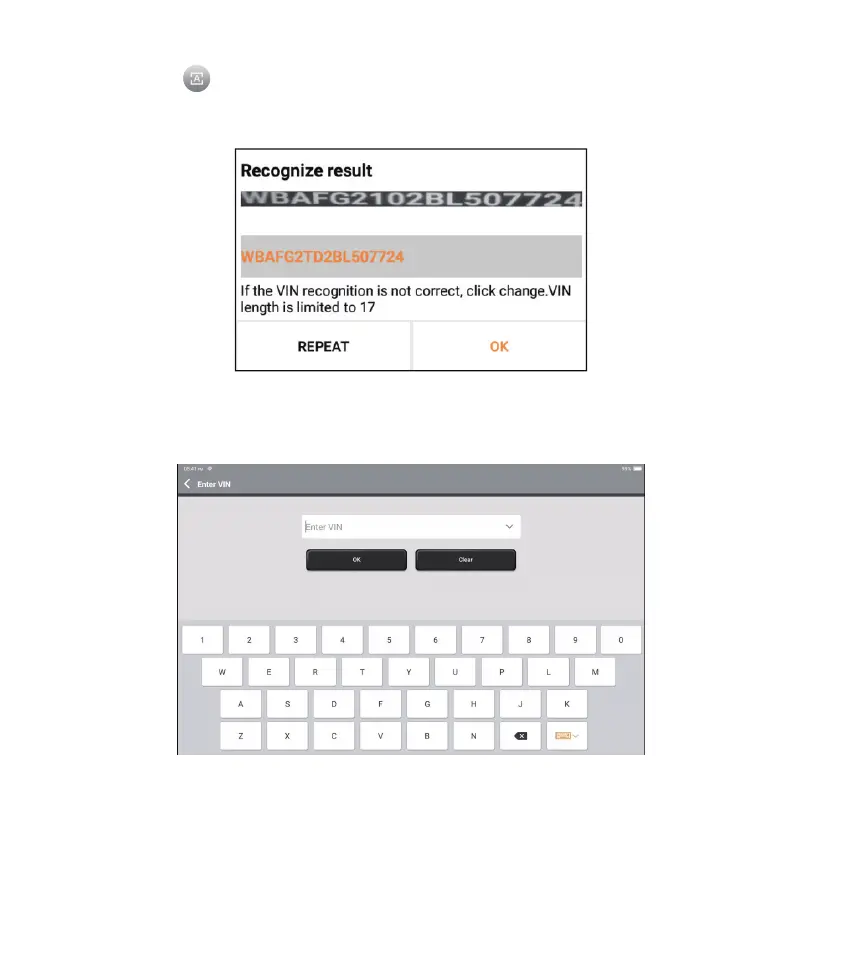
2.1.2 Or, tap “Enter VIN”, the following page will appear:
Note: the VIN code in yellow can be modied if it isn’t correct.
Tap to scan the VIN character. If the VIN character cannot be recognized,
please manually input the VIN.
After scanning, the following page will appear:











 To Next Page