17
EN
You need to input the vehicle’s VIN data manually.
Note: VIN characters need to be capital letters A through Z and numbers 1 through
0. However, the letters I, O, and Q won't be used in order to avoid misreading. No
symbols or spaces are allowed in the VIN.
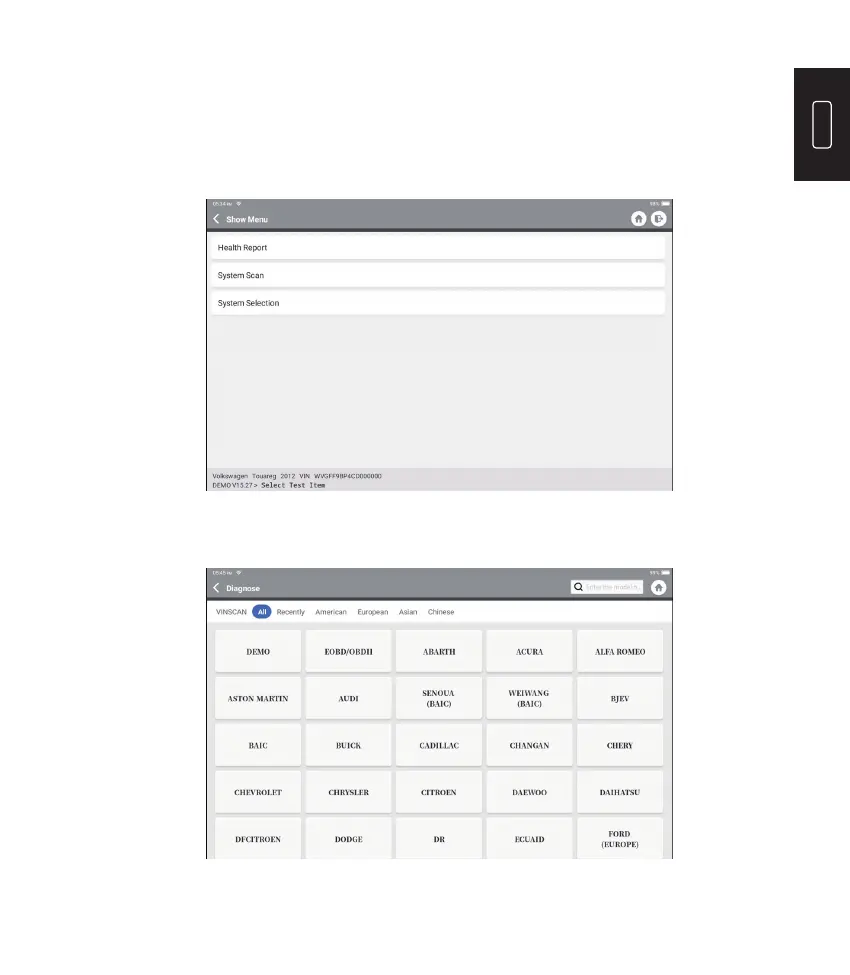
After reading the VIN information successfully, the following page will appear:
2.2 The second way is manually selecting the vehicle’s make, model, and year.
Tap a corresponding diagnostic software logo on the following page:
Take “Demo” as an example to demonstrate. The following page will appear:











 To Next Page