25
EN
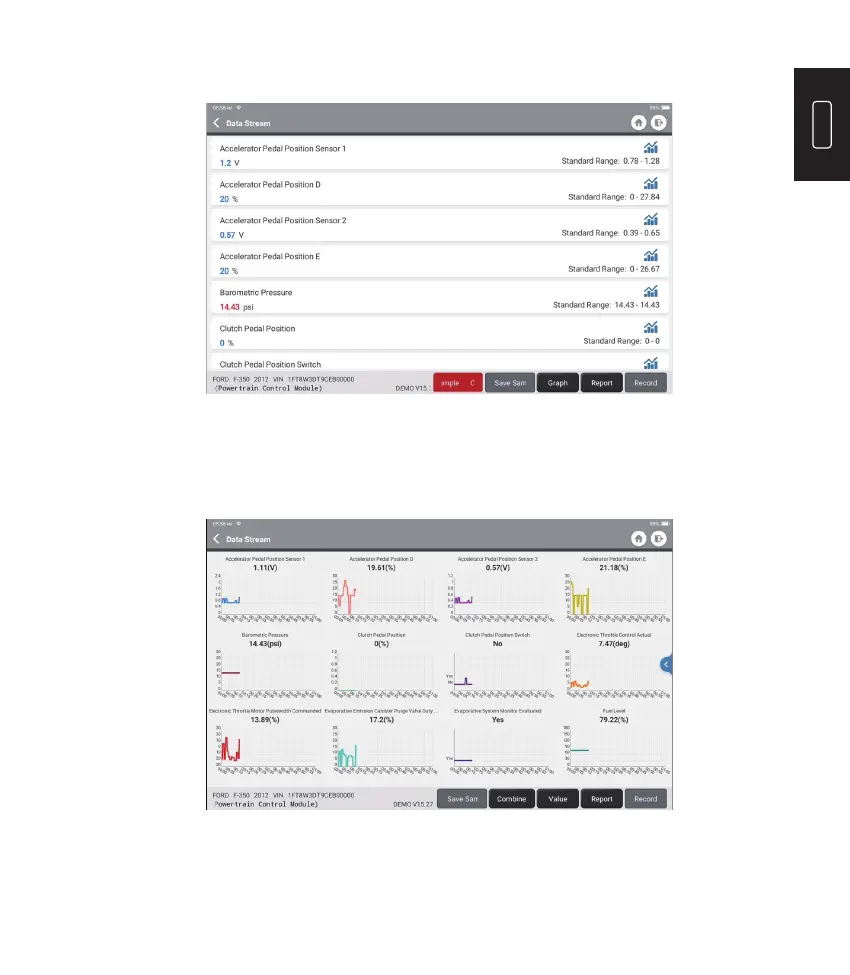
Tap the le you need. The following page will appear:
The Standard Range column will show the corresponding Data Stream Sample
values for your comparison and analysis.
Tap “Combine” to merge graphs for easier comparisons (max 4 values can be
merged).
Tap “Value” to view the data displayed in values.
Tap “<“ on the right side of the screen. The following page will appear:
•
Graph: To have the selected data streams (12 max items) displayed in wave
patterns. Tap “Graph”. The following page will appear:











 To Next Page