33
EN
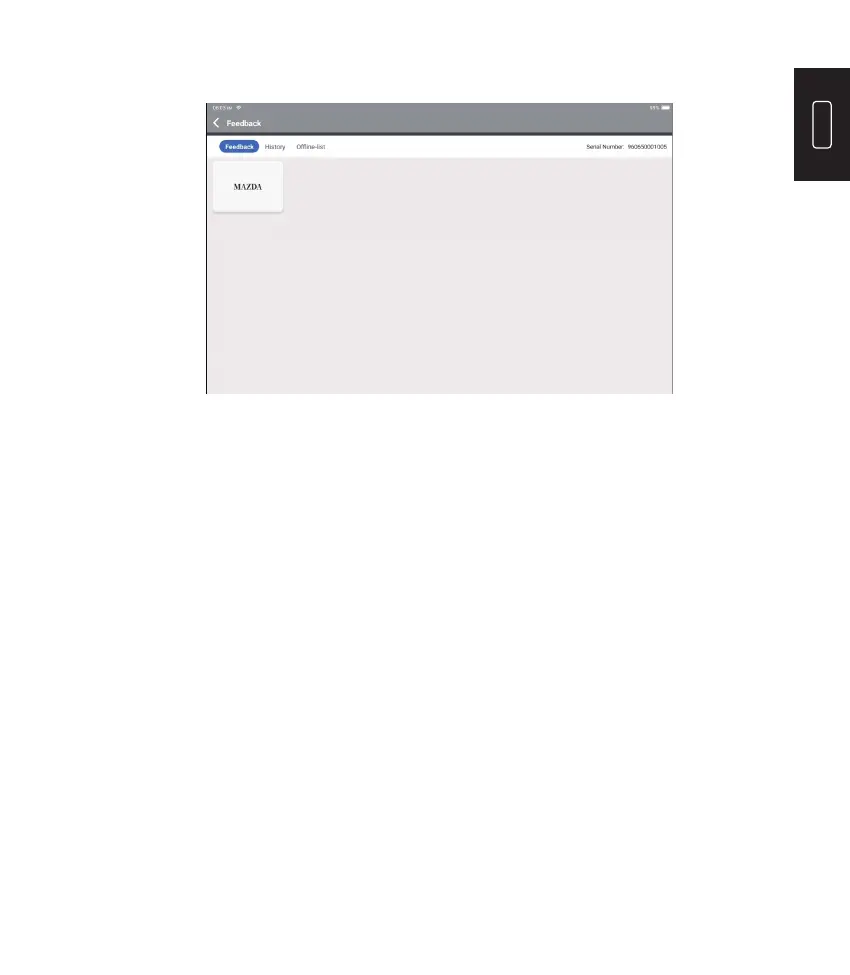
Tap “OK” to enter the vehicle diagnostic feedback selection menu.
*Explanation of terms:
Our technical support will handle your feedback in time for your satisfaction.
•
Diagnostic Feedback: To show the tested vehicle model list.
•
History: To view all diagnostic feedback and check the processes.
•
Offline List: To display all diagnostic feedback logs which have not been submitted
successfully yet due to the network failure. The failed logs will be re-uploaded
automatically once the tablet gets the stable network signal.











 To Next Page