Shenzhen TOPFLYTECH Co., Limited. All Rights Reserved 7
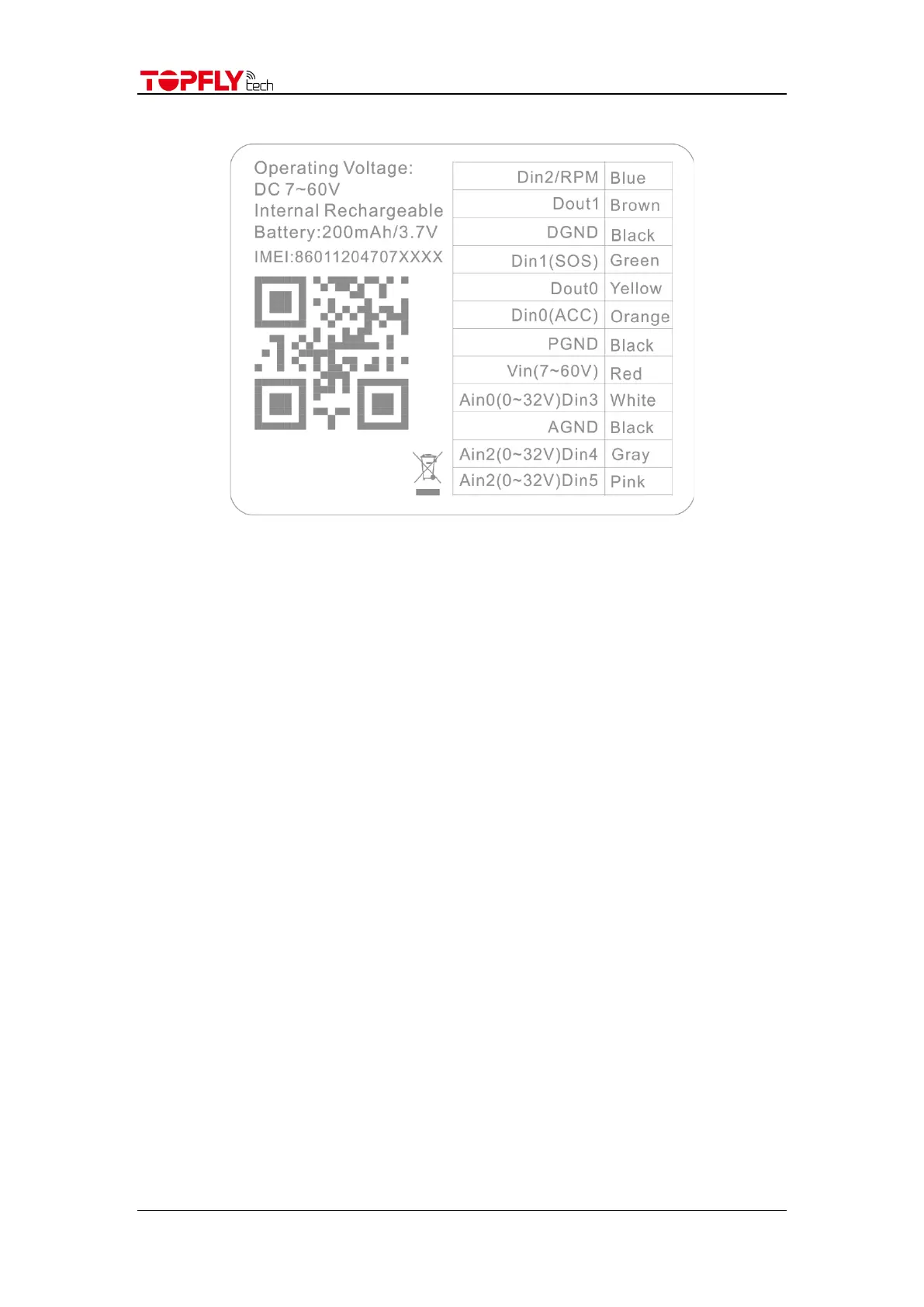
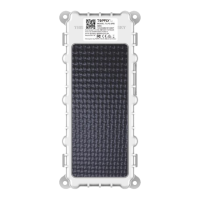
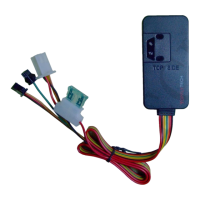
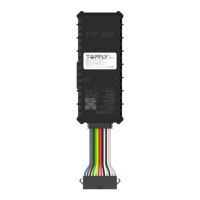
5. Wire Definition
6. Installation Guide
6.1 SIM Card Pre-Installation Note
6.1.1 SIM card data service should be enabled.
6.1.2 If SIM card is locked via PIN, please unlock it first.
6.1.3 Ensure there is sufficient balance in the SIM card.
6.2 SIM card installation
6.2.1 Open the rubber stopper on the side
6.2.2 Insert the SIM card by following the direction icon on the tracker cover
6.2.3 Give a little push to the SIM card. When there is a “click” sound, it stands for the
SIM card has been successfully inserted
6.3 Installation
6.3.1 Away from emission source such as all kinds of sensors, burglar alarm and other
communication devices.
7. Quick Trouble Shooting
7.1 Unable to Connect to the Tracking Platform
7.1.1 Check the APN and IP settings.
7.1.2 Check the SIM card whether support specific network and the data service
whether is enabled.
7.1.3 Make sure there is no limitation or already added server IP to the IP whitelist when
using a M2M SIM card.
7.1.4 Check the remaining balance or network signal of the SIM card.
7.2 Tracker Shows Offline


 To Next Page