LED ZOOM
7
TEMPERATURE CONTROL
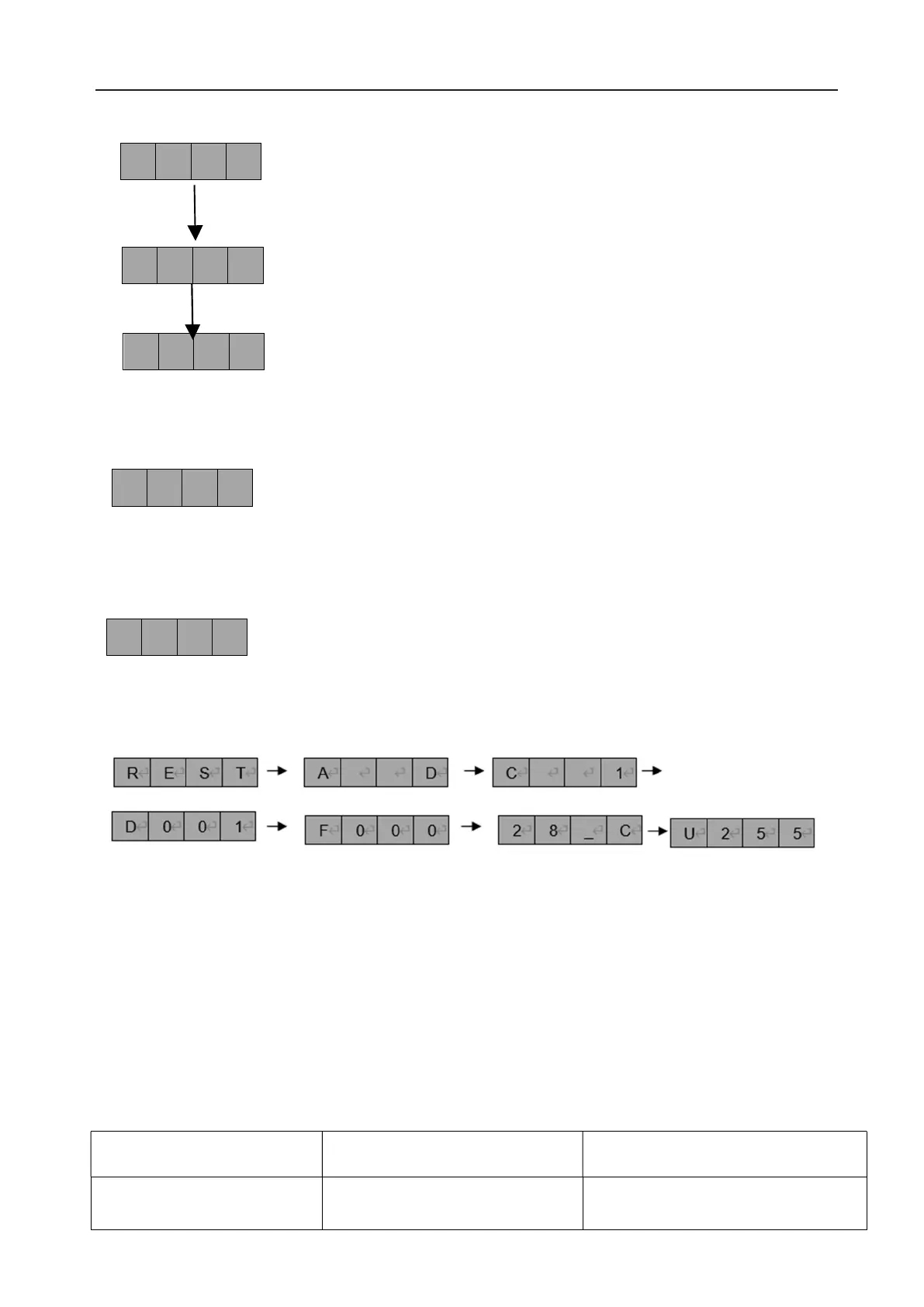
RESET TO DEFAULT
Default as following:
MASTER-SLAVE MODE:
Controlled by DMX512 console. The machine accepts DMX512 signals and DMX dimming signals.
4. DMX Table
4.1.
DMX Mode 1 (1 Channel)
DMX Channel DMX Value Function
1. White Dimming
1~255 Adjust LEDs dimmer low to high
F 0 2 0
F 0 3 0
F
1 2 0
2 8 _ C
R E S T
——>SOUND ACTIVE MODE: Color jump and Strobe. Adjust the strobe speed from
F030(slow)~F039(fast). Shut down the light in 5 seconds mute.
——>FADE IN/OUT: Adjust the speed from F020(slow)~F029(fast).
——>Show the temperature of LED PCB.
——>FULL BRIGHTNESS
——> RESET TO DEFAULT: Press “ENTER” to reset all setting.
PAR64 COB 200W 3200K IP X4



 To Next Page