41
System Info
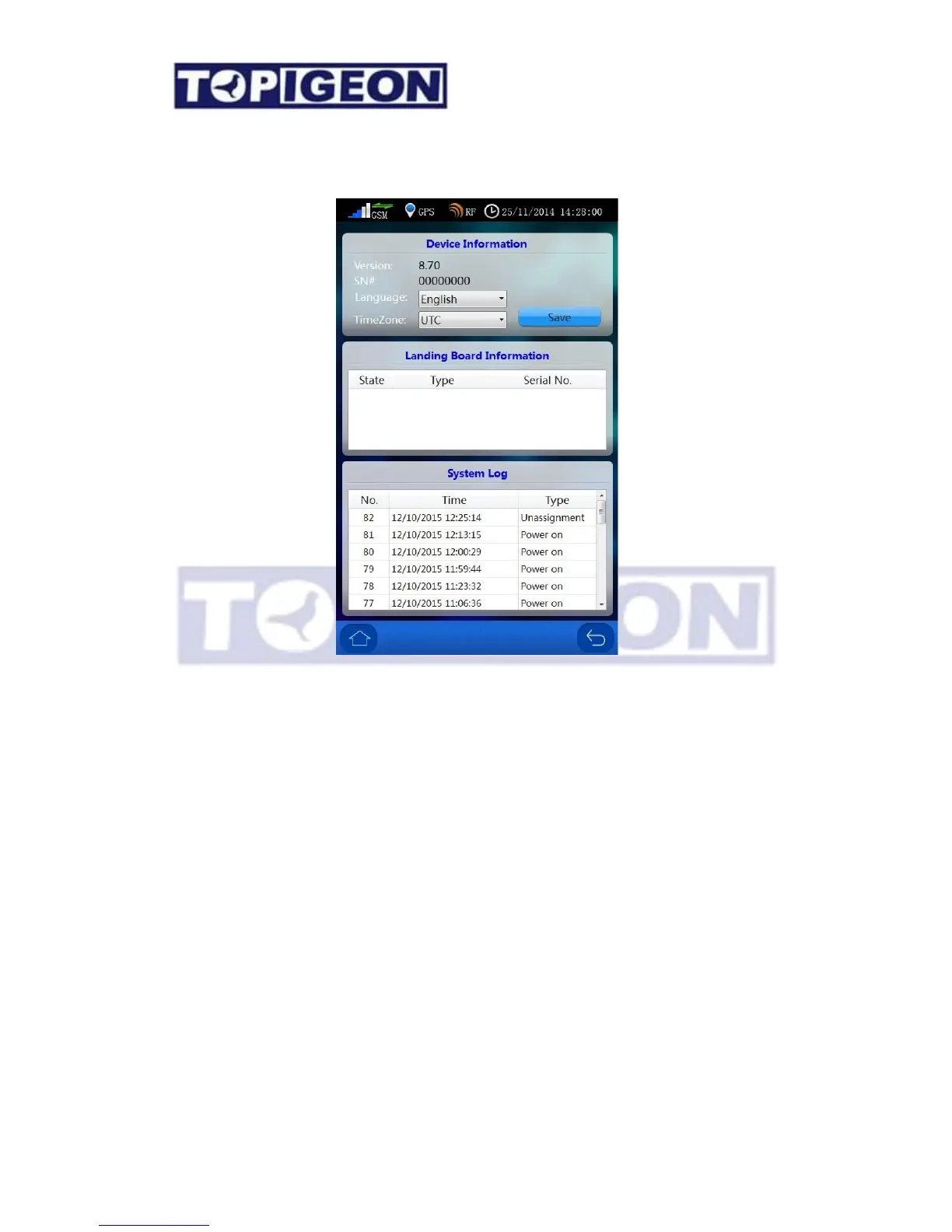
The “System Info” button will show three major information, including Device information,
Landing Board information and System Log which introduce as follows:
Device Information:
1. Version: The version will keep track of the firmware version. You can download the
latest firmware version from the TOPigeon web site.
2. SN #: Serial Number also known as Device ID which is unique for every iPigeon clock.
This is an important 8 characters primary key to identify individual iPigeon so the club
and TOPigeon can keep track of your machine all around the globe.
3. Language: iPigeon support multiple languages. Use the dropdown box to select your
preferred language. Please contact your local agent or TOPigeon for more language
information.
Note: After you select the new language, you must restart the device to activate the new
language.



 To Next Page