3000 Series
12
4. Maintenance
4.1 Changing the Fuse
The fuse is located inside the input power fuse holder (refer to Figure 2). You need to change the
fuse when:
• the fuse is blown out
• you change the voltage rating
In any case, replace the fuse with one of the same rating. Refer to Table 1 for the type of fuse used for
each model and voltage.
NOTE: Unplug the power cord before you change the fuse.
4.2 Changing the Voltage
To change the voltage, follow these steps:
1. Use a flathead screwdriver to detach the Input Power Fuse Holder and Input Voltage Selector
unit (refer to Figure 2).
2. Turn the unit so that the desired input voltage is positioned above the
mark.
4. Check that the fuse to conform to this new voltage rating. Refer to Table 1 below for the
correct fuse rating.
5. Replace the Input Power Fuse Holder and Input Voltage Selector unit.
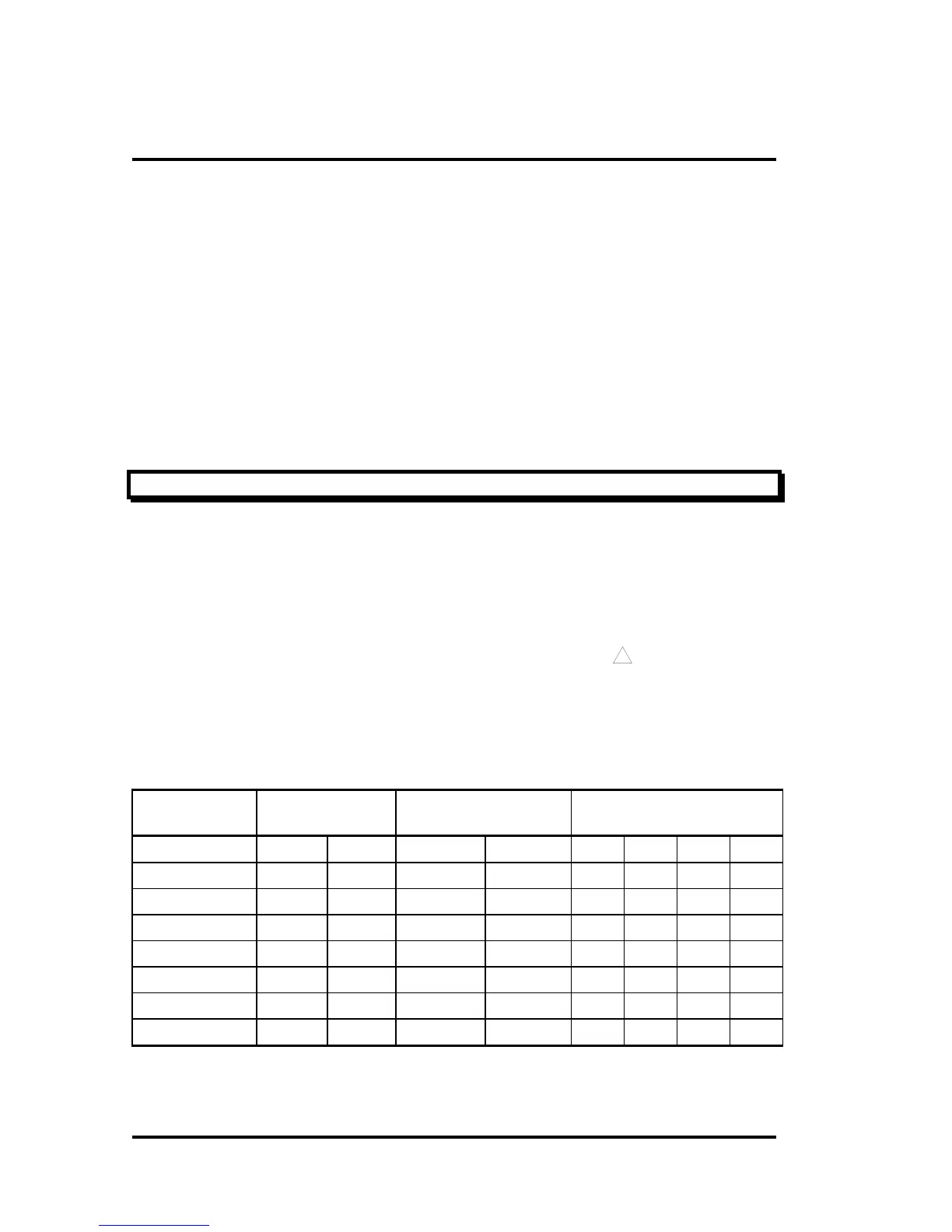
Table 1 Power Supply Weight , Dimensions and Fuse Specification
Model Weight (Approx.) Dimension
W x H x D (mm)
Fuse
Time-Delay Type 6 x 30 mm
Net Gross Machine Package 100V 120V 220V 240V
3203A/AR/D/DR 4.3 KG 5.5 KG 120x160x200 239x265x394 2A 2A 1A 1A
3302A/AR/D/DR 4.3 KG 5.5 KG 120x160x200 239x265x394 2A 2A 1A 1A
3303A/AR/D/DR 4.3 KG 5.5 KG 120x160x200 239x265x394 2A 2A 1A 1A
3601A/AR/D/DR 4.3 KG 5.5 KG 120x160x200 239x265x394 2A 2A 1A 1A
3306D/DR 8.6 KG 10.1 KG 230x160x324 364x265x422 4A 4A 2A 2A
3603D/DR 8.6 KG 10.1 KG 230x160x324 364x265x422 4A 4A 2A 2A
33010D/DR 13 KG 14.4 KG 230x160x366 364x265x464 8A 8A 4A 4A



 To Next Page