English 13
Reference Section
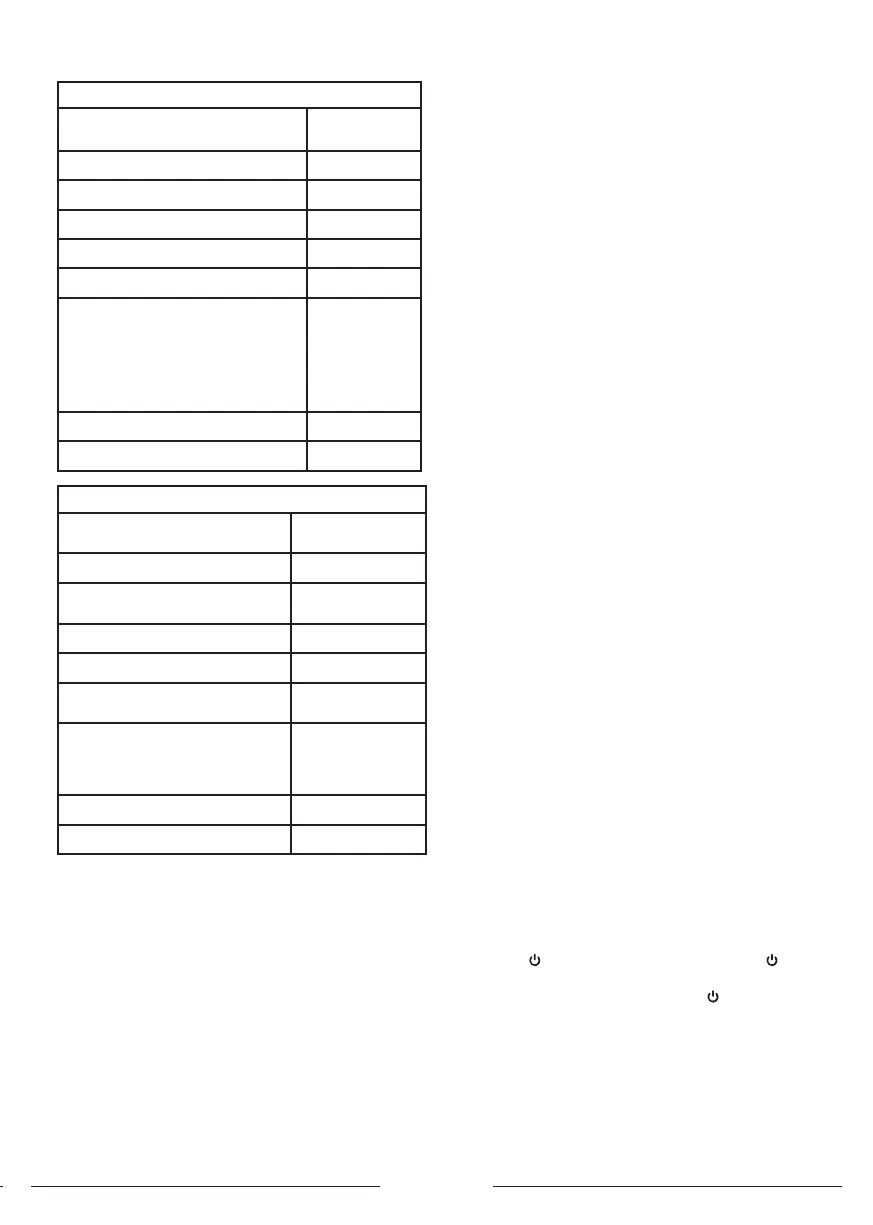
32ES4301
Carton Dimensions (L*W*H) (mm)
770x 115 x
475
Net Weight With Stand (Kg) 3.94
Gross Weight With Packaging (Kg) 4.91
Power Supply (V) 100 - 240
Power Consumption (TV On) (W) 55
Power Consumption (Standby) (W) 0.5
TV Syem
ATV : PAL,
NTSC,
SECAM
DTV :
DVB-T/
T2/C/S2
Sound Output Power (W) 2*8
Resolution 1366*768
43ES4301
Carton Dimensions
(L*W*H) (mm)
1030*128*630
Net Weight With Stand (Kg) 6.24
Gross Weight With Packaging
(Kg)
7.71
Power Supply (V) 100-240
Power Consumption (TV On) (W) 75
Power Consumption (Standby)
(W)
0.5
TV Syem
ATV : PAL,
NTSC, SECAM
DTV : DVB-T/
T2/C/S2
Sound Output Power (W) 2*8
Resolution 1920*1080
Troubleshooting
Mo problems you encounter with your apparatus can be
corrected by consulting the following
troubleshooting li.
No picture and no sound
1. Check if the fuse or circuit breaker is working.
2. Plug another electrical device into the outlet to make
sure it is working or turned on.
3. Power plug is in a bad contact with the outlet.
4. Check the signal source.
No color
1. Change the color syem.
2. Adju the saturation.
3. Try another channel. Black-white program may be
received.
Remote control doesn’t work
1. Change the batteries.
2. Batteries aren’t inalled correctly.
3. Main power isn’t connected.
No picture and normal sound
1. Adju the brightness and contra.
2. Broadcaing failure may happen.
Normal picture and no sound
1. Press the Vol+ button to increase volume.
2. Volume is set to mute, press the mute button to reore
sound.
3. Change the sound syem.
4. Broadcaing failure may happen.
Unorderly ripples on the picture
It is usually caused by local interference, such as
cars, daylight lamps and hair driers. Adju the antenna to
minimize the interference.
Snowy dots and interference
If the antenna is located in the fringe area of the TV signal
where the signal is weak, the picture may be marred
by dots. When the signal is extremely weak, it may be
necessary to inall a special antenna to improve the
reception.
1. Adju the position and orientation of the indoor or the
outdoor antenna.
2. Check the connection of antenna.
3. Fine tune the channel.
4. Try another channel. Broadcaing failure may happen.
Ignition
Black spots or horizontal reaks appear, or the picture
utters or drifts. This is usually caused by interference from
car ignition syem, neon lamps, electric drills, or other
electrical appliance.
Gho
Ghos are caused by the television signal following
two paths. One is the direct path, the other is reected
from tall buildings, hills, or other objects. Changing the
direction or position of the antenna may improve the
reception.
Radio frequency interference
This interference produces moving ripples or diagonal
reaks, and in some case, loss of contra in the picture.
Find out and remove the radio interference
source.
If the TV is crashed
1. Press the button to turn o TV, then press the
button again to reset TV.
2. Unplug the power cord, then press the button to reset
TV.
Note: If these 2 methods can not be resolved, please
contact the after-sales to solve.
Base Inallation
Inall the double support base on the apparatus by using
screws.
Note: The below illurations are for reference only and



 To Next Page