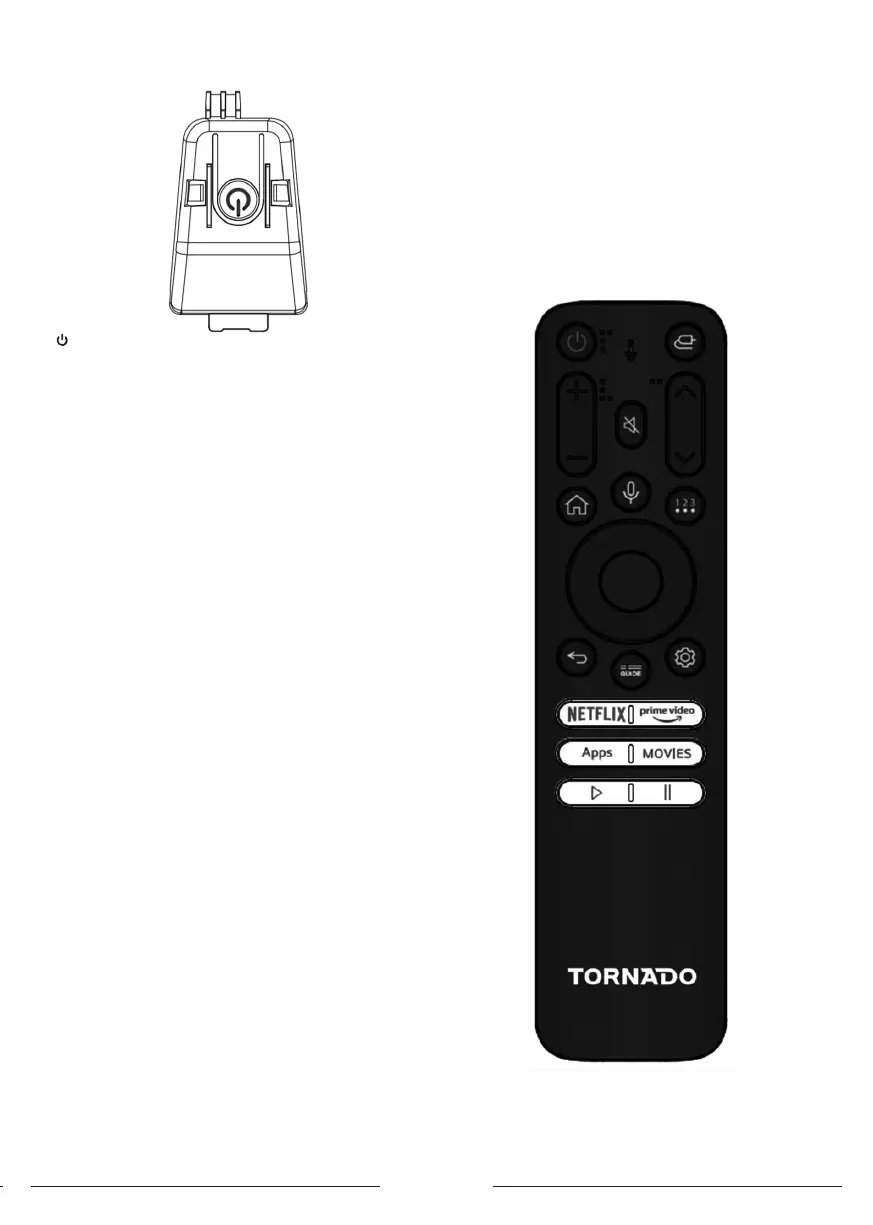
English 3
model. 32/43ES4301
button
- The apparatus is at ON mode .
- Short press to act as OK button
- Long press for turning the apparatus to andby mode
- The apparatus is on Standby mode
- Short press for turning the appartus to on mode
Sockets
Note: The location and names of the sockets on
the apparatus may vary according to apparatus model and
some sockets may not available for some models.
AV IN
This socket can be used to connect a device such as video
recorders, camcorders, decoders, satellite receivers, DVD
players or games consoles. It provides composite video
connection.
Lan (Ethernet)
This socket can be used to connect to external modem or
network access equipment
SAT IN (Satellite)
This socket can be used to receive the signal from your
outdoor satellite antenna .
ANT IN (RF)
This socket can be used to receive the signal from your
VHF/UHF antenna.
HDMI (High-Denition Multimedia Interface)
This socket can be used to connect a device such as
Blu-ray player with a HDMI output for be picture quality.
It also provides an uncompressed digital connection that
carries both video and audio data by way of an integrated
mini-plug cable.
Digit audio out (optical) socket (Output)
This socket can be used to connect a compatible digital
audio receiver
Common interface Socket
This slot can be used to watch encrypted digital DTV
Channels by inserting a CAM (Conditional access module)
along with a smart card provided by a digital TV Service
operator.
USB2.0
This socket can be used to connect an USB device.
EARPHONE OUT
This socket can be used for connecting earphones to lien
to the sound coming from the apparatus.
Note: Excessive sound pressure from earphones can
cause hearing loss.
Remote Control Functions
Mo of your apparatus’s functions are available via the
menus that appear on the screen. The remote control
supplied with your set can be used to navigate through the
menus and to congure all the general settings.



 To Next Page