8English
Intended use
몇 WARNING
Health risk
Inhalation of dusts that are harmful to
health
Do not use the device for vacuuming up
dusts that are harmful to health.
ATTENTION
Damage to the device
Short-circuit due to high levels of humidity
Only use and store the device indoors.
This vacuum cleaner for carpets is in-
tended for dry cleaning floor and wall
surfaces.
The device is not suitable for use on
hard floors.
This device is suitable for commercial
use, e.g. in hotels, schools, hospitals,
factories, shops, offices, and rental com-
panies.
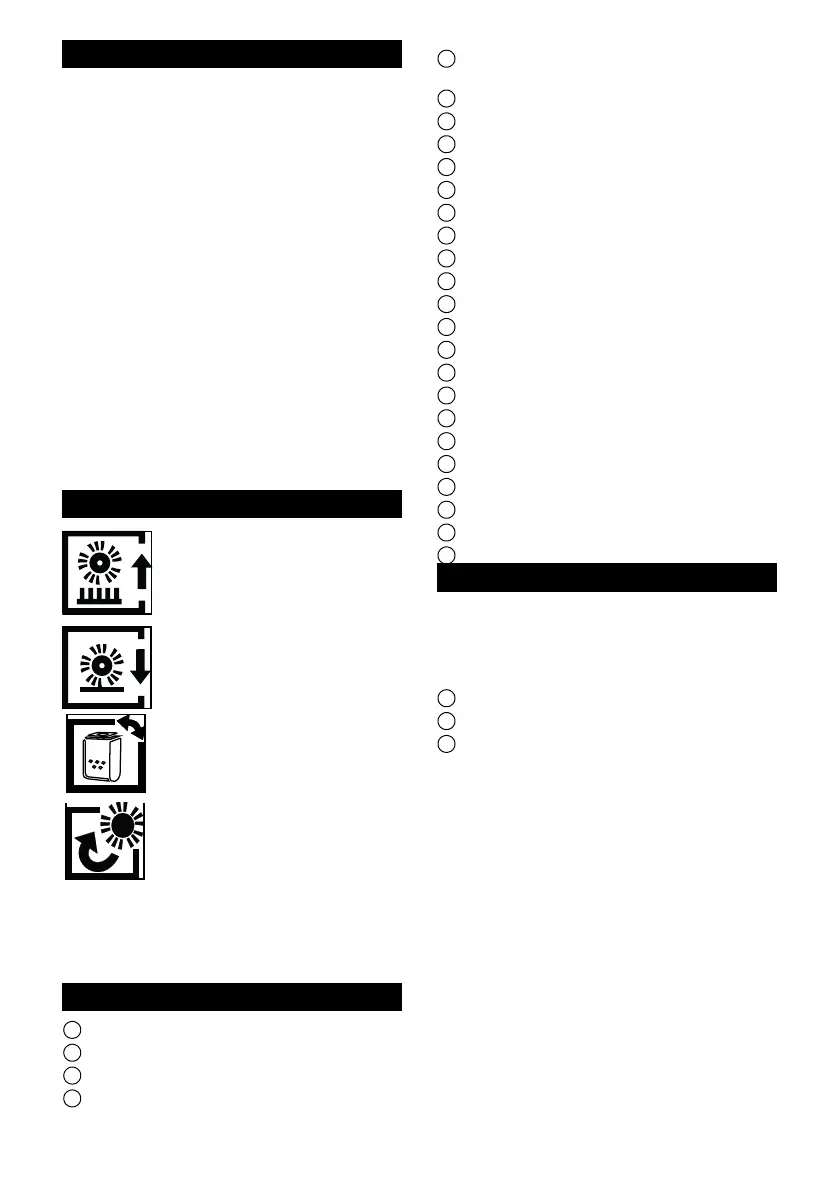
Symbols on the appliance
Type plate
Further important device specifications are
provided on the type plate. The type plate is
located on the rear of the device casing.
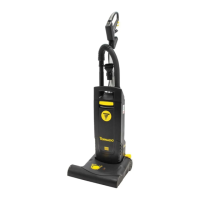
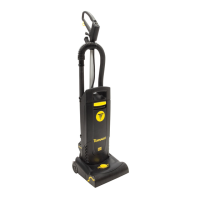
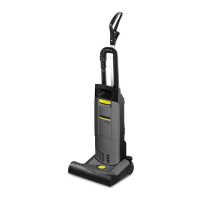
Device elements
1 Main cable
2 Main power cable connection
3 Suction pipe/suction hose
4 Brush head lock
5 "Electronic brush monitoring" indicator
light
6 Carpet height selection button
7 Filter cover
8 Filter cover lock
9 Main switch
10 Handle
11 Brush cover rotary lock
12 Side section bow
13 Side section
14 Filter bag lock
15 Filter bag
16 Motor protection filter
17 Filter casing
18 Exhaust filter
19 Suction hose at brush head
20 Handle adjustment
21 Cable hook, rotating
22 Upholstery nozzle
23 Crevice nozzle
24 "Filter" indicator lamp
25 Indicator tuft
26 Roller brush
Installation
Install the loose parts for handle provided
with the device before using the device for
the first time.
See page 4 for illustrations
1 Handle with main power cable
2 Handle metal tube
3 Suction pipe and suction hose
1. Open the handle adjustment.
2. Push the metal pipe of the handle into
the mount all the way to the lowest latch-
ing position (latches audibly twice).
3. Insert the handle into the metal pipe and
latch into place. Take care to ensure that
the main cable is not jammed or twisted.
4. Pull the handle to the first (uppermost)
latching position.
5. Close the handle adjustment.
6. Insert the suction hose into the connec-
tion nozzle.
7. Insert the suction pipe into the mount on
the device
Setting for long pile carpets
Setting for short pile carpets
Filter status indicator (see
"Troubleshooting -Remove the
blockage")
Identifies the access to the roll-
er brush in the side section (see
"Replacing the roller brush")




 To Next Page