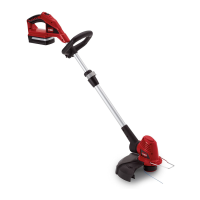
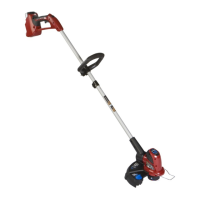
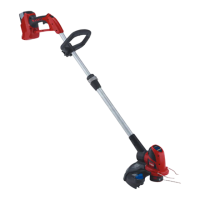
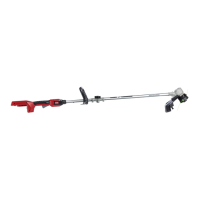
Setup
LooseParts
Usethechartbelowtoverifythatallpartshavebeenshipped.
ProcedureDescription
Qty.
Use
Auxiliaryhandle1
Latch1
1
Brace1
Installingauxiliaryhandle.
Guard
1
2
Phillipsheadscrew1
Mountingtheguardtothebaseofthe
trimmer.
3
Nopartsrequired
–
1
InstallingtheAuxiliaryHandle
Partsneededforthisprocedure:
1.Positiontheauxiliaryhandleontheshaftofthetrimmerwiththe
smoothsurfacefacingtheoperator(Figure1).
Figure1
1.Auxiliaryhandle3.Brace
2.Latch
2.Slidethebraceintotheauxiliaryhandlesothatthebracerestsin
thegroovealongtheshaft(Figure1).
3.Slidethelatchfromtheleftthroughthehandleandbraceas
shownandtightenthelatchscrewwithaPhillipsheadscrewdriver
(
Figure1).
2
InstallingtheGuard
Partsneededforthisprocedure:
1.SlidetheguardontothetrimmerbaseasshowninFigure2.
Figure2
1.Phillipsheadscrew
2.Guard
2.SecuretheguardusingaPhillipsheadscrew.
4



 To Next Page