Torso T-1
Quick Reference Guide
Page 3
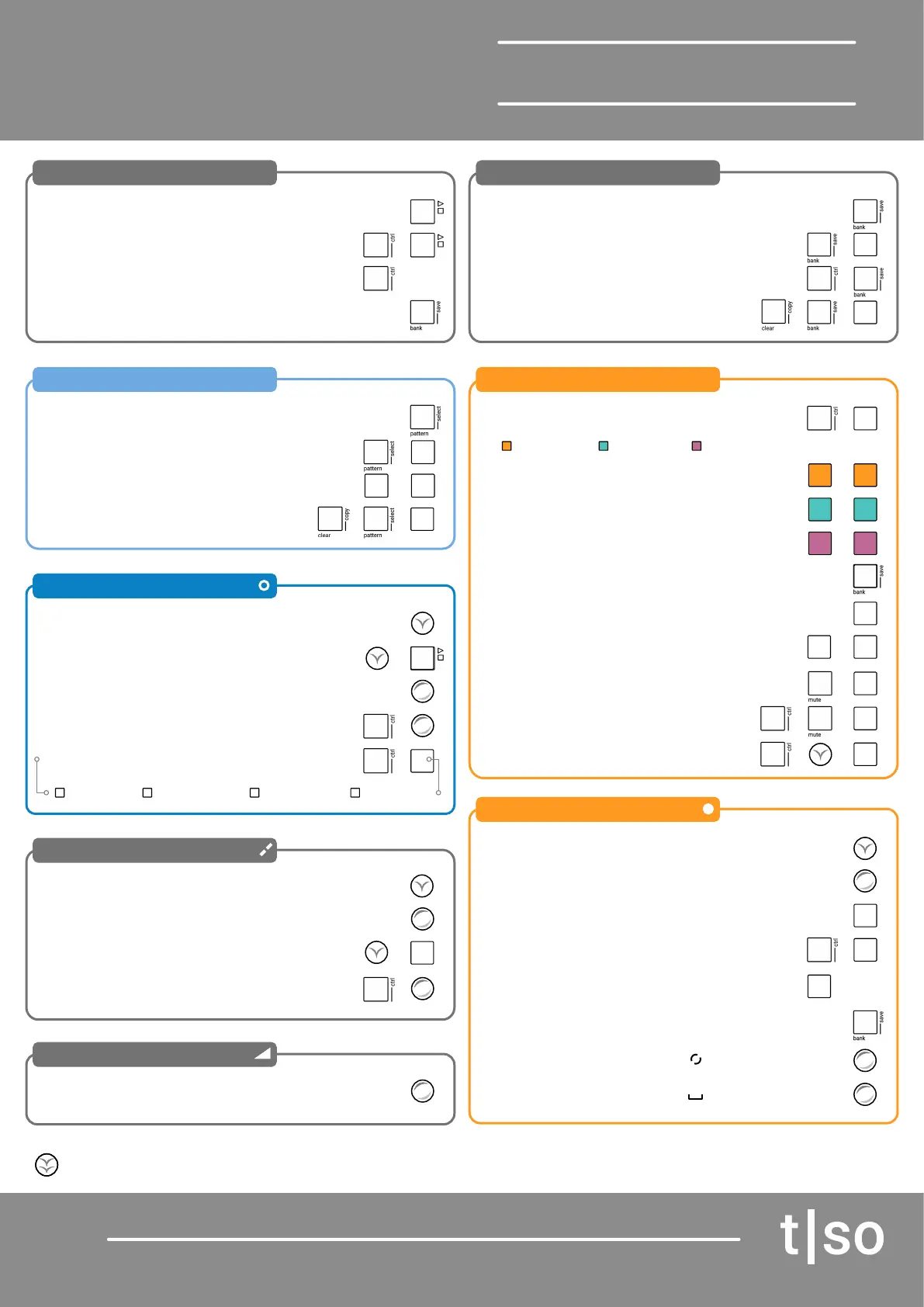
General
Patterns
Steps
Division
Velocity
Bank
Tracks
Pulses
Play / Stop
View Patterns
View Steps
View Division
Base Velocity
View Bank
Track View
View Pulses
Play / Stop no MIDI out
Select Patterns
Set Step Count
Adjust Division
Select Bank
Select Track
Set Pulses
Home ‘Track’ view
Increase Steps up to 64
Increase Steps up to 64
Set Free Division
Clear Bank
Instant Mute
Route Tracks
Clear Patterns
Step Edit
Exit Step Edit
Step Editing
Rotate Pulses
Pulse Length
Secondary function
Chain Patterns
Set Step Count
Adjust Division
Save Bank
Select Tracks
Mute Track
Set Pulses
[PLAY]
Hold [PATTERN]
Hold (STEPS)
Hold (DIVISION)
Turn (VELOCITY)
The 16 Value button pads, VBx, illuminate in colour to represent the current function or parameter value. This is normally visible when function or
parameter is held. To lock the displayed value, double tap the parameter or function button.
[BANK] hold
[BANK] hold
Hold (PULSES)
[CTRL] + [PLAY]
[PATTERN] + [VBx]
Hold (STEPS) + [VBx]
Turn (DIVISION)
[BANK] + [VBx]
[VBx]
[VBx] + [VBx] + etc
[MUTE] + [VBx] mute on release
Turn (PULSES) for euclidean pulses
[BANK] to Backup
[CTRL] + (STEPS)
[CTRL] + [Button]
[CTRL] + (DIVISION)
[CLEAR] + [BANK] + [VBx]
[CTRL] + [MUTE] + [VBx]
[CTRL] + Press [CHANNEL] + [VBx]
Hold [CLEAR] + [PATTERN] + [VBx]
[CTRL] + [VBx] step edit mode
[BANK]
[VBx] + Turn (Parameter) to step edit
Turn (ROTATE)
Turn (SUSTAIN)
+
+
+
+
+
+
+
+
+
+
[CTRL] +
Hold [VBx] + [VBx] + etc
Turn (STEPS)
Hold (DIVISION) + [VBx]
[CTRL] + [BANK]
[VBx] add manual pulse
+
+
+
+
+
+
+
+
+
+
+
+
+
1-16 Bank 17-32 Pattern 33-48 Temp 49-64 Mute
Track Mode
Pulse View
Seq View
Keyboard View
[CTRL] + [VBx]
Double Tap [VBx] on Note Track
Double Tap [VBx] on CC Track
Double Tap [VBx] on FX Track
Note Track CC Track FX Track
+


 To Next Page
 Loading...

