109
The T-1 Notebook : Reference & Guide
108
The T-1 Notebook : Reference & Guide
NOTESNOTES
5.1 Arpeggio Sequencing Concept
Euclidean sequencing is a generative model which creates rhythmic note
pulses. Creating melodic patterns requires the introduction of pitch based
pattern generation. One of the models used to develop melodies in T-1 is
Arpeggiation. T-1’s parameters and setting build further onto these models.
What is an Arpeggio?
An Arpeggio is a musical term and is often described as a broken chord.
This means that a series of notes assembled as a chord, for example chord
C Major is divided into it’s individual notes C - E - G for playback. An
arpeggiator would play these individual notes in a predened order across
a set octave range. This creates interesting repetitive patterns.
How are Arpeggios Applied in T-1?
There are many parameters that contribute to building advanced melodic
structures onto a Euclidean or step based pattern in T-1. At the most basic
level, building Arpeggio’s would start in the TONAL section with the Pitch
parameter. T-1 goes beyond basic Arpeggios and can generate more
advanced melodies. Pitch allows the assignment of notes into a chord. In
the tonal part of the SHAPE section voicing, range and style allow
arpeggios and more advanced melodies to be built.
• Pulses: A pulse is a note event which will trigger in a rhythmic
sequence. The melodic notes would be driven from these pulse
events and associated triggers.
• Pitch: Allows melodic notes to be selected into a chord using a
dened scale. These are the notes which will generate the melody.
• Voicing & Range: Amount of pitch variation applied.
• Style & Phrase: Behaviour of the pitch variation applied.
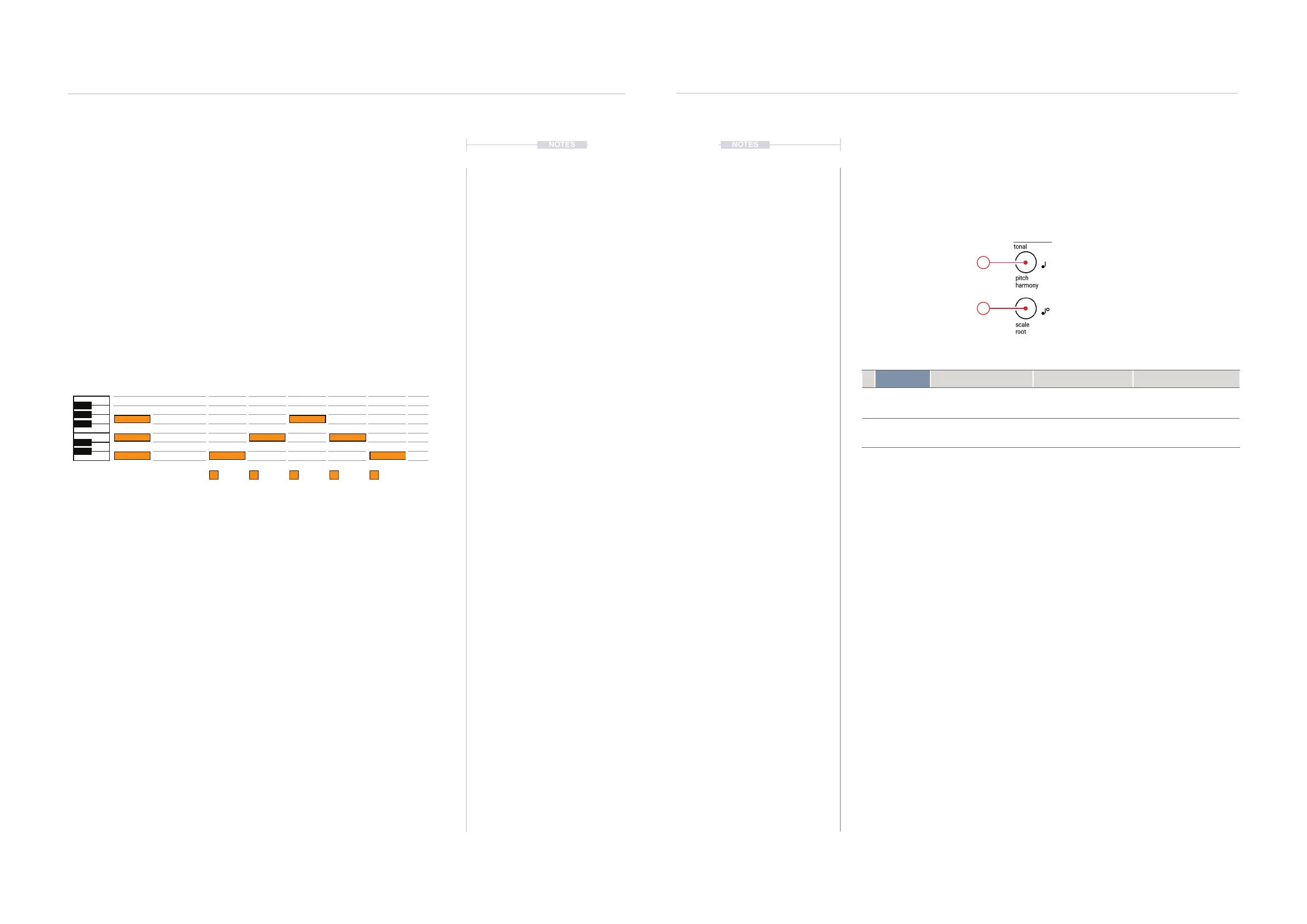
Chord Arpeggio - Example Up/Down within 1 octave
Pulses
C C C
E E E
G G
C
E
G
Melodic Structures
5
Melodic Structures
5
5.2 Tonal Section Overview.
The rst consideration when expanding a Euclidean or Step pattern to pitch
based melodies is the Tonal section. This consists of 4 Parameters that set
the foundation for melodic compositions. These are Pitch, Harmony, Scale
and Root.
Parameter Turn Push Ctrl + Turn
1
pitch
harmony
Transpose existing notes
equally in the scale.
Chromatic keyboard
view. Shows available
and entered notes.
Moves existing note
pitches one note to create
harmonies
2
scale
root
Select one of the 8
available scales.
Scale option view.
Shows current scale.
Sets the root note in the
selected scale
1
2



 To Next Page