137
The T-1 Notebook : Reference & Guide
136
The T-1 Notebook : Reference & Guide
NOTESNOTES
Progressions
6
Progressions
6
▌ APPLYING A RANGE
1. Select the pattern and track. Also ensure a phrase is selected.
2. Ensure notes / chords are set in the (PITCH) menu.
3. To view the current phrase setting, Hold (RANGE). To lock the view
Double tap (RANGE). [VB4] & [VB12] are default.
4. To adjust the note range that follows the selected phrase;
• While displaying the phrase page, Press [VB9] - [VB11] increase the
phrase range down or [VB13] - [VB15] to increase phrase range up.
[VB9] and [VB15] are the widest extremes. Fine tune with [VB1] -
[VB7]. Default state is [VB12] & [VB4] - no note deviations applied.
• Hold [CTRL] + Turn (RANGE). This changes the value incrementally
on each rotary ‘click’.
• Hold [CTRL] + Press & Turn (RANGE). This changes the value
incrementally on each rotary ‘click’. Fast method also visualises the
settings.
▌ CHANGING PHRASE RATE
1. Select the pattern and track. Also ensure a phrase and a range is
selected.
2. Ensure notes / chords are set in the (PITCH) menu.
3. To view the current phrase setting, Hold (RANGE). To lock the view
Double tap (RANGE). [VB4] & [VB12] are default.
4. To change the rate for phrase;
• The default state should be a normal x1 rate, playing over 4 bars.
The value buttons lit PINK ⬛.
• To increase the rate to x2, complete pattern spanning over 2 bars,
Press [VB8]. The value buttons will illuminate brighter pink / purple.
• To decrease the rate to /2, complete pattern spanning over 8 bars,
Press [VB16]. The value buttons will illuminate brighter pink / purple.
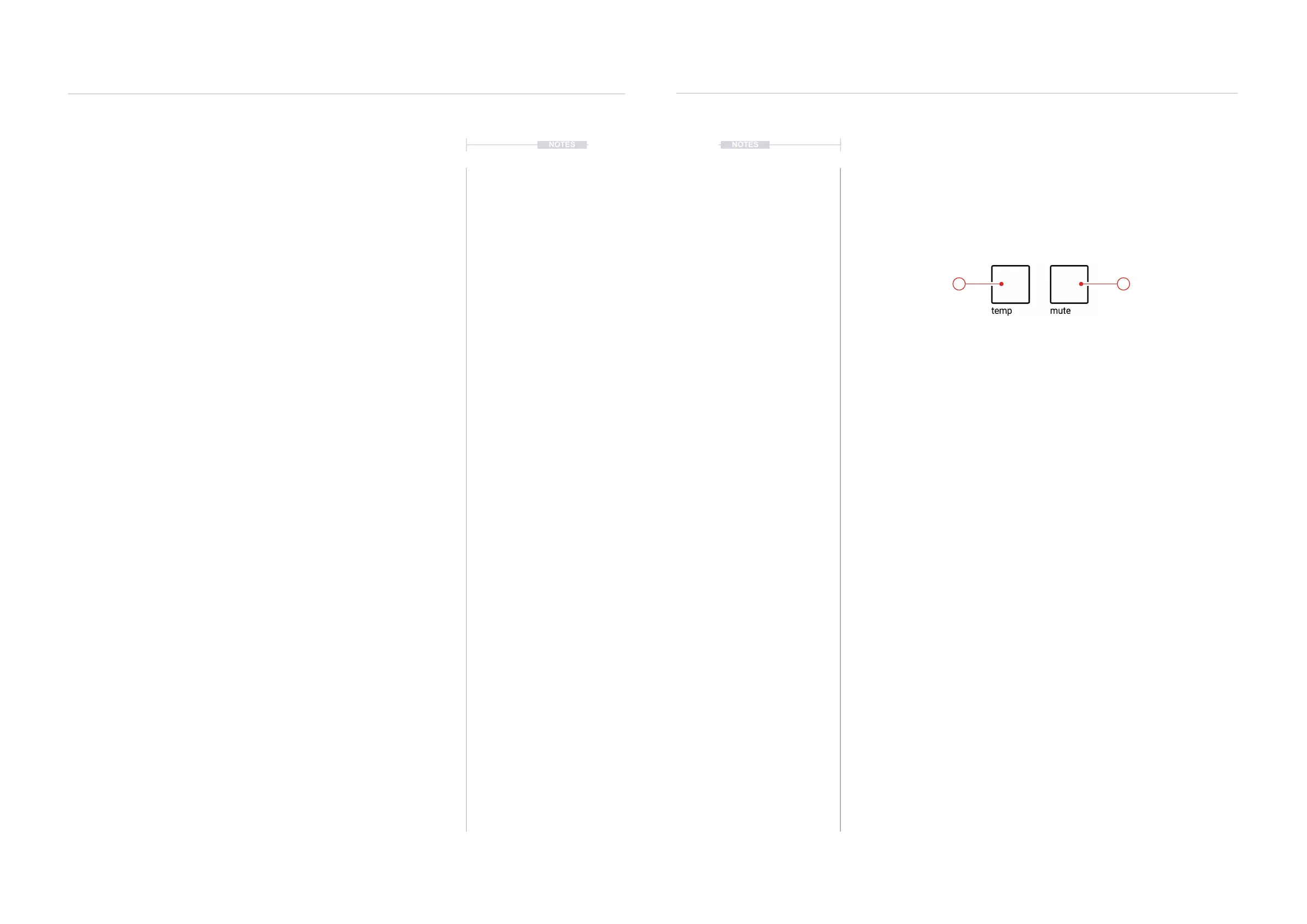
6.8 Performance Buttons
T-1 is designed to encourage and support organic and new ways of
production. This is especially relevant with live performances and
improvisations. The Mute and Temp performance buttons help create on-
the-y live variations and progressions across tracks.
Double tap [TEMP] or [MUTE] to lock and keep
the function selection active.
12



 To Next Page