EasyManua.ls Logo

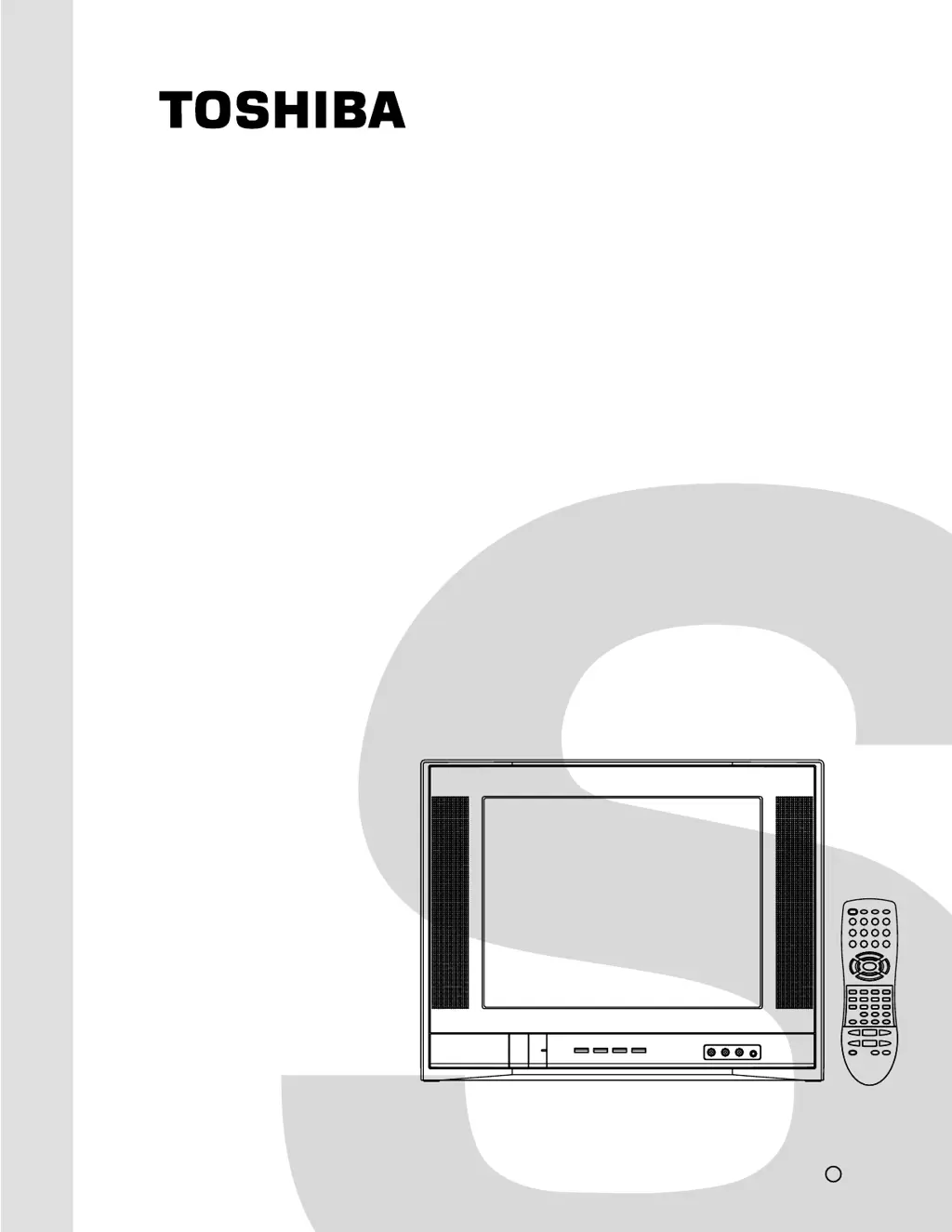
Toshiba 14AF43 - Service Manual

Toshiba 14AF43
38 pages
Print Icon
To Next Page IconTo Next Page
Loading...
SERVICE MANUAL
COLOR TELEVISION
14AF43
FILE NO. 050-200307
DOCUMENT CREATED IN JAPAN, Apr., 2003

Other manuals for Toshiba 14AF43

Questions and Answers

  • J
    jamiewilsonAug 18, 2025
    Why is my Toshiba CRT TV remote control not operating?
    • J
      John HancockAug 19, 2025
      If your Toshiba CRT TV's remote control isn't working, first, ensure the TV/VCR/DVD/CABLE mode is set correctly. Remove any obstructions between the remote and the TV. Finally, replace the remote control batteries, as they may be dead.
  • T
    Taylor GrahamAug 21, 2025
    How to fix a Toshiba 14AF43 that will not turn on?
    • A
      amanda25Aug 21, 2025
      If your Toshiba CRT TV isn't turning on, ensure it's properly plugged into a power outlet and then press the POWER button. Also, check the remote control batteries and replace them if necessary.
  • Q
    qhortonAug 23, 2025
    Why is there no sound on my Toshiba CRT TV, but the picture is OK?
    • M
      michael43Aug 25, 2025
      If your Toshiba CRT TV has no sound but the picture is fine, first, ensure the sound isn't muted by pressing the VOLUME button. If that doesn't work, the broadcasting station might be experiencing difficulties, so try changing the channel. Also, check if the MTS feature is in SAP mode, and if so, press the MTS button on the remote until STEREO (or MONO) mode is active.
  • A
    Andrew AndersonAug 26, 2025
    What to do if my Toshiba 14AF43 CRT TV has poor picture quality but the sound is OK?
    • R
      Rebecca GrayAug 26, 2025
      If your Toshiba CRT TV shows a poor picture but the sound is fine, check the antenna connections first. The broadcasting station might be experiencing difficulties, so try changing the channel. You can also try adjusting the PICTURE menu settings. If you are using ColorStream inputs, ensure that the connected device's output is set to 480i interlaced mode, as this TV does not support 480p, 720p, or 1080i signals through ColorStream.
  • D
    David JenningsAug 28, 2025
    Why does my Toshiba 14AF43 CRT TV have no picture and no sound?
    • B
      brendanyoungAug 28, 2025
      If your Toshiba CRT TV has no picture and no sound, start by checking the antenna/cable connections. Also, be aware that this TV does not support 480p, 720p, or 1080i signals through its ColorStream inputs. If you are using such a device, switch its output to 480i interlaced mode.
  • R
    Robert JohnsonAug 30, 2025
    How to improve poor reception on Toshiba CRT TV broadcast channels?
    • T
      Teresa LewisAug 30, 2025
      If you are experiencing poor reception of broadcast channels on your Toshiba CRT TV, try switching to another channel as the station may have broadcast difficulties. Also, check your antenna connections to ensure they are secure. If you're using a VCR, make sure the TV/VCR button is set correctly.
  • R
    Randy GomezSep 1, 2025
    Why is the sound poor on my Toshiba CRT TV, but the picture is OK?
    • E
      Ernest WhiteSep 1, 2025
      If the sound quality on your Toshiba CRT TV is poor but the picture is OK, the broadcasting station might be experiencing difficulties, so try changing the channel. Also, check if the MTS feature is in SAP mode, and if so, press the MTS button on the remote until STEREO (or MONO) mode is active.
  • T
    Tony VelezSep 4, 2025
    Why am I seeing multiple images on my Toshiba CRT TV?
    • M
      Matthew McfarlandSep 4, 2025
      If you are experiencing multiple images on your Toshiba CRT TV, the broadcasting station may have broadcast difficulties, so try another channel. You can also try using a highly directional outdoor antenna.
  • A
    Angela NicholsSep 6, 2025
    How to fix poor color or no color on Toshiba 14AF43?
    • C
      Cynthia CampbellSep 6, 2025
      If your Toshiba CRT TV is displaying poor color or no color, try switching to another channel, as the broadcasting station may have difficulties. Also, adjust the TINT and/or COLOR settings in the PICTURE menu. If you've recently moved the TV while it was on, turn it off and allow it to cool for several hours before turning it on again.
  • M
    Matthew ElliottSep 8, 2025
    How to fix Toshiba CRT TV that cannot receive above channel 13?
    • M
      merrittgregorySep 8, 2025
      If your Toshiba CRT TV cannot receive channels above channel 13, make sure the TV/CABLE setting is set to CABLE mode.

Summary

SERVICING NOTICES ON CHECKING

Safety Precautions During Servicing

Essential safety guidelines to follow before, during, and after servicing the unit.

DISASSEMBLY INSTRUCTIONS

Anode Cap Removal and Installation

Procedure for safely removing and installing the CRT anode cap.

Flat Package IC Removal and Installation

Steps for desoldering, removing, and soldering flat package ICs.

SERVICE MODE LIST

Service Mode Operations

List of service modes for repair, examination, and adjustment.

ELECTRICAL ADJUSTMENTS

Pre-Adjustment Precautions and Tools

Essential safety guidelines and required tools before performing electrical adjustments.

Basic Picture Adjustments

Covers constant voltage, cut off, white balance, focus, and phase adjustments.

Picture Size and Linearity Adjustments

Procedures for adjusting vertical size, linearity, and bright cent.

Color and Contrast Adjustments

Adjustments for tint, color centering, contrast, and separation.

Purity and Convergence Adjustments

Detailed steps for adjusting screen purity and convergence.

BLOCK DIAGRAM

SCHEMATIC DIAGRAMS

MECHANICAL EXPLODED VIEW

REPLACEMENT PARTS LISTS

Toshiba 14AF43 Specifications

General IconGeneral
BrandToshiba
Model14AF43
CategoryCRT TV
LanguageEnglish

Related product manuals