EasyManua.ls Logo

Toshiba 15DV703R - User Manual

Toshiba 15DV703R
61 pages
Print Icon
To Next Page IconTo Next Page
Loading...
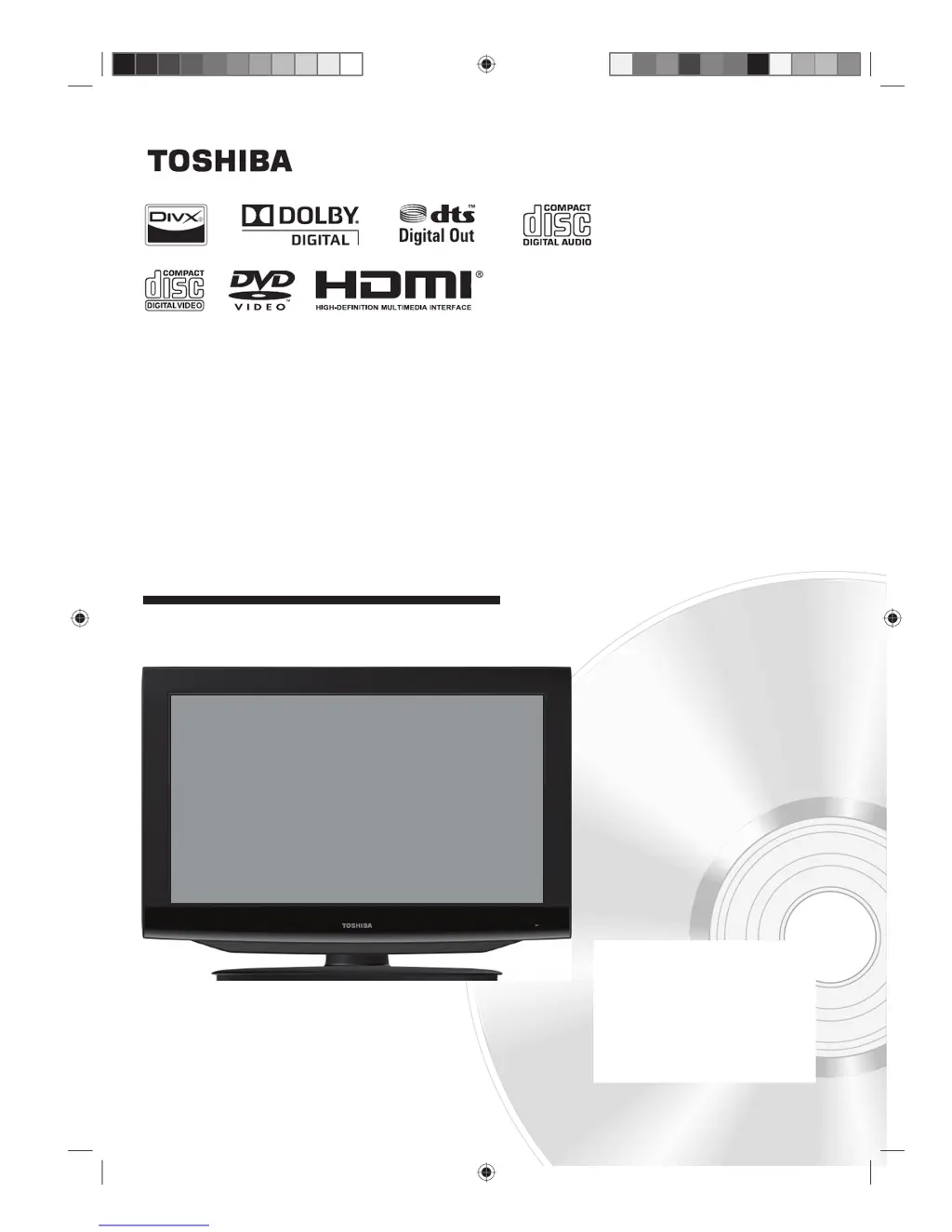
15, 19, 22, 26, 32-inch class
LCD TV/DVD COMBINATION
© 2010 Toshiba Corporation
Before operating the unit, please read this manual thoroughly.
Owner’s Record
The model and serial numbers are on the
back of your TV/DVD.
Record these numbers in the spaces
below. Refer to these numbers whenever
you communicate with your Toshiba
dealer about this TV/DVD.
Model number: _________________
Serial number: _________________
OWNER’S MANUAL
15DV703R
19DV703R
19DV704R
22DV703R
22DV704R
26DV703R
32DV703R

Other manuals for Toshiba 15DV703R

Questions and Answers

  • F
    fmunozSep 8, 2025
    What causes black spots or horizontal streaks on my Toshiba TV DVD Combo?
    • A
      Antonio RussoSep 8, 2025
      Black spots or horizontal streaks may appear, the picture may flutter or drift. This is usually caused by interference from automobile ignition systems, neon lamps or AC powered tools and appliances such as drills or hair dryers.
  • J
    Jared OnealAug 23, 2025
    How to fix Toshiba TV DVD Combo if TV keys or remote control is not functioning?
    • E
      Eric ChambersAug 23, 2025
      If the TV keys or the remote control on your Toshiba TV DVD Combo are not functioning, turn off the TV and unplug the AC power cord for several minutes, then reconnect the AC power cord.
  • D
    Darren SmithAug 25, 2025
    What to do if my Toshiba TV DVD Combo has poor sound or no sound?
    • B
      brian01Aug 25, 2025
      If you're experiencing poor or no sound on your Toshiba TV DVD Combo, the issue might be due to the station or cable TV having problems, so try another station. Also, check the volume level and mute status. Finally, check for any potential sources of interference.
  • R
    Regina MillerAug 26, 2025
    What to do if my Toshiba TV DVD Combo has poor picture or no picture?
    • L
      Linda CarrAug 27, 2025
      If your Toshiba TV DVD Combo is showing a poor picture or no picture, try another station as the current station or cable TV might be experiencing issues. Also, inspect the antenna connections and reorient the antenna if needed. Check for sources of interference and review the “Picture” settings.
  • P
    Philip NealAug 27, 2025
    How to fix Toshiba TV DVD Combo that does not operate?
    • L
      Lisa GreenAug 28, 2025
      If your Toshiba TV DVD Combo is not operating, ensure the power cord is securely connected. If it is, try a different AC outlet. As another option, unplug the power cord, wait a few seconds, and then plug it back in.
  • C
    Chris HurleySep 22, 2025
    Why do small dots appear in the picture on my Toshiba TV DVD Combo?
    • W
      Wesley WilliamsSep 22, 2025
      If the unit is located far from the TV station, in a fringe reception area where the signal is weak.
  • M
    Michael BooneSep 16, 2025
    What causes ghosts on my Toshiba TV DVD Combo screen?
    • T
      tonyjordanSep 16, 2025
      Ghosts are caused by the TV signal following two paths. One is the direct path and the other is reflected by tall buildings, hills or other large objects. Changing the direction or position of the antenna may improve the reception.
  • B
    burgessjohnSep 18, 2025
    What causes RFI on my Toshiba TV DVD Combo?
    • S
      smithjenniferSep 18, 2025
      RFI is caused by two-way radios. This type of interference produces moving ripples or diagonal streaks in the picture. Changing the direction and position of the antenna or installing an RFI filter may improve the picture.
  • B
    Bryan NewmanSep 7, 2025
    Why does my Toshiba TV DVD Combo display is not shown in my preferred language?
    • M
      maryortegaSep 7, 2025
      Set your preferred language.
  • M
    Michael RivasSep 4, 2025
    What to do if my Toshiba TV DVD Combo has poor colour or no colour?
    • V
      Valerie LewisSep 4, 2025
      If your Toshiba TV DVD Combo displays poor color or no color, try tuning to another station, as the current station or cable TV might be experiencing issues. Also, ensure that channels are saved in the TV’s memory, check the “Picture” settings, check the antenna connections and reorient the antenna if necessary, and check for sources of possible interference.

Toshiba 15DV703R Specifications

General IconGeneral
Screen Size15 inches
Display TechnologyLCD
Aspect Ratio16:9
Built-in DVD PlayerYes
Input PortsComposite

Related product manuals