Using the PC Settings
• Mostofthepicturecontrolsandfunctionsare
available.Howeverfeaturesnotavailablewillbe
greyedout.
• Firstpress untilthevideoinputmodelist
appearsonthescreen,thenpresssorrand
QinordertoselectthePCinputmode
(-page14).
• Thisfunctionmaynotbeavailableforsome
signalorifnosignalisreceived.
• TheoptimumpointsoftheClock Phase
andSampling Clockadjustmentsmaybe
incomprehensibleaccordingtotheinputsignals.
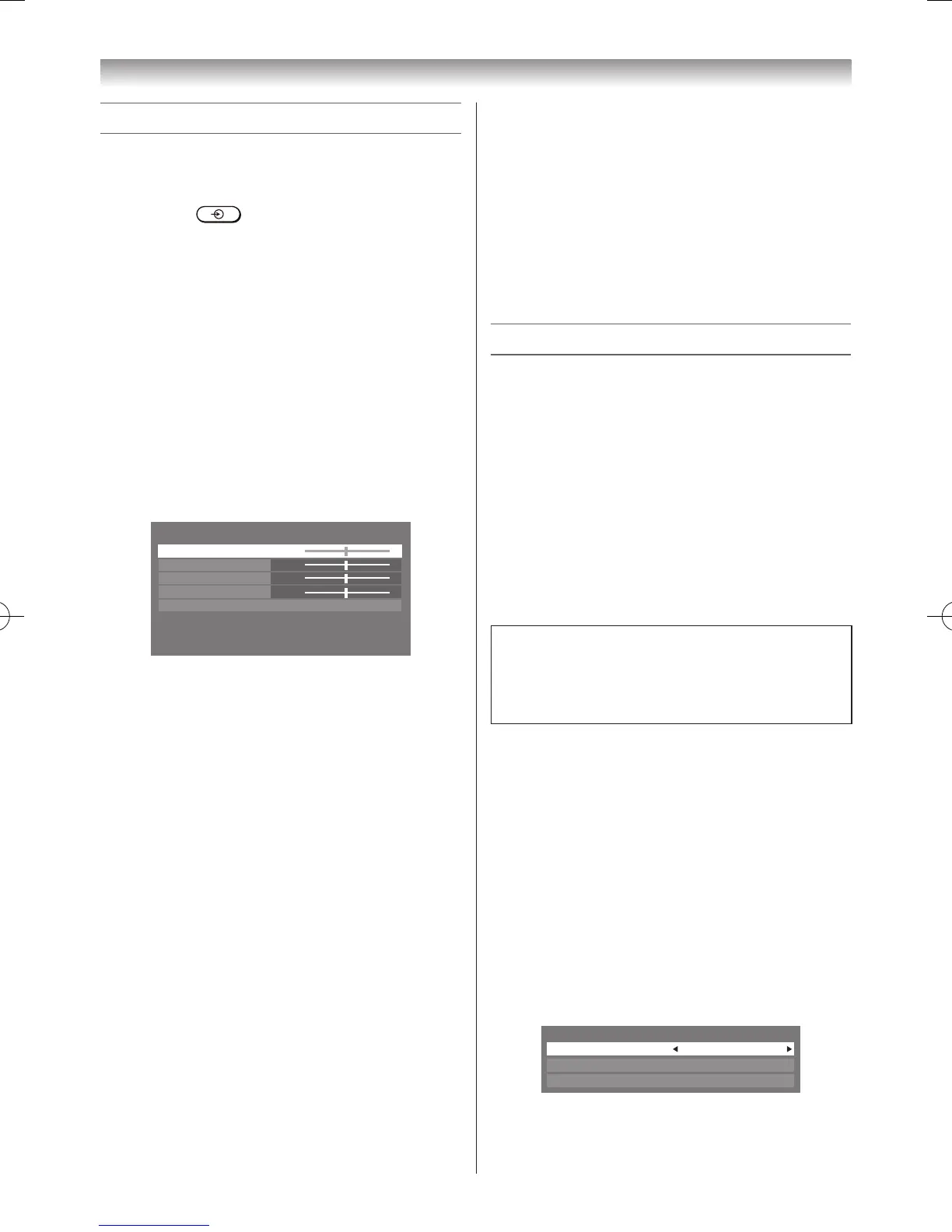
Adjusting the picture position
1 PressMENU,thenpressvorwtodisplay
theSETUP menu.
2 PresssorrtoselectPC Settings.
3 PressQtodisplaythePC Settingsmenu.
4 Presssorrtoselectanoptionyouwantto
adjust.Pressvorwtoadjustthesettingsas
required.
Adjusting the Clock Phase of the picture
IftheClock Phase,whichsynchronizethePC
signalandLCDdisplay,isnotoptimized,the
picturewillblur.
ThisfunctionenablesyoutoadjustClock Phase
anddisplayaclearpicture.
1 FromthePC Settingsmenu,presssorr
toselectClock Phase.
2 Pressvorwtoobtainaclearpicture.
Adjusting the Sampling Clock
IftheSampling Clockdoesnotmatchwiththe
dotclockfrequencyofthePC,blurredpicture
detailwilloccur,orscreenwidthwillchange,or
driftpatternsinverticallinesmaybeapparent.
Thisfunctionenablesyoutoadjustitand
optimizethepicture.
1 FromthePC Settingsmenu,presssorr
toselectSampling Clock.
2 Pressvorwtooptimizethepicture.
Connecting your TV
Resetting the PC Settings
TheResetfunctionadjuststhePC Settingsto
thefactorysettings.
1 FromthePC Settingsmenu,presssorr
toselectReset.
2 PressQ.
Note:
WhenaPCisconnectedusingHDMInoneof
thesefunctionwillbeavailable.
Using the Media Player
ThisTVallowsyoutoenjoymovie,music(MP3)
andphotolesstoredonaUSBdevice
Note:
Donotinsert/removeUSBdevicewhileinuse.
Media Player Specifications
Interfaceversion:USB2.0
USBclass:MassStorage
FileSystem:FAT16andFAT32
Maximummemorysize:Unlimited
Notes:
• Connectivityisnotguaranteedforalldevices.
• USBHubwillnotbeproperlyoperated.
Youmustobtainanyrequiredpermission
fromcopyrightownerstodownloadoruse
copyrightedcontent.TOSHIBAcannotand
doesnotgrantsuchpermission.
Basic operation
WhenAutoStartisenabled,youwillbeaskedif
youwanttostarttheMediaPlayerwhenevera
USBdeviceisinserted.IfAutoStartisdisabled,
youmustmanuallystarttheMediaPlayerfrom
themenu.
Setting the Auto Start:
1 FromtheFUNCTIONmenu,presssorrto
selectMedia Player,andthenpressQ.
2 PresssorrtoselectSetup,andpressQ.
3 Presssorrtoselect Auto Start,andthen
pressvorwtoselectOnorOff.



 To Next Page