EasyManua.ls Logo

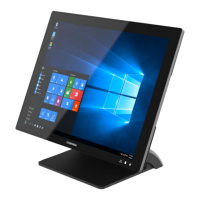
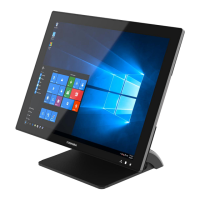
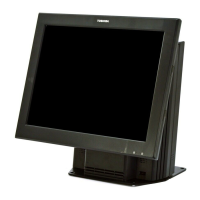
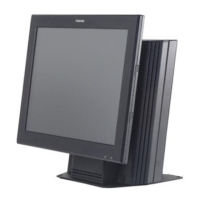
Toshiba 4818-T10 - User Manual

Toshiba 4818-T10
42 pages
Print Icon
To Next Page IconTo Next Page
Loading...
Toshiba Global Commerce Solutions
User’s Manual
4818-T10

Other manuals for Toshiba 4818-T10

Question and Answer IconNeed help?

Do you have a question about the Toshiba 4818-T10 and is the answer not in the manual?

Summary

Safety

1. Hardware Setup

1.3. Basic Peripherals Installation

2 nd Display Installation

MSR + iButton Installation

1.4. Replacing M.2 Storage

1.5. Replacing Memory Module

2. I;O Definition

2.2. Cash Drawer

3. Preparing Your POS PC For Wall-mounting

3.2. Safety Information

Provides critical safety warnings related to handling and mounting the POS PC.

3.4. Removing The POS PC Stand

3.5. Installing The VESA

4. Reinstalling The POS PC Stand

4.2. Safety Information

Highlights important safety precautions for reassembling the device.

4.4. Reinstalling The POS PC Stand

5. Specification

Toshiba 4818-T10 Specifications

General IconGeneral
BrandToshiba
Model4818-T10
CategoryTouch terminals
LanguageEnglish

Related product manuals