EasyManua.ls Logo

Toshiba ST-A10 SERIES - User Manual

Toshiba ST-A10 SERIES
24 pages
Print Icon
To Next Page IconTo Next Page
Loading...
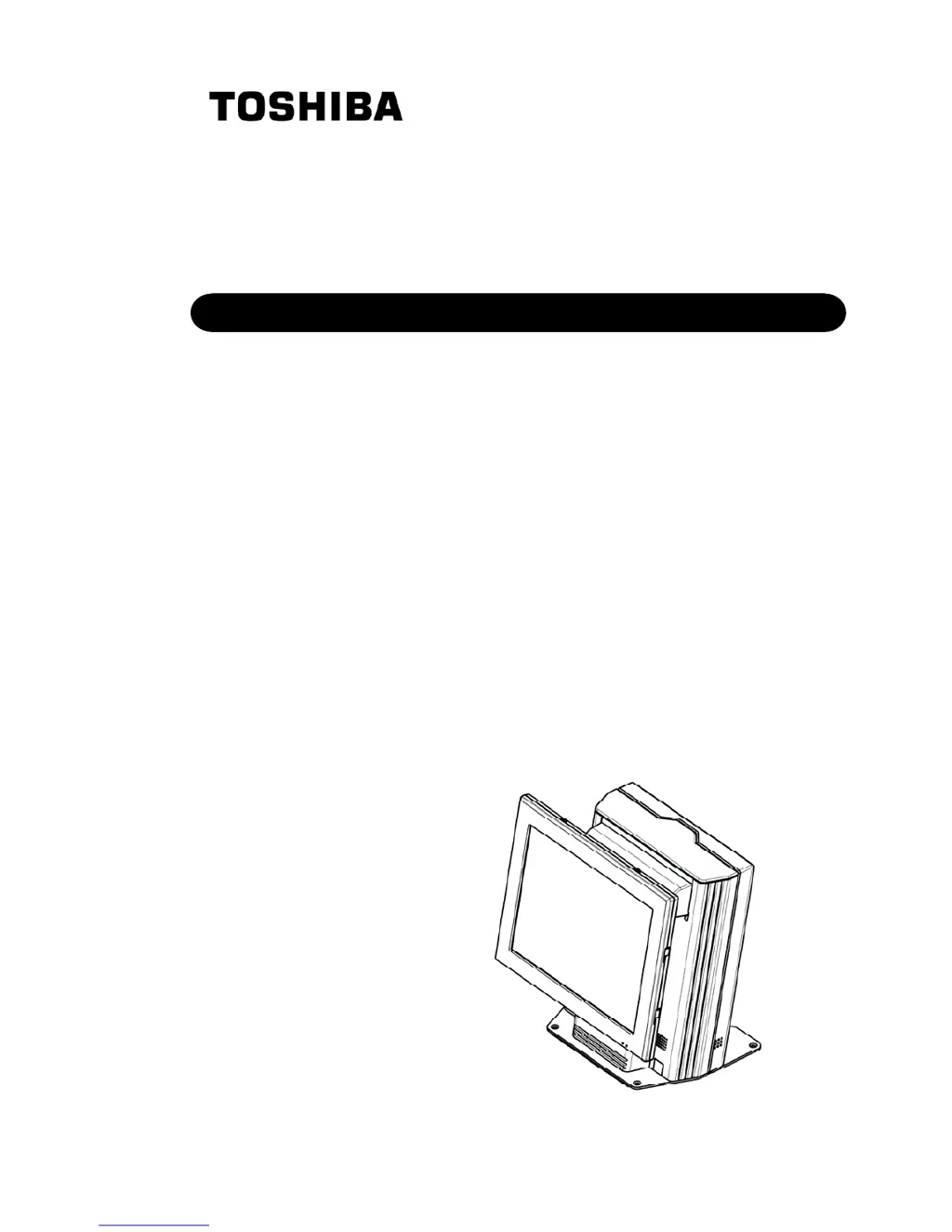
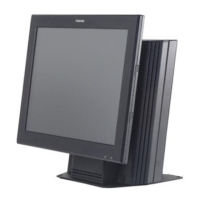
TOSHIBA POS Terminal
ST-A10 SERIES
Owner's Manual

Questions and Answers

  • J
    Johnathan MaldonadoJul 30, 2025
    What to do if my Toshiba ST-A10 power does not turn on?
    • J
      James HughesJul 30, 2025
      If your Toshiba Touch terminal isn't powering on, ensure it's correctly plugged into the AC outlet. If the outlet is functional, test it with another electrical appliance. If there's still no power, contact your local power company. Also, check the circuit breaker.

Summary

Safety Summary and Warnings

General Safety Warnings and Symbols

Explains safety symbols and general warnings for safe handling and operation.

Precautions for Safe Operation

Lists critical precautions for preventing damage, injury, and ensuring correct operation.

POS Terminal Appearance and Components

External Connectors and Ports

Identifies and describes all external connection ports and their functions.

Installation Procedures

Adjusting Display Settings

Optional Peripheral Usage

General Maintenance and Cleaning

Troubleshooting Common Issues

Power and Display Problems

Solutions for issues like the power not turning on or the display being hard to see.

Magnetic Card Reader Issues

Troubleshooting steps for when the magnetic card reader fails to read data.

Toshiba ST-A10 SERIES Specifications

General IconGeneral
ProcessorIntelĀ® CeleronĀ® N3350
Operating SystemWindows 10 IoT Enterprise
Storage64GB eMMC
ConnectivityWi-Fi 802.11 a/b/g/n/ac, Bluetooth 4.2
PortsUSB 3.0 x 2, USB 2.0 x 1, RJ45 x 1, RJ11 x 1, Audio Jack x 1, DC-in x 1
Display Size10.1 inches
Display Resolution1280 x 800 pixels
Touch TechnologyCapacitive
Power Supply12V DC

Related product manuals