EasyManua.ls Logo

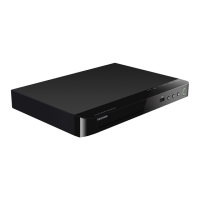
Toshiba BDX1100KU - User Manual

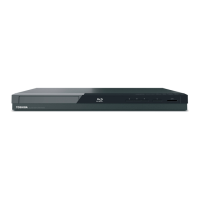
Toshiba BDX1100KU
46 pages
Print Icon
To Next Page IconTo Next Page
Loading...
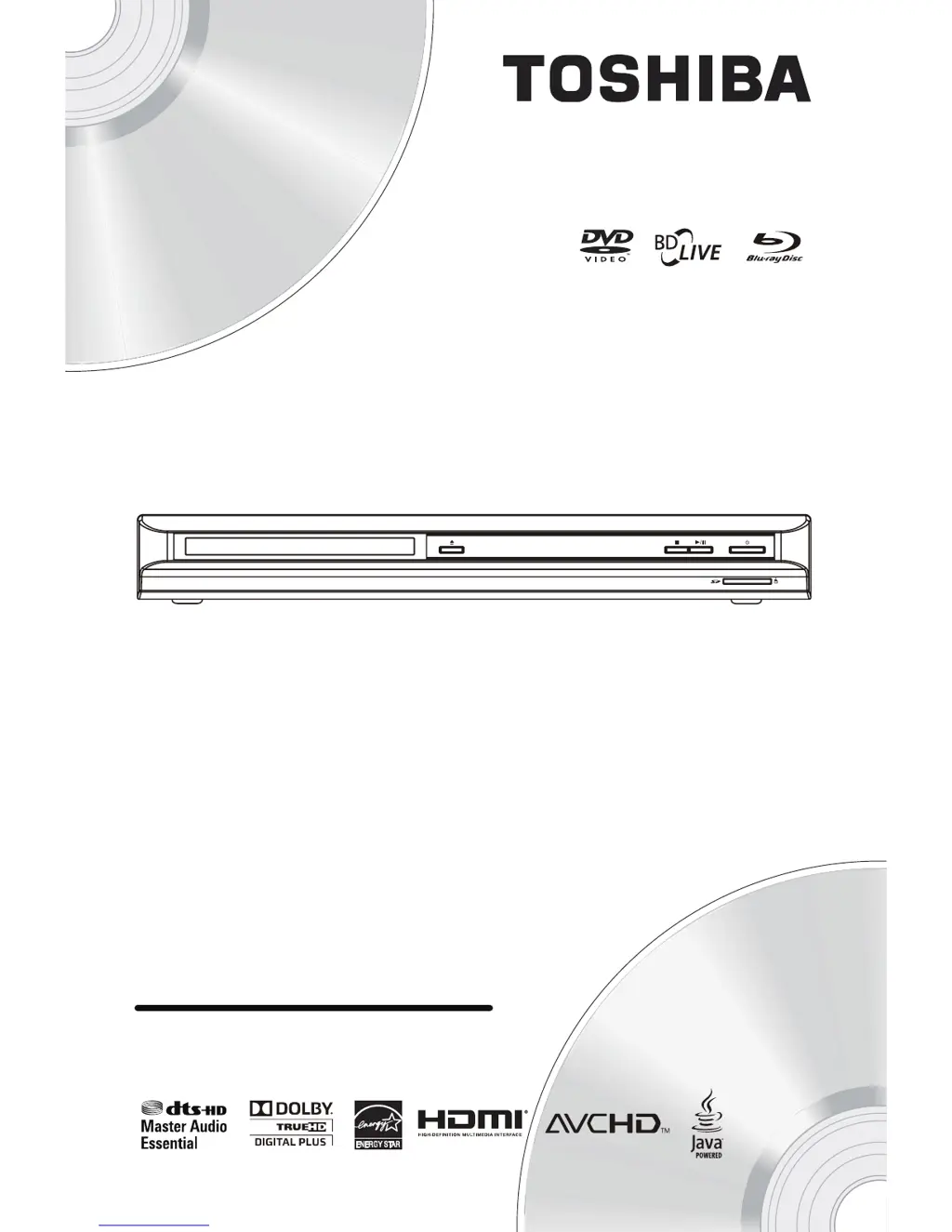
BDX1100KU
Blu-ray Disc Player
Owners Manual
TM

Questions and Answers

  • K
    kimberlystewartAug 16, 2025
    Why is there no reaction to the remote control of my Toshiba Blu-ray Player?
    • E
      Eileen HartAug 16, 2025
      If your Toshiba Blu-ray Player isn't responding to the remote, try the following: * Ensure the Blu-ray Player is connected to a power outlet. * Point the remote directly at the Blu-ray Player. * Check that the batteries are correctly inserted in the remote. * Replace the batteries with new ones.
  • R
    Robert RodriguezAug 19, 2025
    What to do if there is no audio signal from the loudspeakers of the audio system connected to Toshiba BDX1100KU?
    • K
      kaylathomasAug 19, 2025
      If you're not getting any sound from the loudspeakers of your audio system when using your Toshiba Blu-ray Player, try these steps: * Ensure that the audio system is turned on. * Set the audio system to the correct external input. * Increase the volume level of the audio system.
  • D
    Dr. Brian WilliamsAug 22, 2025
    What to do if there is no audio signal from the loudspeakers of the TV connected to Toshiba BDX1100KU?
    • C
      Christopher MillsAug 22, 2025
      If you're not hearing audio from your TV's speakers when using the Toshiba Blu-ray Player, assign the audio input of the TV to the corresponding video input.
  • J
    jerry53Aug 25, 2025
    Why is there no high-definition video signal on the TV from my Toshiba BDX1100KU Blu-ray Player?
    • S
      Steven DeanAug 25, 2025
      If you are not getting a high-definition video signal on your TV, check the following: * Confirm that the disc you are playing contains high-definition video. * Verify that your TV supports high-definition video.
  • A
    April ClarkAug 27, 2025
    What to do if my Toshiba BDX1100KU Blu-ray Player cannot play back a disc?
    • C
      Christopher SantanaAug 28, 2025
      If your Toshiba Blu-ray Player is unable to play a disc, consider the following: * Confirm that the Blu-ray Player supports the disc type. * Ensure the Blu-ray Player supports the region code of the DVD or BD. * If using DVD+RW/+R or DVD-RW/-R, finalize the disc. * Clean the disc.
  • M
    Meredith ButlerAug 30, 2025
    Why is there no audio / video signal on the display device via HDMI cable from my Toshiba Blu-ray Player?
    • D
      Dr. Norma Hall MDAug 30, 2025
      If your Toshiba Blu-ray Player is connected to an unauthorized display device with an HDMI cable, the audio/video signal may not be output.
  • L
    Laura BlairSep 2, 2025
    How to fix Toshiba BDX1100KU when sometimes the options of setup menu cannot be selected?
    • K
      Kaitlin FarrellSep 2, 2025
      If options in the setup menu are sometimes unselectable on your Toshiba Blu-ray Player: When playing a DVD or BD, press the STOP button once to enter stop resume mode. Some settings, like language, audio, and subtitles, will be unchangeable. To regain full access, press the STOP button twice to enter full stop mode.
  • G
    George WilliamsSep 5, 2025
    What to do if my Toshiba BDX1100KU cannot play MP3 flies from a disc?
    • D
      Dr. Patrick Cruz Jr.Sep 5, 2025
      If your Toshiba Blu-ray Player cannot play MP3 files from a disc, check the following: * Make sure that the disc was recorded in the UDF, ISO9660 or JOLIET format. * Make sure that the bit rate of the MP3 flies is between 8 and 320 kbps. * Make sure that the sample rate of the MP3 flies is 32kHz, 44.1kHz or 48kHz.
  • M
    Manuel ButlerSep 7, 2025
    What to do if my Toshiba Blu-ray Player cannot play back JPEG flies from a disc?
    • S
      Sara GomezSep 7, 2025
      If your Toshiba Blu-ray Player can't play JPEG files from a disc, ensure the disc was recorded in UDF, ISO9660, or JOLIET format.
  • T
    Timothy ButlerSep 10, 2025
    What to do if my Toshiba Blu-ray Player cannot find a MP3 flie?
    • D
      David SanchezSep 10, 2025
      If your Toshiba Blu-ray Player cannot find an MP3 file, verify the following: * Ensure the selected folder contains no more than 9,999 files for DVD or 999 files for CD. * Confirm the file extension is .mp3 or .MP3.

Summary

Important Safety Information

Safety and Important Notices

Provides crucial safety guidelines, warnings, and precautions for operating the Blu-ray Disc Player to prevent hazards.

Your Product Overview

Main Unit and Controls

Provides an illustrated overview of the Blu-ray Disc Player's main unit, identifying key controls and components.

Remote Control Functions

Details the functions of each button on the remote control for operating the Blu-ray Disc Player.

Connections and Setup

Connecting the Player to a TV

Explains how to connect the Blu-ray Disc Player to a TV using composite video or HDMI cables.

Preparation and Initial Setup

Initial Player Setup

Outlines the initial setup process, including language selection and basic configuration.

Playback Operations

Basic Playback Functions

Introduces the basic playback operations and controls available for the Blu-ray Disc Player.

Playback Control Commands

Details how to pause, stop, fast forward, fast reverse, search, and step through playback.

Customizing Player Settings

General Settings Configuration

Guides users through configuring general settings like screen saver, auto playback, CEC, and default options.

Display and Upgrade Settings

Covers setting display resolution, aspect ratio, and software/firmware upgrades.

Display Settings

TV Screen and Resolution Settings

Configures TV screen aspect ratio and video output resolution for optimal picture display.

Color Space and HDMI Settings

Adjusts color space, HDMI deep color, and 1080p 24F settings for enhanced picture quality.

Audio Settings

Audio Output Configuration

Configures audio output for SPDIF and HDMI jacks, including Bitstream, PCM, and Re-encode options.

Troubleshooting Guide

Common Issues and Solutions

Provides solutions for common problems such as remote control issues, no video/audio signal, and disc playback errors.

Disc Playback and Software Issues

Addresses problems related to playing discs (BD, JPEG, MP3) and upgrading the player's software.

Limited United States Warranty

DAV Product Warranty and Registration

Outlines the exchange warranty for DAV products and the importance of product registration.

Warranty Conditions and Responsibilities

Details the conditions for warranty service, customer responsibilities, and exclusions.

How to Obtain Warranty Services

Provides instructions on how to contact customer support and obtain warranty service for the product.

Toshiba BDX1100KU Specifications

General IconGeneral
Video Formats SupportedMPEG-2, MPEG-4 AVC, VC-1
BD ProfileProfile 2.0
USB PortYes
Dolby Digital DecoderYes
DTS DecoderYes
Video PlaybackYes
Output Resolution1080p
HDMI OutputYes
Disc Formats SupportedBD, DVD, CD
Audio Formats SupportedDolby Digital, DTS
Internet ConnectivityEthernet

Related product manuals