EasyManua.ls Logo

Toshiba BDX2250KU - User Manual

Toshiba BDX2250KU
56 pages
Print Icon
To Next Page IconTo Next Page
Loading...
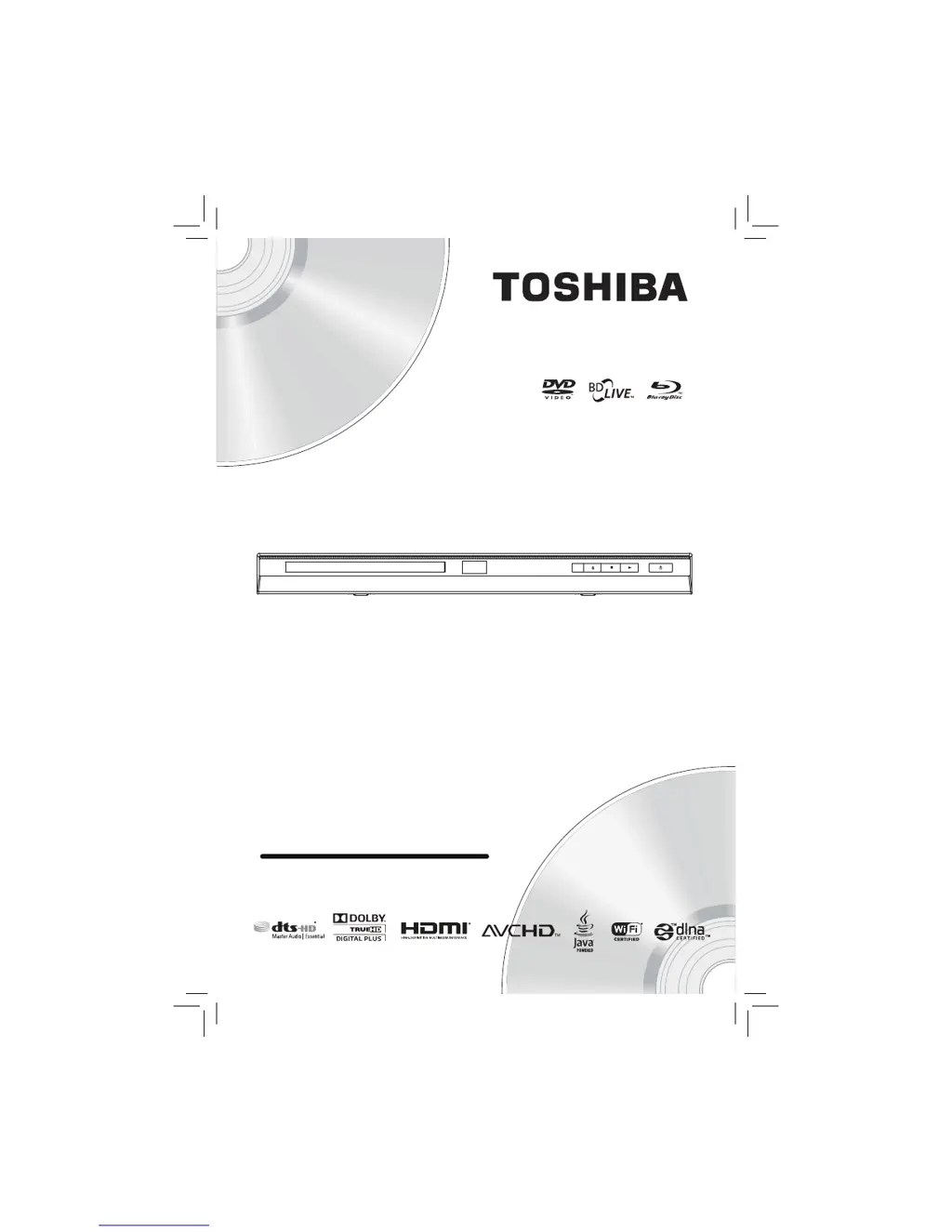
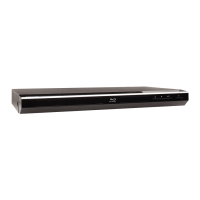
BDX2250KU
Blu-ray Disc
Player
Owners Manual
TM
Blu-ray Disc™/DVD Player

Questions and Answers

  • N
    Nicole WelchSep 10, 2025
    What to do if Toshiba Blu-ray Player doesn't return to start-up screen?
    • D
      Dawn DavisSep 10, 2025
      If your Toshiba Blu-ray Player does not return to the start-up screen when the disc is removed, reset the unit by turning it off and then on again.
  • B
    barrpaulAug 22, 2025
    How to troubleshoot no sound or distorted sound on Toshiba Blu-ray Player?
    • Y
      youngjacobAug 22, 2025
      If your Toshiba Blu-ray Player has no sound or the sound is distorted, first adjust the volume. Then, check if the speakers are connected correctly and inspect the HDMI connections. Finally, verify the settings in the “Audio” menu.
  • C
    christinejonesAug 25, 2025
    Why Toshiba Blu-ray Player remote control not working?
    • A
      Anthony WrightAug 25, 2025
      If the Toshiba Blu-ray Player isn't responding to the remote control, aim the remote directly at the infrared sensor window on the front panel and reduce the distance to it. If that doesn't work, replace the batteries in the remote control, ensuring they are correctly re-inserted with the proper polarities (+ / - signs).
  • P
    Peter LopezAug 27, 2025
    How to fix a Toshiba Blu-ray Player with no power?
    • A
      Ashley HarrisonAug 27, 2025
      If your Toshiba Blu-ray Player has no power, ensure the AC cord is properly connected. If it is, try unplugging the AC cord, waiting 5-10 seconds, and then plugging it back in.
  • C
    christy13Aug 27, 2025
    What to do if Toshiba Blu-ray Player disc cannot be played back?
    • M
      Miss Kelly Guzman DDSAug 27, 2025
      If your Toshiba Blu-ray Player won’t play a disc, start by cleaning the disc. Ensure the disc label is facing up when you insert it. Try another disc to check if the first disc is defective. Also, cancel the ratings control or change the control level. Finally, make sure you are inserting a disc that can be played back on this unit.
  • T
    Toni SaundersAug 29, 2025
    How to fix Toshiba Blu-ray Player that cannot connect to the network?
    • D
      Denise CurtisAug 29, 2025
      If your Toshiba Blu-ray Player cannot connect to the network, check if the LAN cable connection is properly made. Ensure that the modem or broadband router is turned on and correctly connected. Finally, check the 'Network Connection Setting'.
  • J
    John GonzalesSep 18, 2025
    Why cannot use the BD-Live function on Toshiba Blu-ray Player?
    • G
      Gloria FloresSep 18, 2025
      To use the BD-Live function on your Toshiba Blu-ray Player, use a USB flash drive with enough space.
  • J
    Jennifer ParkerSep 12, 2025
    Why Toshiba Blu-ray Player doesn't respond to some commands?
    • S
      Sylvia GainesSep 12, 2025
      The Toshiba Blu-ray Player might not respond to some operating commands during playback because the operations may not be permitted by the disc. Please refer to the disc's instructions.
  • G
    George KingSep 8, 2025
    Why Toshiba Blu-ray Player cannot connect to network with PC connected?
    • M
      Mrs. Emily MckeeSep 8, 2025
      If your Toshiba Blu-ray Player cannot connect to the network while your PC is connected, check your Internet service contract to see if your Internet service provider prevents multiple terminals from connecting at the same time.
  • J
    johnsonvictoriaSep 5, 2025
    How to resolve distorted picture on Toshiba Blu-ray Player?
    • T
      Tommy MartinezSep 5, 2025
      Sometimes a small amount of picture distortion may appear on your Toshiba Blu-ray Player. This is not a malfunction. If the distortion is significant, connect the unit directly to the TV.

Summary

Important Safety Information

Safety Precautions and Guidelines

Essential safety instructions, warnings, and operational guidelines for user protection.

Product Features

Controls and Connections

Player Controls and Remote

Details the physical controls, remote functions, and player interfaces.

Playback Operations

Basic Playback and Navigation

Instructions for playing discs, navigating content, and controlling playback speed.

System Settings and Customization

Troubleshooting and Maintenance

Problem Solving Guide

Common issues and their solutions for player operation and performance.

Customer Support

Toshiba BDX2250KU Specifications

General IconGeneral
BrandToshiba
ModelBDX2250KU
CategoryBlu-ray Player
LanguageEnglish

Related product manuals