EasyManua.ls Logo

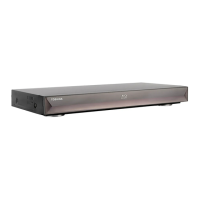
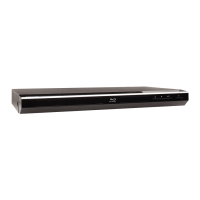
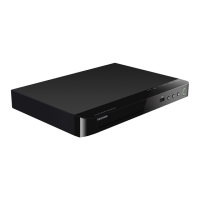
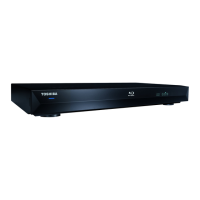
Toshiba BDX2300KE - User Manual

Toshiba BDX2300KE
82 pages
Print Icon
To Next Page IconTo Next Page
Loading...
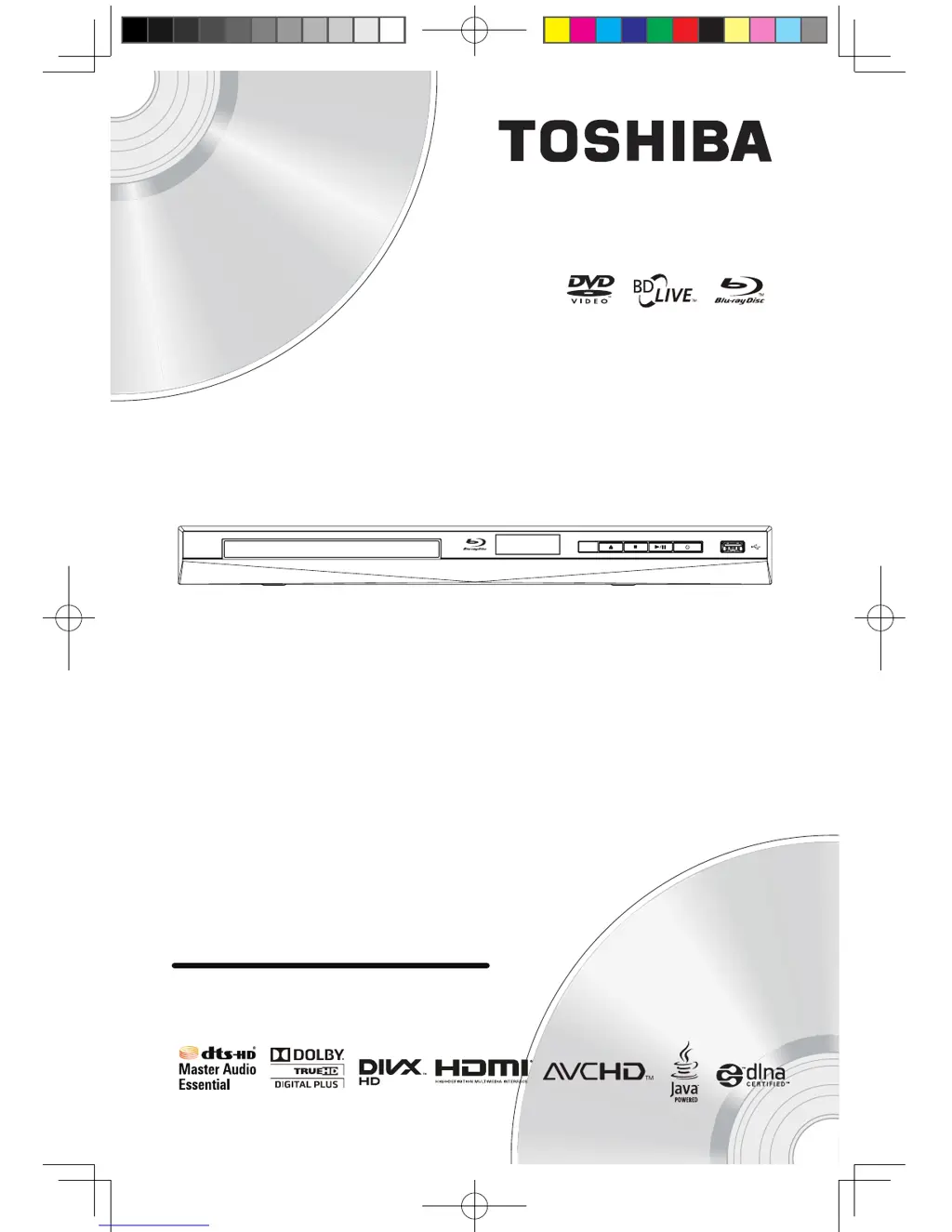
BDX2300KE
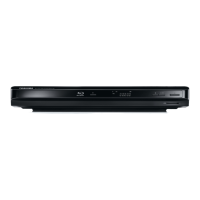
Blu-ray DiscPlayer
Owner’s Manual
BDX2300KE full manual_3-6.indd 1 2012-10-25 9:38:32

Questions and Answers

  • W
    wgonzalezAug 19, 2025
    What to do if Toshiba BDX2300KE Blu-ray Player remote control not working?
    • R
      Ryan MckeeAug 19, 2025
      If your Toshiba Blu-ray Player isn't responding to the remote, try these steps: First, ensure the Blu-ray Player is connected to a power outlet. Then, point the remote directly at the player. Also, check that the batteries are correctly inserted or try replacing them with new ones.
  • J
    Janet AllenAug 21, 2025
    How to restore audio on Toshiba BDX2300KE?
    • I
      iwoodsAug 21, 2025
      If you're not getting any sound from the loudspeakers when using your Toshiba Blu-ray Player, first ensure that the audio system is turned on. Next, set the audio system to the correct external input. Finally, increase the volume level of the audio system.
  • H
    Heather MooreAug 23, 2025
    How to fix Toshiba BDX2300KE when it cannot upgrade SW?
    • E
      Elizabeth GriffithAug 25, 2025
      If your Toshiba Blu-ray Player cannot upgrade its software, and you're using a USB flash drive, create a new folder named UPG_ALL on the drive and copy the upgrade file into this folder. If upgrading via network, ensure the player is connected to the internet during the software upgrade process.
  • M
    Melissa McclainAug 26, 2025
    How to fix no video signal on Toshiba BDX2300KE?
    • W
      Wendy HicksAug 26, 2025
      If you're not getting a video signal from your Toshiba Blu-ray Player, make sure that the TV is turned on and set to the correct external input. Also, verify that the video resolution is correctly selected and that the TV System of TV is correctly set.
  • A
    Alexis PenningtonAug 28, 2025
    Why won't my Toshiba BDX2300KE Blu-ray Player play a disc?
    • A
      Andre CarterAug 28, 2025
      If your Toshiba Blu-ray Player won't play a disc, check the following: * Make sure the Blu-ray Player supports the disc type. * Ensure the player supports the region code of the DVD or Blu-ray Disc. * For DVD+RW/+R or DVD-RW/-R discs, make sure the disc is finalized. * Clean the disc.
  • T
    Tracy LoweAug 30, 2025
    Why is there no audio or video signal from my Toshiba BDX2300KE via HDMI?
    • D
      Deborah WoodsAug 30, 2025
      If you're experiencing incorrect or no audio/video signal via HDMI cable on your Toshiba Blu-ray Player, it might be due to the unit being connected to an unauthorized display device. To resolve this, ensure that the amplifei r/display devices setting match the Blu-ray Disc™ player.
  • A
    Ashley EdwardsSep 2, 2025
    Why is my Toshiba BDX2300KE not showing high-definition video?
    • C
      Chase RoySep 2, 2025
      If you're not getting a high-definition video signal on your TV from your Toshiba Blu-ray Player, it could be due to the disc not containing high-definition video, or your TV might not support high-definition video.
  • J
    Julie EricksonSep 4, 2025
    Why can't I select some options in the setup menu of my Toshiba BDX2300KE?
    • C
      Christine Trujillo MDSep 4, 2025
      If you find that some options in the setup menu of your Toshiba Blu-ray Player are unselectable, especially language, audio, or subtitle settings, it might be because the player is in stop resume mode. This happens after pressing the STOP button once while playing a DVD or Blu-ray Disc™. To regain access to these settings, press the STOP button twice to enter full stop mode.
  • D
    Daniel SmithSep 6, 2025
    Why can't my Toshiba Blu-ray Player play MP3 files from a disc?
    • C
      Christopher SawyerSep 6, 2025
      If your Toshiba Blu-ray Player is unable to play MP3 files from a disc, verify that the disc was recorded in the ISO format. Additionally, ensure that the bit rate of the MP3 flies is between 8 and 320 kbps and that the sample rate of the MP3 flies is 32kHz, 44.1kHz or 48kHz.
  • B
    Brittany JonesSep 9, 2025
    Why my Toshiba BDX2300KE Blu-ray Player doesn't play DivX files?
    • X
      xhardySep 9, 2025
      If your Toshiba Blu-ray Player is unable to play DivX® files, ensure that the file was recorded in the H.264 or MPEG-4 format.

Summary

1 Important

Safety and important notice

Important safety precautions for product operation and installation.

2 Your Product

Product overview

Remote Control

3 Connections

Connecting to a TV

How to connect the player to a TV for viewing playback.

Connect USB device

Connect Power

4 Preparation

Setting up the player

Initial setup steps for language, resolution, and aspect ratio.

5 Playback

Basic Playback

Steps for turning on the player, inserting discs, and starting playback.

6 Customizing

General Setting

Accessing and modifying general player settings.

[Upgrade]

[Security]

[Network]

Setup for network connection for BD-Live and other features.

Connect to network with Wireless

Display Setting

[Video Adjust]

7 Specification

8 Troubleshooting

No reaction to the remote control.

Solutions for when the remote control is unresponsive.

No video signal on the display device.

Troubleshooting steps for no video output.

Cannot play back a disc.

Cannot play back JPEG files from a disc.

Toshiba BDX2300KE Specifications

General IconGeneral
TypeBlu-ray Player
Video OutputHDMI
Internet ConnectivityYes
Weight1.5 kg
3D PlaybackNo
Ethernet PortYes
USB PortYes
Audio OutputCoaxial
Playback FormatsBD, DVD, CD, USB
Dimensions (W x H x D)430 x 54 x 206 mm
UpscalingYes
Dimensions430 x 54 x 206 mm

Related product manuals