2.SENDING A FAX
Specifying Recipients 15
2 SENDING A FAX
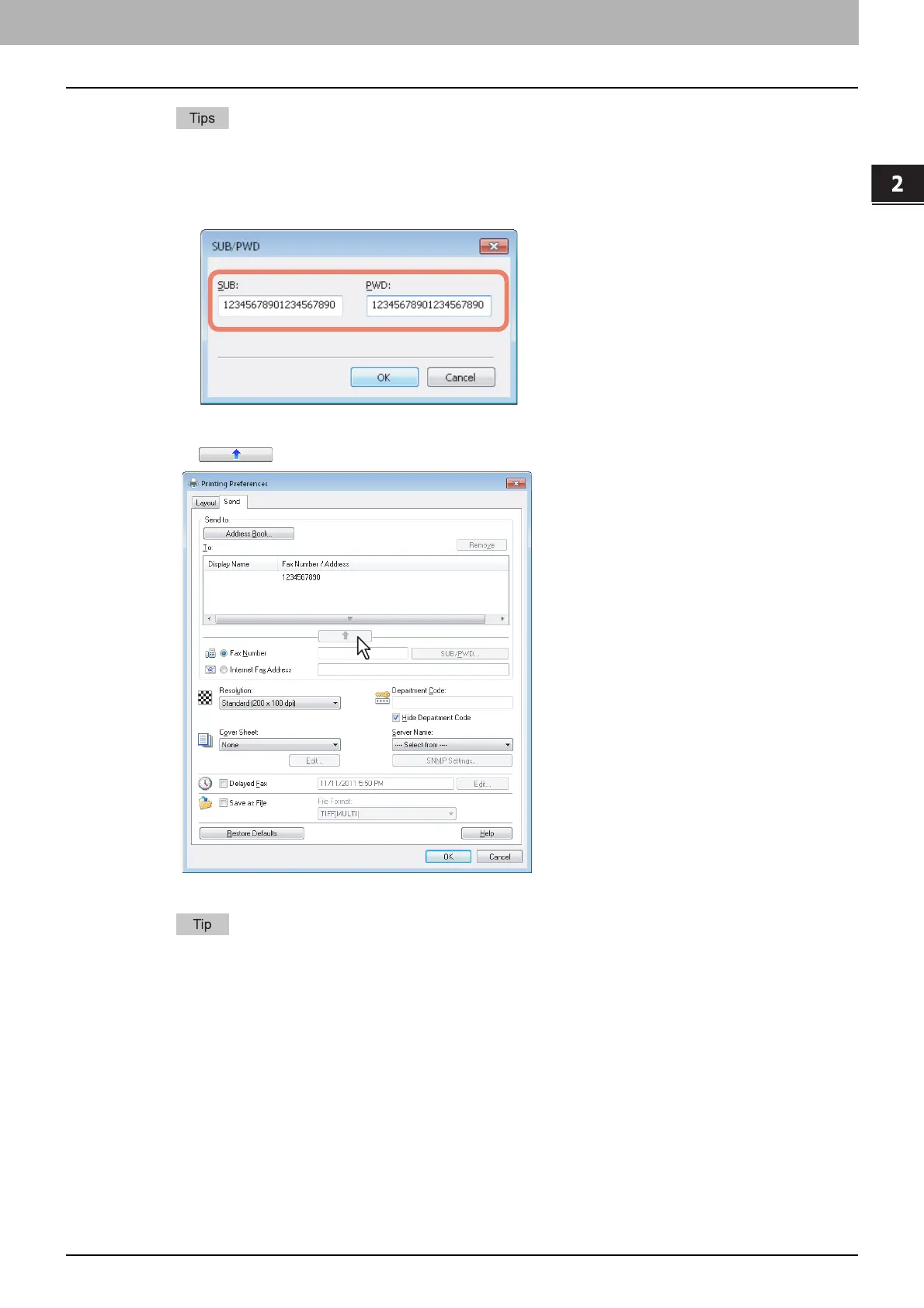
y When you enter a fax number, you can also enter a sub address and a password. Click [SUB/PWD] to enter
them (within 20 digits each) in the dialog box. Entering them enables the document to be transferred from
the recipient’s device to that of the sub-address, as the communication is in compliance with ITU-T
standard. However, in order to use this function, the recipient’s device must be a model in compliance with
the ITU-T standard.
y Use “ - ” (hyphen) if you send a Network Fax with pauses (approx. 3 seconds) inserted in the fax number.
2
Click .
The recipients selected for “To” are listed.
When the fax transmission is completed, the recipients are automatically removed from the “To” list.



 To Next Page
 Loading...


