3.SETTING OPTIONS
Sending With Extended Fax Functionality 39
3 SETTING OPTIONS
9
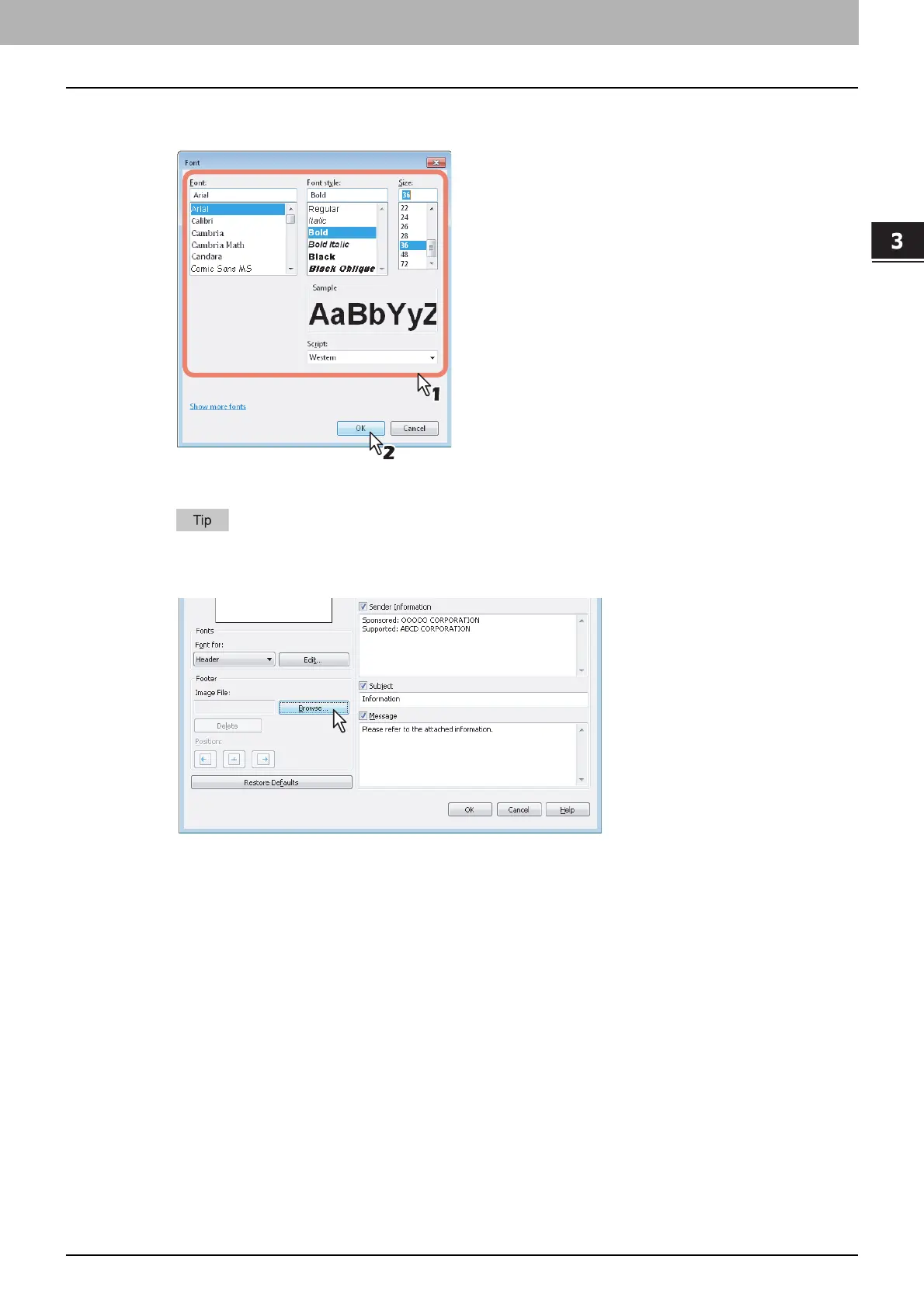
Select the desired one from each of the [Font], [Font style], [Size] and [Script] boxes,
and then click [OK].
The [Font] dialog box is closed and the font settings are determined for the selected section.
If you want to change the font of other sections, repeat the procedure from step 8.
10
If you want to attach an image file on the footer, click [Browse] of Image File.
The [Open] dialog box appears.
If you do not attach an image file, proceed to step 13.



 To Next Page
 Loading...


