EasyManua.ls Logo

Toshiba H9 - User Manual

Toshiba H9
100 pages
Print Icon
To Next Page IconTo Next Page
Loading...
Document Number: 58405-004
Date: March, 2011
H9
LOCAL/
REMOTE
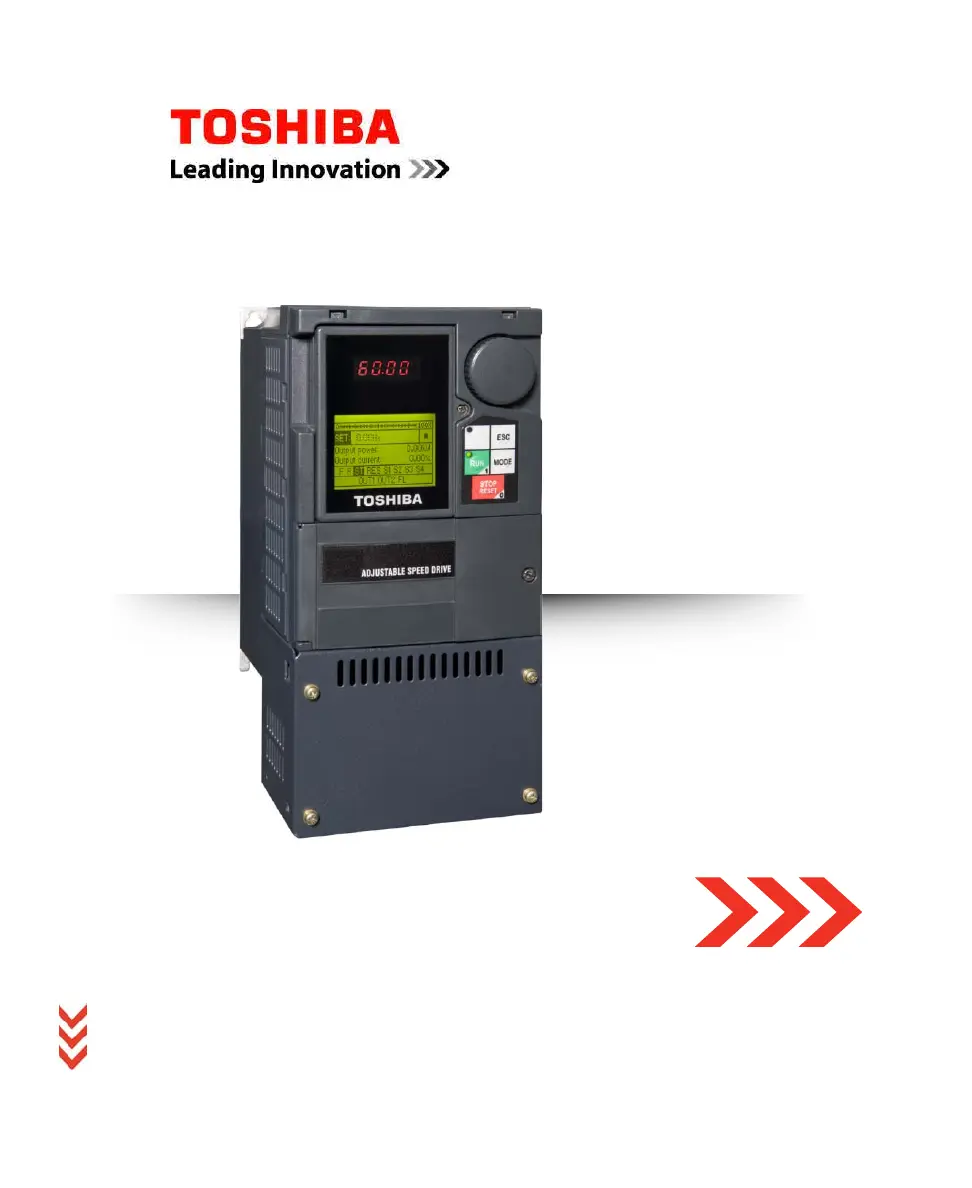
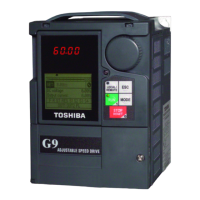
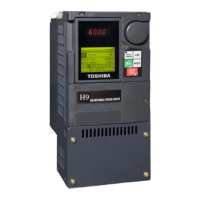
H9 Adjustable Speed Drive
TOSHIBA
H9 ASD
Quick Start Guide
Buy: www.ValinOnline.com | Phone 844-385-3099 | Email: CustomerService@valin.com

Table of Contents

Questions and Answers

  • T
    tracyblakeAug 13, 2025
    Why is my Toshiba H9 showing Overheat?
    • H
      Henry FoxAug 13, 2025
      If your Toshiba Inverter is overheating, it could be due to several reasons: * The ASD is operating at an elevated temperature. * The ASD is too close to heat-generating equipment. * The cooling fan vent is obstructed. * The cooling fan is inoperative. * The internal thermistor is disconnected. For all these conditions, it is suggested to contact your TIC Sales Representative for further assistance and to determine the appropriate course of action.
  • H
    Hannah MyersAug 16, 2025
    What causes Over-Voltage in a Toshiba H9 Inverter?
    • J
      Joel CuevasAug 16, 2025
      If your Toshiba Inverter displays an Over-Voltage error, it could be due to: * ASD attempting to start into a spinning motor after a momentary power loss. * Incoming commercial power above the specified range. * Decel time being too short. * Voltage spikes at the 3-phase input. * DBR required or DBR resistance value too high. * DBR function or Over-Voltage Stall feature turned off. * System is regenerating. * Load instability. * The Ridethrough function being disabled. For all these conditions, it is suggested to contact your TIC Sales Representative for further assistance and to determine the appropriate course of action.
  • G
    gclaytonAug 20, 2025
    What causes ASD Overload in my Toshiba H9?
    • K
      Kimberly HuntAug 20, 2025
      If your Toshiba Inverter is experiencing an ASD Overload, it might be caused by: * The carrier frequency being too high. * An excessive load. * Acceleration time being too short. * DC damping rate set too high. * The motor starting into a spinning load after a momentary power failure. * The ASD being improperly matched to the application. For all these conditions, it is suggested to contact your TIC Sales Representative for further assistance and to determine the appropriate course of action.
  • J
    Jose KentAug 25, 2025
    Why am I getting a Motor Overload on my Toshiba Inverter?
    • D
      Daniel DavisAug 25, 2025
      If your Toshiba Inverter shows a Motor Overload, it could be due to: * V/f parameter improperly set. * Motor is locked. * Continuous operation at low speed. * The load is in excess of what the motor can deliver. For all these conditions, it is suggested to contact your TIC Sales Representative for further assistance and to determine the appropriate course of action.
  • T
    Tabitha JohnsonAug 28, 2025
    What to do if my Toshiba Inverter displays Emergency Off?
    • M
      Michael FosterAug 28, 2025
      If your Toshiba Inverter displays an Emergency Off status, try the following: * If 'Stop' was pressed, reset by pressing it twice at the EOI. * If an 'EOFF' command was received remotely, reset by pressing it twice at the EOI. * An ASD reset may be required.
  • M
    michaelwhiteAug 31, 2025
    What causes Main Under-Voltage on a Toshiba H9 Inverter?
    • R
      randallmichaelAug 31, 2025
      If your Toshiba Inverter is showing Main Under-Voltage, it could be due to low 3-phase commercial voltage. It is suggested to contact your TIC Sales Representative for further assistance and to determine the appropriate course of action.
  • J
    Jennifer JonesSep 4, 2025
    What does Under-Current mean on my Toshiba H9 Inverter?
    • G
      Gary HollandSep 4, 2025
      If your Toshiba Inverter displays Under-Current, it indicates that the output current is too low. It is suggested to contact your TIC Sales Representative for further assistance and to determine the appropriate course of action.
  • V
    Vincent JohnsonSep 8, 2025
    How to resolve Timer error on Toshiba H9?
    • G
      Gabriel HooverSep 8, 2025
      If your Toshiba Inverter displays a Timer error, a type reset may be required; select Clear run timer. It is suggested to contact your TIC Sales Representative for further assistance and to determine the appropriate course of action.

Summary

General Safety Information

Qualified Personnel

Installation Precautions

Location and Ambient Requirements

Specifies environmental conditions and location criteria for safe and optimal ASD installation.

Mounting Requirements

Details requirements for secure and compliant mounting of the ASD unit.

Conductor Routing and Grounding

Power Connections

System Setup Requirements

Operational and Maintenance Precautions

Installation and Connections

Mounting the ASD

Connecting the ASD

Power Connections

Details the procedures and safety measures for connecting power to the ASD.

Power Connection Requirements

System Grounding

I;O and Control

Terminal Descriptions

LCD Screen Features

EOI Command Mode

Monitor Mode

EOI Features

System Configuration and Menu Options

System Operation

Initial Setup

Guides through the first-time configuration of the H9 ASD.

Startup Wizard Parameter Requirements

Key Operational Parameters

Frequency Reference Source

Operation (Local)

Default Setting Changes

Alarms, Trips, and Troubleshooting

Alarms and Trips

Lists user notification codes, explains Faults, Alarms, and Trips.

Alarms

Trips and Faults

Viewing Trip Information

Current;Voltage Specifications

Cable;Terminal;Torque Specifications

Short Circuit Protection Recommendations

Toshiba H9 Specifications

General IconGeneral
BrandToshiba
ModelH9
CategoryInverter
LanguageEnglish

Related product manuals