23
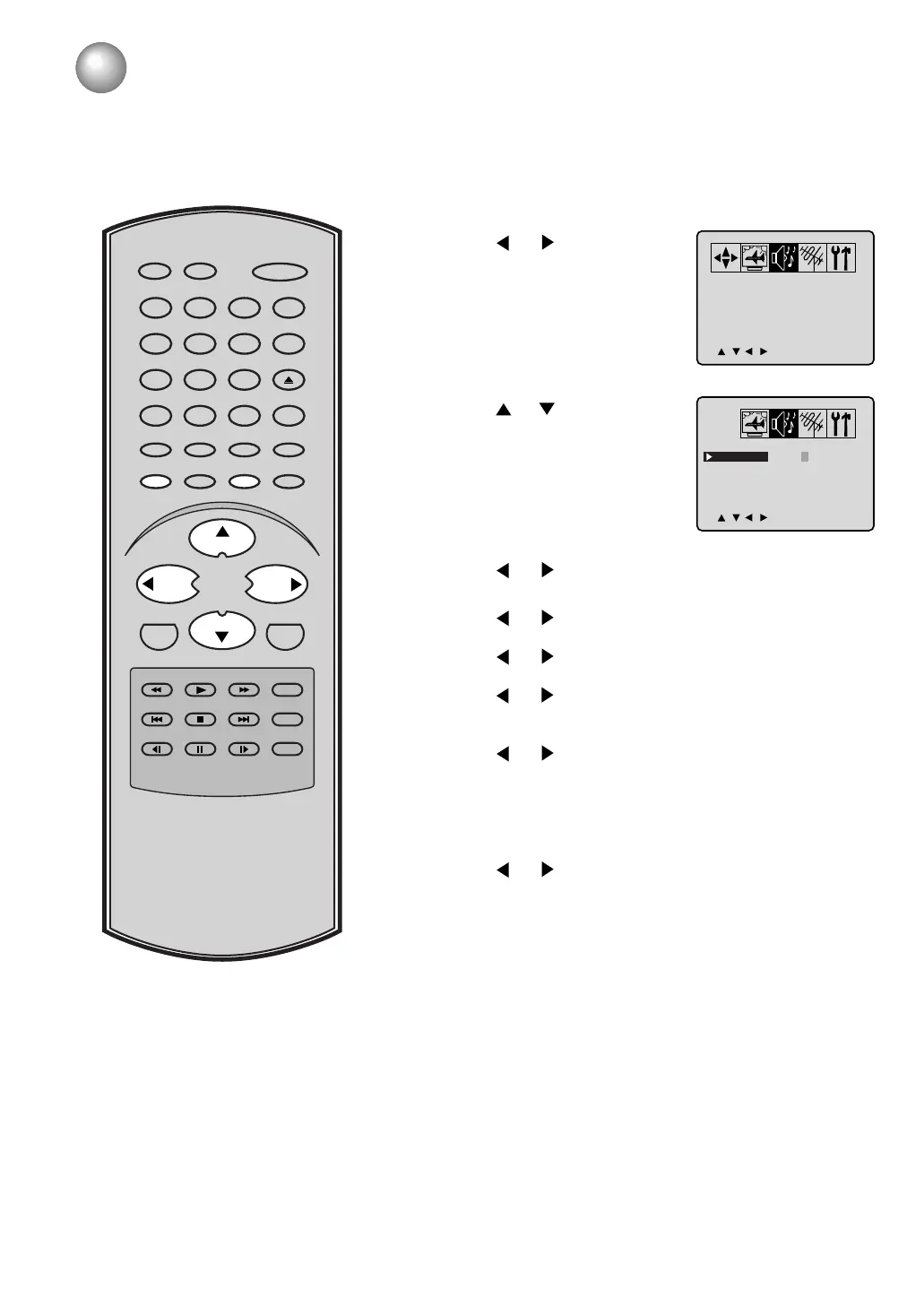
Sound control adjustment
Press or to select
the item you want to
adjust.
1
Press MENU in the TV mode. The TV menu screen will
appear.
2
Press or until the AUDIO
menu appears.
3
Press or to adjust the setting.
BASS:
Press or to adjust the bass sound.
TREBLE:
Press
or to adjust the treble sound.
BALANCE:
Press or to obtain an equal sound level from both
speakers.
SURROUND:
Press or to select “On” or “Off”.
ON: The dynamic presence and sound created
offers a thoroughly enjoyable listening
experience.
OFF: Normal sound.
STABLE SOUND
:
Press or to select “On” or “Off”.
ON: The Stable Sound
feature limits the highest
volume level to prevent extreme changes in
volume when the signal source is changed.
OFF: Normal sound.
4
After your desired setting press MENU until the MENU
screen is cleared.
5
ENTER
SLEEP
TV/DVDRECALL
GAME
INPUT SELECT
POWER
CLOSED
CAPTION
PLAY FWD PLAY MODE
SKIP STOP SKIP
SLOW PAUSE SLOW REPEAT A–B
ANGLE
ZOOM/CH RTNCANCEL
DVD MENU
AUDIO
TOP MENU
CH +
CH –
0
8
79
654
321
RETURN
JUMP
REV
SUBTITLE
SETUP/MENU
VOL – VOL +
MUTE
OPEN/CLOSE
Sound controls are factory preset but you can adjust them individually as follows:
CANCEL
Pressing CANCEL while making sound adjustments will return
all adjustments to the factory preset levels.
/ / / /MENU
BASS
TREBLE
0
0
0
OFF
OFF
BALANCE
SURROUND
STABLE SOUND
>
<
/ / / /CANCEL/MENU
BASS
TREBLE
0
0
0
OFF
OFF
BALANCE
SURROUND
STABLE SOUND
>
<
5F00401C (18-24) 6/25/03, 14:4623



 To Next Page
 Loading...