EasyManua.ls Logo

Toshiba PDR-M81 - User Manual

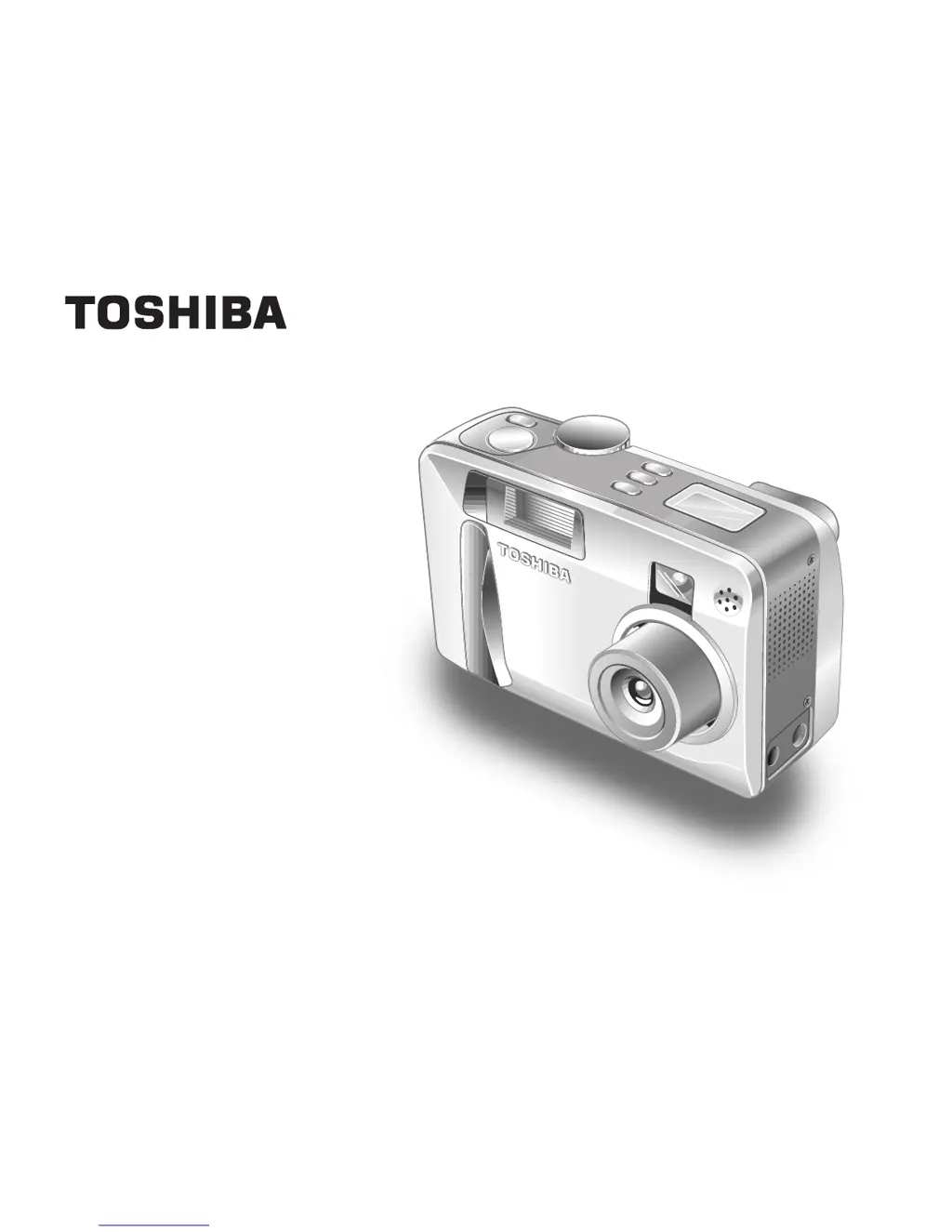
Toshiba PDR-M81
142 pages
Print Icon
To Next Page IconTo Next Page
Loading...
MODE D’EMPLOI
INSTRUCTION MANUAL
DIGITAL STILL CAMERA
PDR-M81

Table of Contents

Other manuals for Toshiba PDR-M81

Questions and Answers

  • M
    Michele SchmidtAug 17, 2025
    Why does my Toshiba Digital Camera battery run out quickly?
    • B
      Brett Edwards DDSAug 17, 2025
      A Toshiba Digital Camera battery might drain quickly if used in extremely cold conditions. Try warming the battery in your pocket before use. Also, dirty battery terminals can cause this issue, so wipe them with a clean, dry cloth. Finally, the battery may have reached the end of its life and needs replacement.
  • C
    chadwilliamsAug 20, 2025
    What to do if no photograph is taken when pressing the shutter button on my Toshiba PDR-M81 Digital Camera?
    • G
      Gloria RiveraAug 20, 2025
      There could be several reasons why your Toshiba Digital Camera isn't taking pictures. Ensure a SmartMedia™ card is loaded correctly and isn't full or write-protected. If it's not formatted, format it. A damaged card should be replaced. Also, check if the Auto Power OFF function is activated and turn the power back on if needed.
  • E
    Eric SalasAug 22, 2025
    Why does my Toshiba PDR-M81 turn OFF during operation?
    • J
      Jessica TrevinoAug 22, 2025
      If your Toshiba Digital Camera turns off unexpectedly, the batteries may be exhausted. Replace them with new batteries.
  • S
    Spencer CoxAug 25, 2025
    How to fix no power supply on Toshiba PDR-M81?
    • M
      Michelle AnthonyAug 26, 2025
      If your Toshiba Digital Camera has no power, it could be due to exhausted batteries. Try replacing them with new ones. Alternatively, if you're using an AC adapter, ensure it's properly plugged into the power outlet.
  • B
    Benjamin ReyesAug 27, 2025
    What to do if the flash will not charge on Toshiba Digital Camera?
    • K
      Kristen MooreAug 27, 2025
      If the flash on your Toshiba Digital Camera isn't charging, first check if the camera is set to Suppressed Flash mode. If so, change it to Auto, Red-Eye Reduction, or Forced Flash mode. If that doesn't work, the batteries may be exhausted; try replacing them with new ones.
  • C
    Carolyn BarnesAug 30, 2025
    Why I cannot use the flash to take pictures with my Toshiba PDR-M81 Digital Camera?
    • J
      Joseph WrightAug 30, 2025
      If you can't use the flash on your Toshiba Digital Camera, make sure the mode dial is set correctly. Also, check if the flash is set to Suppressed Flash mode; if so, change it to Auto, Red-Eye Reduction, or Forced Flash mode. Finally, ensure you wait until the flash is fully charged before pressing the shutter button.
  • M
    morganrivasSep 1, 2025
    What to do if nothing happens when using buttons on Toshiba PDR-M81 Digital Camera?
    • M
      Matthew KellySep 1, 2025
      If the buttons and switches on your Toshiba Digital Camera aren't responding, first try turning the power off, removing the batteries, and then trying again. Ensure the mode dial is in the correct position. Also, check if the camera is in Auto Power OFF mode; if so, press the POWER button again.
  • M
    Marisa SimsSep 4, 2025
    Why is the playback image blurred on my Toshiba PDR-M81?
    • M
      Michael SmithSep 4, 2025
      If your Toshiba Digital Camera playback image is blurred, the lens may be dirty, so try cleaning it. Alternatively, the image might be out of focus; in that case, set the FOCUS photography according to the distance up to the subject.
  • W
    wpowersSep 6, 2025
    Why is the playback image too dark even though I used the flash on my Toshiba PDR-M81 Digital Camera?
    • F
      franklingraceSep 6, 2025
      If your Toshiba Digital Camera playback image is too dark even with the flash, the subject might be too far away. Move closer to the subject, ideally within 2.6 ft (0.8 m) ~ 9.7 ft (3.0 m) when using the WIDE side setting.
  • S
    stanleysingletonSep 9, 2025
    What to do if images cannot be played back on Toshiba Digital Camera?
    • C
      Chad MonroeSep 9, 2025
      If images cannot be played back on your Toshiba Digital Camera, make sure that you select the folder containing images to play back.

Summary

Safety and Precautions

FCC Compliance Statement

Device compliance with FCC Rules regarding radio frequency interference.

General Safety Precautions

Comprehensive safety guidelines for camera usage, handling, and potential hazards.

Getting Ready

Before You Start

Introduction to the manual, including trademark and convention information.

Camera Setup and Components

Covers handling, accessories, parts, batteries, power, and SmartMedia™ card preparation.

Turning Camera On and Off

Procedures for powering the camera on and off, including auto power off function.

Taking Photographs

Photography Fundamentals

Proper camera holding technique and shutter button operation for optimal image capture.

Shooting Modes and Settings

Using auto, scene, and manual modes for various shooting conditions and image quality.

Special Photography Features

Utilizing extended exposure, exposure compensation, AEB, burst, and movie recording functions.

Playing Back and Managing Images

Viewing Images and Movies

Steps for playing back still images, movies, and browsing through image lists.

Image Management

Procedures for erasing images, folders, formatting SmartMedia™, resizing, and compressing.

Copying Images

Instructions for copying images from one SmartMedia™ card to another.

Settings and Information

Image Protection and Print Information

Methods to protect images from deletion and setting print order format (DPOF).

Camera Settings and Display

Configuring basic settings, LCD brightness, and display modes for camera operation.

Technical Specifications and Troubleshooting

Detailed camera specifications, warnings, messages, and solutions for common issues.

Global Contacts

Toshiba Customer Support

Regional contact details, websites, and support channels for assistance.

Toshiba PDR-M81 Specifications

General IconGeneral
BrandToshiba
ModelPDR-M81
CategoryDigital Camera
LanguageEnglish

Related product manuals