–54–
How to cancel louver lock
Set the wind direction to “0000” in step 4 of the louver lock setup procedure above.
• When the setting is canceled, goes out.
Perform the same operations as steps 1, 2, 3, 5, and 6 above.
9 Maintenance
Cleaning the air filter and other parts of the air filter involves dangerous work in high places, so be sure
to have a qualified installer or qualified service person to do it.
Do not attempt it by yourself.
After the cooling or dry auto (cooling) operation has finished, the dry operation is performed and the fan
starts running. When cleaning the unit, stop the drying operation forcibly and turn off the circuit breaker
to avoid electric shock.
Cleaning air filters
Clogged air filters will reduce the cooling and heating performance.
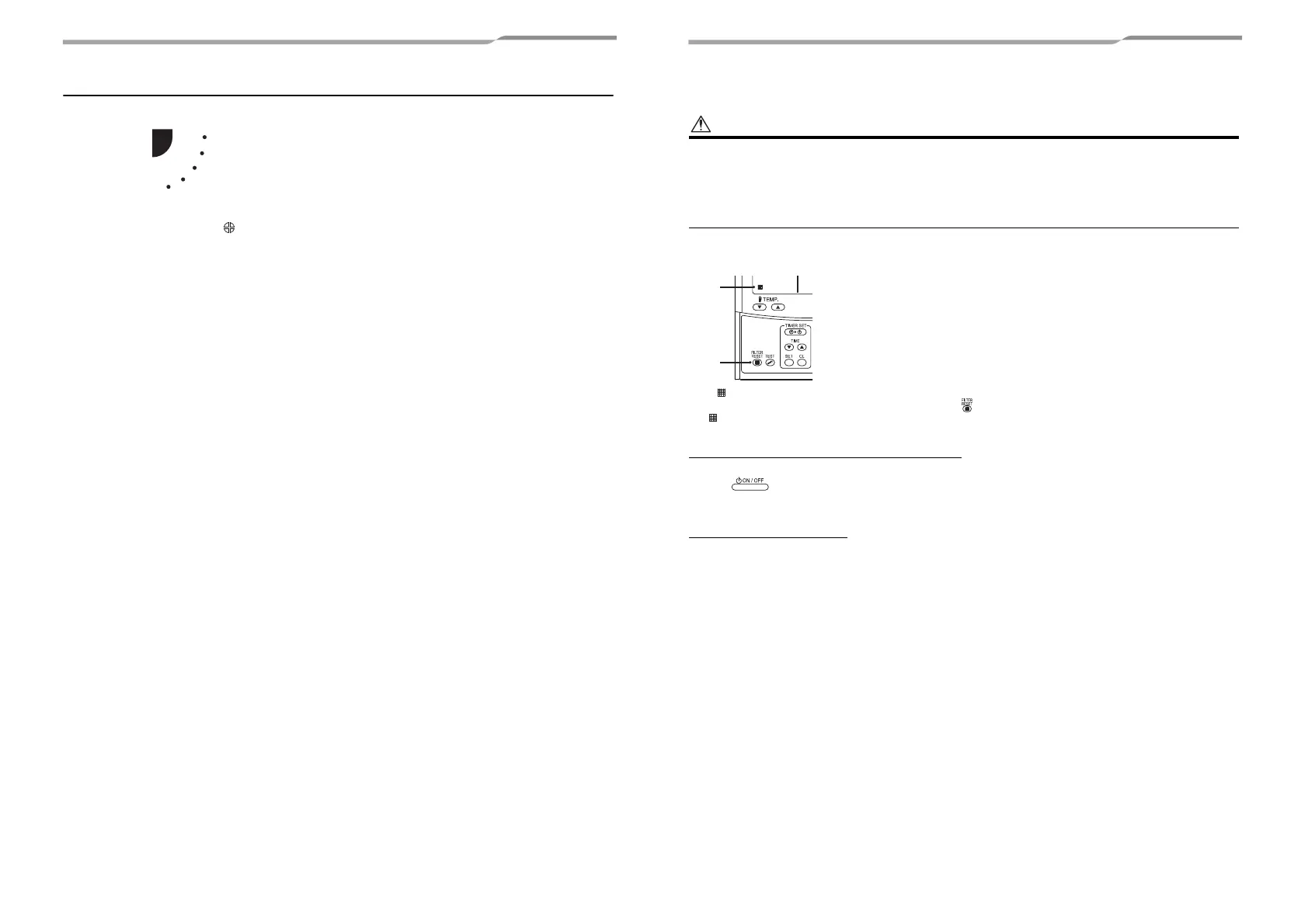
(1) If “ ” is displayed on the remote controller, clean the air filters.
(2) When the cleaning of air filters has been completed, push button.
“ ” disappears.
When the unit will not be used for a long time
1. Perform the fan operation for a couple of hours to dry inside.
2. Press on the remote controller to stop running, and turn off the circuit breaker.
3. Clean the air filters and reinstall them.
Before the cooling season
Clean the drain pan
• Contact the dealer where you purchased the product.
(Drain does not work if the drain pan or vent is clogged. In some cases the drain may overflow and wet the wall or floor. Be
sure to clean the drain pan before the cooling season.)
107-EN 108-EN





 To Next Page