EasyManua.ls Logo

Toshiba SD-43HK - User Manual

Toshiba SD-43HK
46 pages
Print Icon
To Next Page IconTo Next Page
Loading...
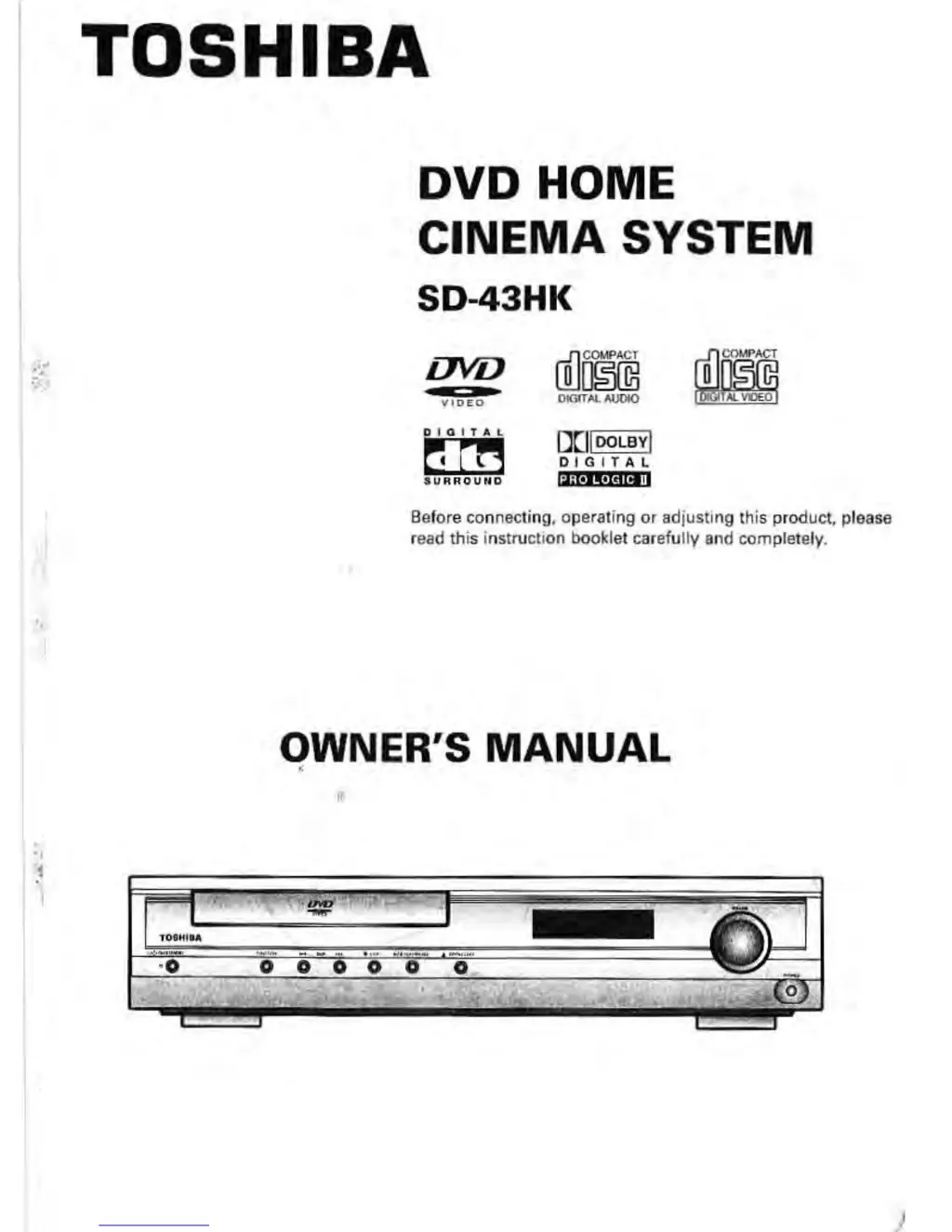
TOSHIBA
DVD HOME
CINEMA SYSTEM
SD-43HK
ova
1"
COKIPA^l
DIGITAL AL_ [YQ
El
DOLBY
Before connecting
,
operating or adjusting this product, please
read this instruction booklet carefully and completely.
OWNER
'
S MANUAL
1 WP
0 0 0 0 0

Questions and Answers

  • Y
    yjimenezJul 30, 2025
    What to do if my Toshiba SD-43HK Home Theater System has no picture and no sound?
    • G
      Gregory StephensJul 30, 2025
      If your Toshiba Home Theater System shows no picture and produces no sound, ensure that your TV is set to receive the DVD signal output. Select the appropriate video input mode on the TV. Also, check that the video and audio cables are securely connected to the jacks. Make sure the TV and any equipment connected with audio cables are turned on and set to the correct input mode. Verify that the Digital Audio Output is correctly set, then turn on the DVD receiver again.
  • K
    Kayla MartinAug 5, 2025
    Why is my Toshiba SD-43HK remote control not working properly?
    • P
      parsonsthomasAug 6, 2025
      If the remote control for your Toshiba Home Theater System isn't working, make sure you are pointing it directly at the remote sensor on the DVD receiver. Ensure you are within 23 ft (7 m) of the receiver and that there are no obstacles blocking the signal. Try replacing the batteries in the remote control with new ones.
  • S
    Stephanie PotterAug 11, 2025
    What to do if my Toshiba SD-43HK Home Theater System playback picture is poor or doesn't start?
    • T
      Tammy CookAug 11, 2025
      If your Toshiba Home Theater System's playback picture is poor or the DVD receiver doesn't start, clean the disc and ensure it is inserted correctly with the playback side down. Confirm that a playable disc is inserted (check the disc type, color system and Regional code) and that the disc is placed correctly within the guide on the disc tray. If the issue persists, cancel the Rating function or change the rating level.
  • E
    ecooperAug 17, 2025
    Why my Toshiba Home Theater System has no power?
    • L
      Luis RobertsAug 17, 2025
      If your Toshiba Home Theater System has no power, the power cord may be disconnected. Plug the power cord into the wall outlet securely.
  • C
    Cindy LewisAug 23, 2025
    What to do if my Toshiba SD-43HK is on, but the DVD receiver does not work?
    • L
      Lisa MossAug 23, 2025
      If your Toshiba Home Theater System is powered on but the DVD receiver isn't working, it might be because no disc is inserted. Insert a disc and check that the DVD or audio CD indicator in the display window is lit.

Summary

Safety Precautions

General Safety Warnings

Essential safety guidelines for operating the DVD player, including laser, electrical, and handling precautions.

Before Use

Remote Control

Connections

Connecting Speakers and TV

Detailed guide on how to connect speakers, TV, and various video output options.

Operation

DVD Playback

Step-by-step instructions for inserting a disc, starting, pausing, and stopping DVD playback.

MP3;WMA CD Playback

Guide to playing MP3 and WMA files from CDs, including file compatibility and on-screen display usage.

Setup

Initial Settings and Display Options

Step-by-step guide for initial setup and adjusting display/picture settings like aspect ratio.

Speaker Setup

Speaker Mode and Delay Time Configuration

Configuring speaker modes (e.g., small, none) and setting delay times for optimal surround sound.

Sound Fields

Miscellaneous Functions

Troubleshooting and Specifications

Common issues, their causes, corrections, and detailed technical specifications of the DVD player.

Toshiba SD-43HK Specifications

General IconGeneral
BrandToshiba
ModelSD-43HK
CategoryHome Theater System
LanguageEnglish

Related product manuals