9
English
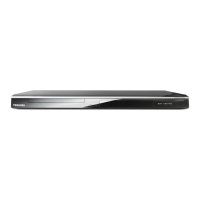
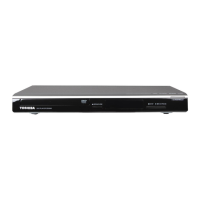
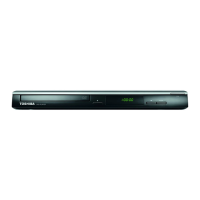
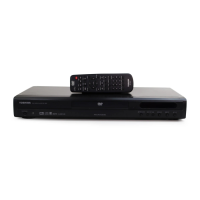
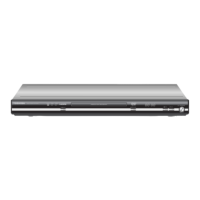
Disc tray
- Place a disc here
ç
OPEN/CLOSE
- Opens or closes the disc tray
Display
- Shows information about the current status of the
DVD Player
MAINS ~
- Connects to a standard AC outlet
AUDIO OUT (Left/Right)
-ConnectstoAudioinputofaTV,anamplier,
receiver or stereo system
COAXIAL(Digital audio out)
- Connects to coaxial Audio input of a digital audio
equipment
DVD display
Multifunctional indicator (indicates
operating status or messages, etc.)
Chapter/Track
number indicato
r
"----" may also appear in other
situation.
Product Overview
Front and Rear panels
I/
2
ON/STANDBY
- Turns the player on or switches it to standby
mode
B/X
PLAY/ PAUSE
- Starts or pauses playback
STOP
- Stops playback
IR Sensor
- Points the remote control towards this sensor
Y, PB, PR Component Video Out
- Connects to Y, PB, PR input of a TV
VIDEO Out (CVBS)
- Connects to CVBS Video input of a TV
LOAD/CLOSE
OPEN
DVD video disc VIDEO CD Audio CD
•During playback:
•During playback: •During playback:
Example Example Example
Some discs may only
display chapter
numbers.
Some discs may only
display track
numbers.
Some discs may only
display track
numbers.
No disc Bad disc
Power Off
The indicators vary depending on the kinds of disc you play.


 To Next Page
 Loading...