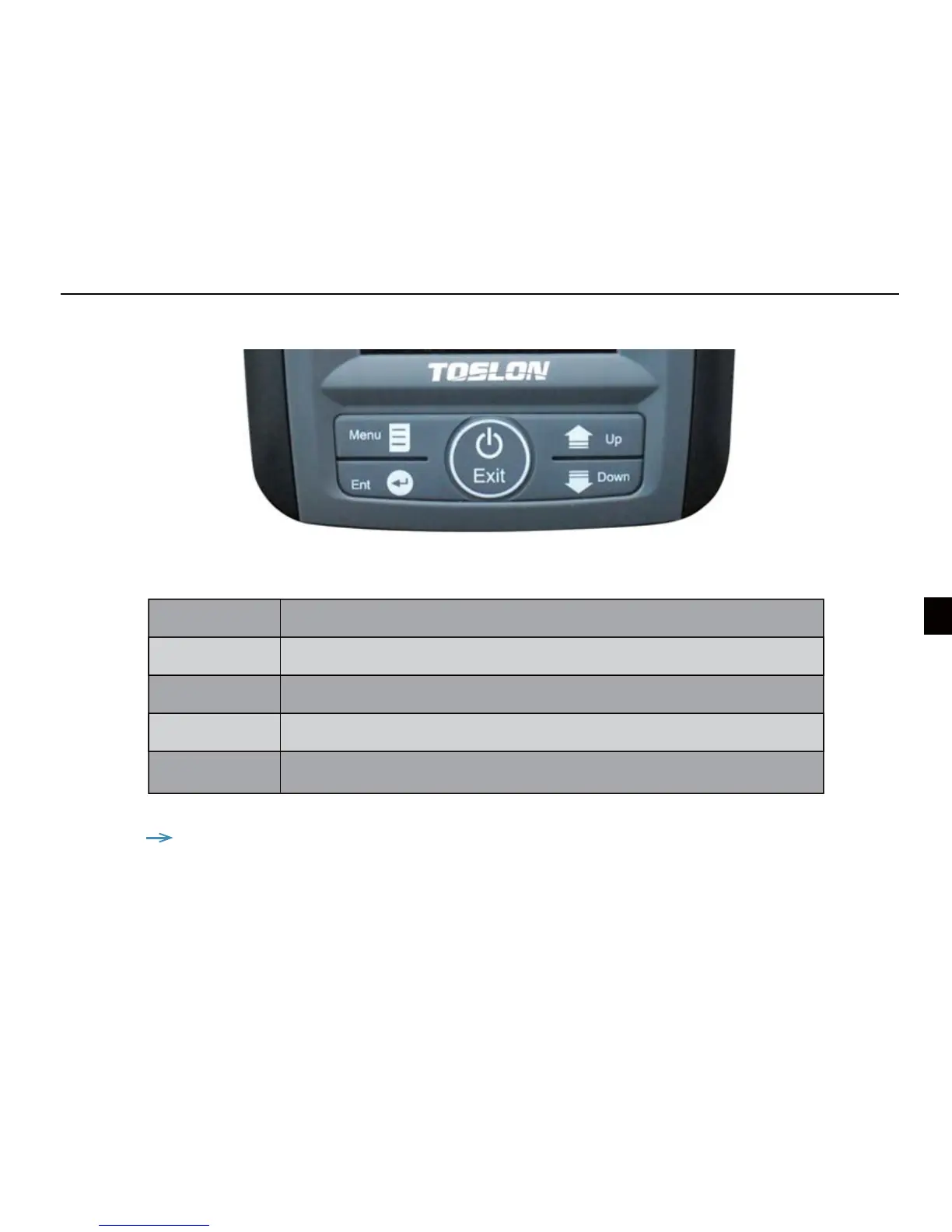
Key function
Menu Open Menu settings; Switch between menus
Up arrow Move up to select menu; increase a value of option
Down arrow Move down to select menu; decrease a value of option
Power & Exit Turns unit on/o. Also be use to quit a menu setting
Ent Finalizes menu selections; conrm a setting
6
Note: during the unit working, you can press the UP arrow to “freeze” the screen.
Press any key will unfreeze the screen.


 To Next Page