Menu Operation
8
In most time the default setting is enough. However in some situation, to get a better using, you need adjusting
the menu setting.
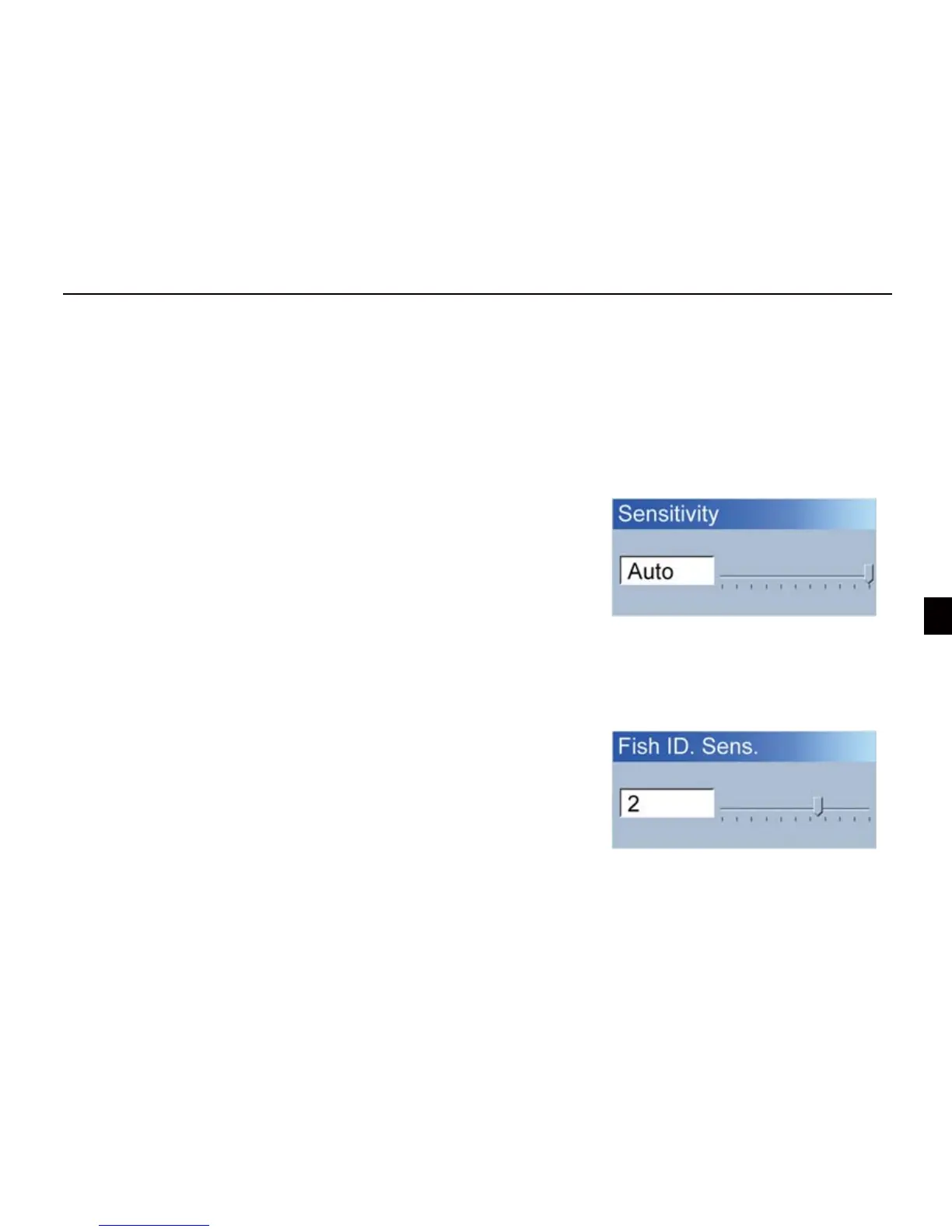
Determines how echoes will be displayed on the screen. Increasing the sensitivity will make you see more
details on the screen. In deep water, increasing the sensitivity.
whereas in shallow decreasing the sensitivity.
1) Sensivity
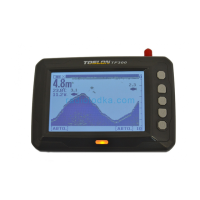
Fish ID. Sens. adjust the threshold of sh size display
Selecting a higher setting allows weak returns being displayed as
sh, which is helpful especially when you are intending to nd
smaller sh species or bait sh.
2) Fish ID. Sens.
How to set a Sensivity?
1)Press MENU Key, and use keypad to choose【Sensivity】
2)Press ENT key to conform the selection.
3)Press UP arrow/Down arrow key to increase/decrease the
value.
4) Press ENT key to conrm the setting.
Selecting a low setting will prevent weak sonar returns being
displayed as sh, which will be very helpful when you are seeking
large species of sh.


 To Next Page