Installing the MP/8 V.34 2-3
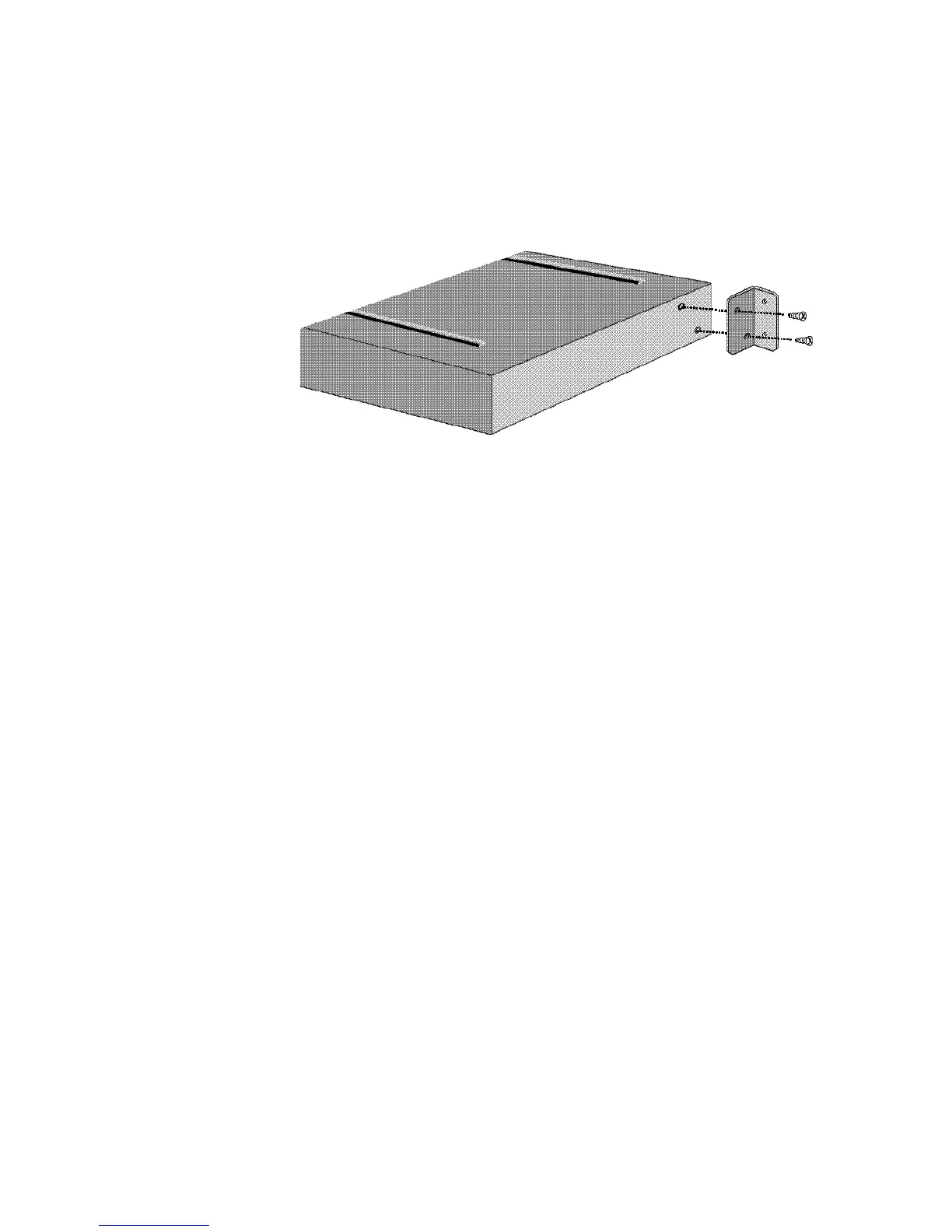
Figure 2-1. Attaching a Mounting Bracket.
3 Installing the unit in the rack. Most racks come with the
necessary screws and nuts/anchors to install rack mounted
devices.
a First, gather four screws and enough nuts/anchors for
the screws.
b Then, holding the unit in the rack and supporting it
from underneath with one hand, insert screws in the
bottom left and bottom right slots and start threading
them. See Figure 2-2.



 To Next Page