1-2 MP/8 V.34: Getting Started
In a BBS... the MP can be hooked up to a computer
running a BBS via a COM port expansion module. All
the calls coming in to the BBS will come through a
single unit.
About the MP/8 V.34 modems
This section briefly describes the functions of the Status
Indicators, the Telco jacks, and the RS-232 jacks.
Status Indicators
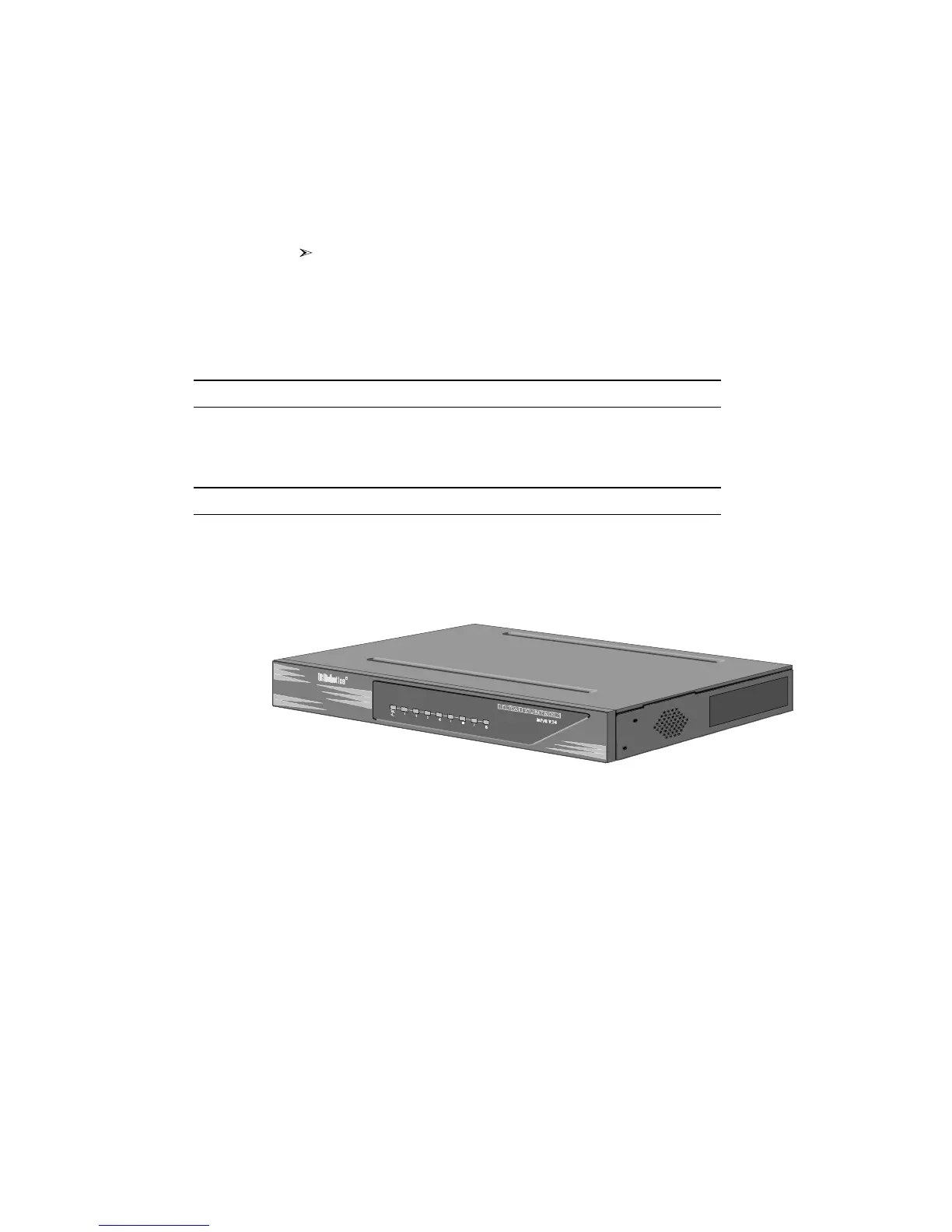
The MP/8 V.34 modems display their status using
light-emitting diodes (LEDs) that are visible from the front. The
MP/8 V.34 modem has nine LEDs on its front panel.
Figure 1-1. Front View of the MP/8 V.34.
The Run/Fail LED indicates whether the unit is operating. The
other LEDs are numbered 1–8, each number corresponding to
one channel. The colors indicate the status of each channel as
follows:
Table 1-1. Meanings of the Indicator Lights.



 To Next Page