Introduction 1-3
Appearance Meaning
Off Idle, ready to make or receive calls
Amber blink
(8 per second)
Looking for U interface
Amber blink
(1 per second)
Looking for S/T interface
Green blink
(1 per second)
U and S/T interfaces found; waiting for line to
become active
Green Connection OK
Amber Negotiating (training) with a remote analog
device
Red U interface not found
Red blink
(1 per second)
Incorrect SPID
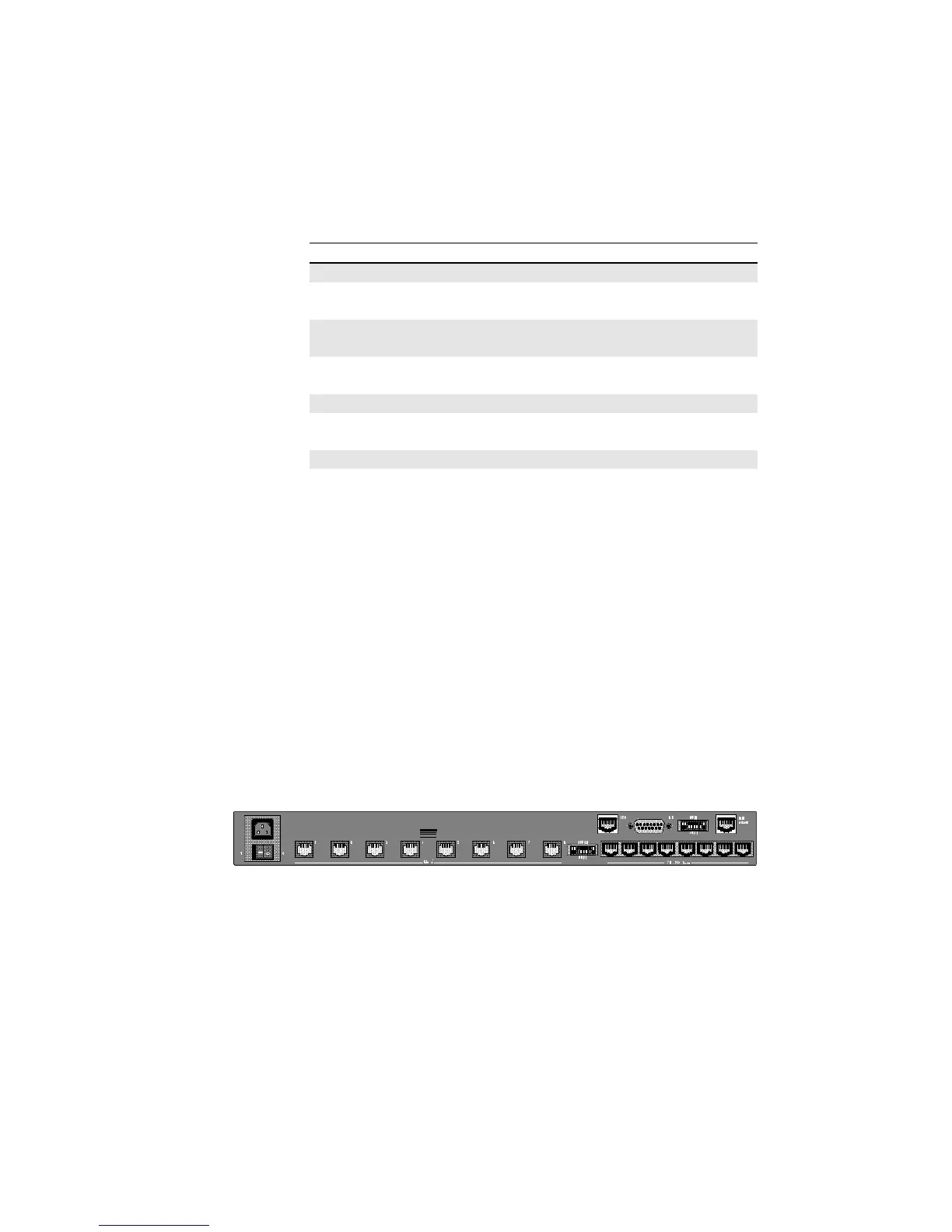
Telco Jacks
The Telco jacks located on the back panel provide access to the
phone lines through an RJ-11 telephone cable. They are labeled
1-8, according to the modem each corresponds to.
RS-232 Jacks
RS-232 jacks allow the modems to interface with computers.
These are also labeled 1–8 according to the modem each
corresponds to. The RJ-45 connectors on the unit meet EIA/TIA
561 standards.
Figure 1-2. Back view of the MP/8 V.34.
Telco jacks
RS-232 jacks



 To Next Page