Operating Manual
69-2261EFS—01 8 570-210
ENGLISH
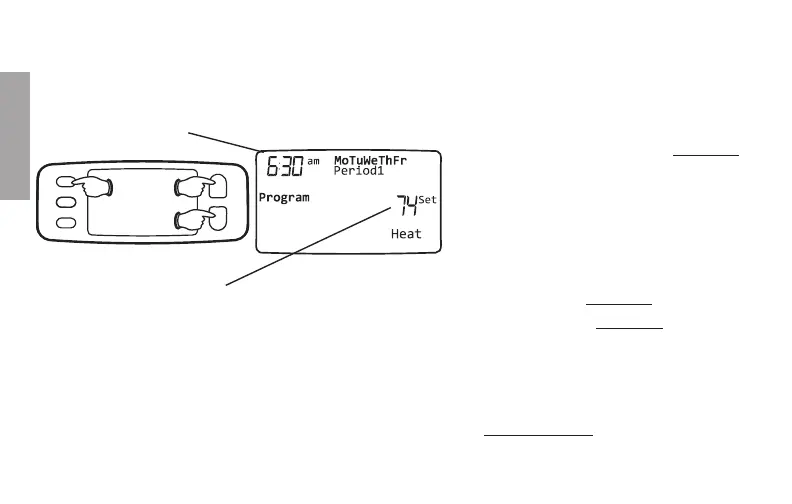
To adjust program schedules
1. Press SET until Program is displayed.
2. Press s or t to set your weekday
Period 1 time (Mon-Fri), then press
SET.
3. Press s or t to set the temperature
for this time period, then press SET.
4. Set time and temperature for the next
time period (Period 2). Repeat steps 2
and 3 for each weekday time period.
5. Press SET to set weekend time
periods (Sat-Sun), then press RUN to
save & exit.
Press SET 3 times, then adjust time.
Press SET, then set desired temperature.
Note: Make sure the thermostat is set to the system you want to program (Heat or Cool).
Note: To cancel an unwanted time period (except Period 1), press and hold s + HOLD for 4
seconds while in the Program mode.


 To Next Page
 Loading...