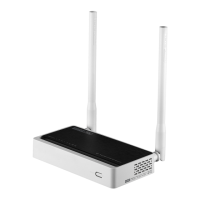
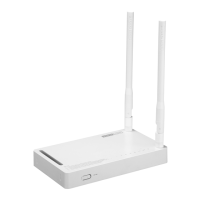
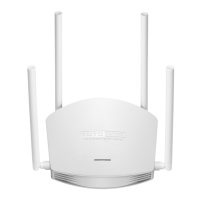
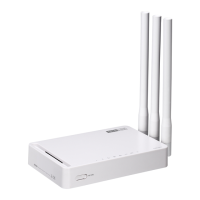
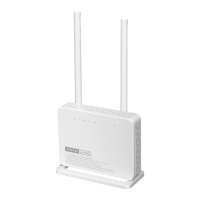
2 Connecting to TOTOLINK Router
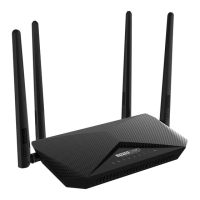
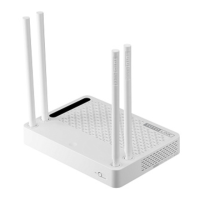
Make sure you have a LAN cable connected from the HKBN wall plate/ONT to the WAN port
of your TOTOLINK (A2004NS) wireless router. Using a second LAN cable, connect it from
the router LAN port to the computer LAN port. Once finished, switch on the power supply for
the router and turn on the computer.
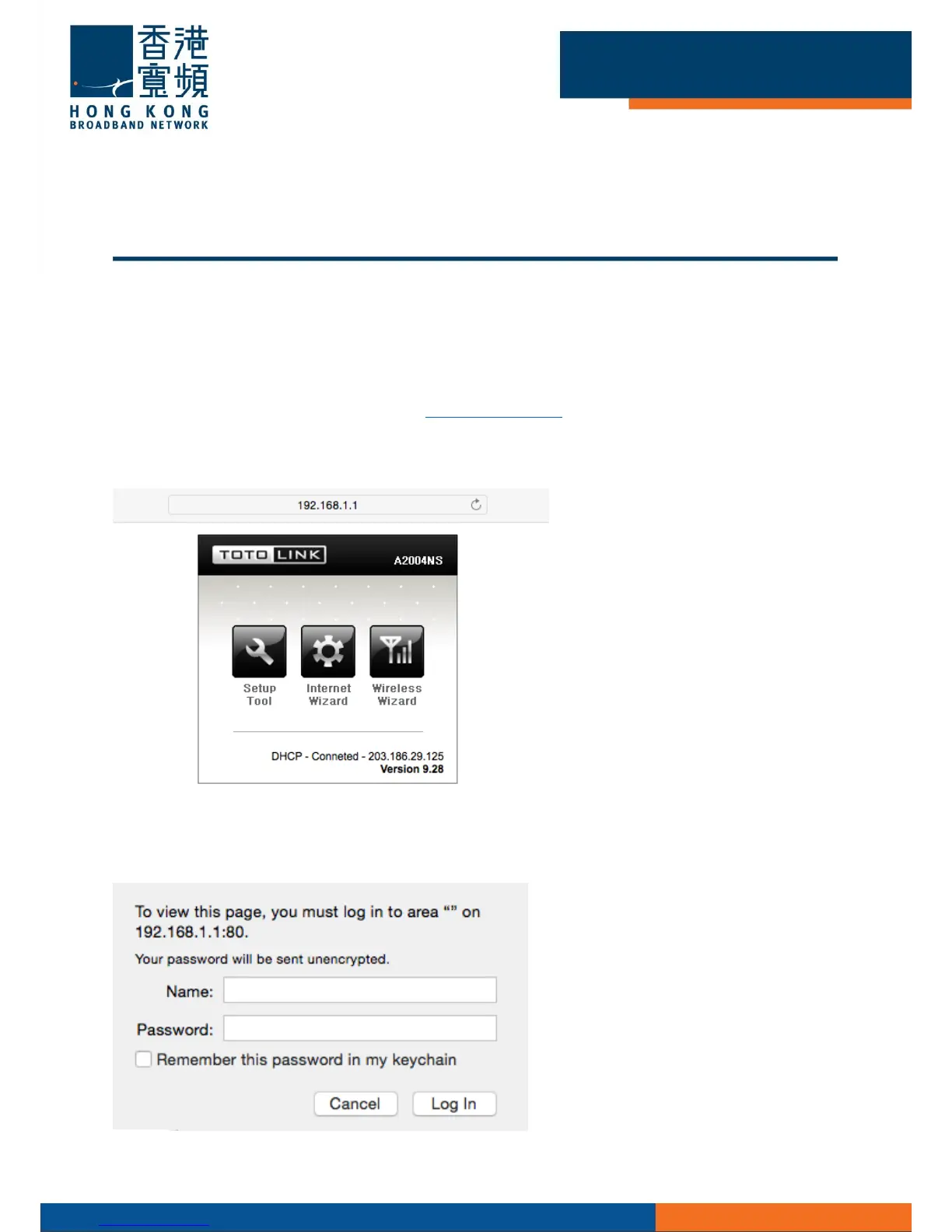
Open your Internet browser, and input [http://192.168.1.1] using the address-bar and press
[Enter].
Choose [Internet Wizard] to start the setup.
Enter [admin] as the default username and password, click [OK].


 To Next Page