2 Getting Started
2-1 Power On/Off the System
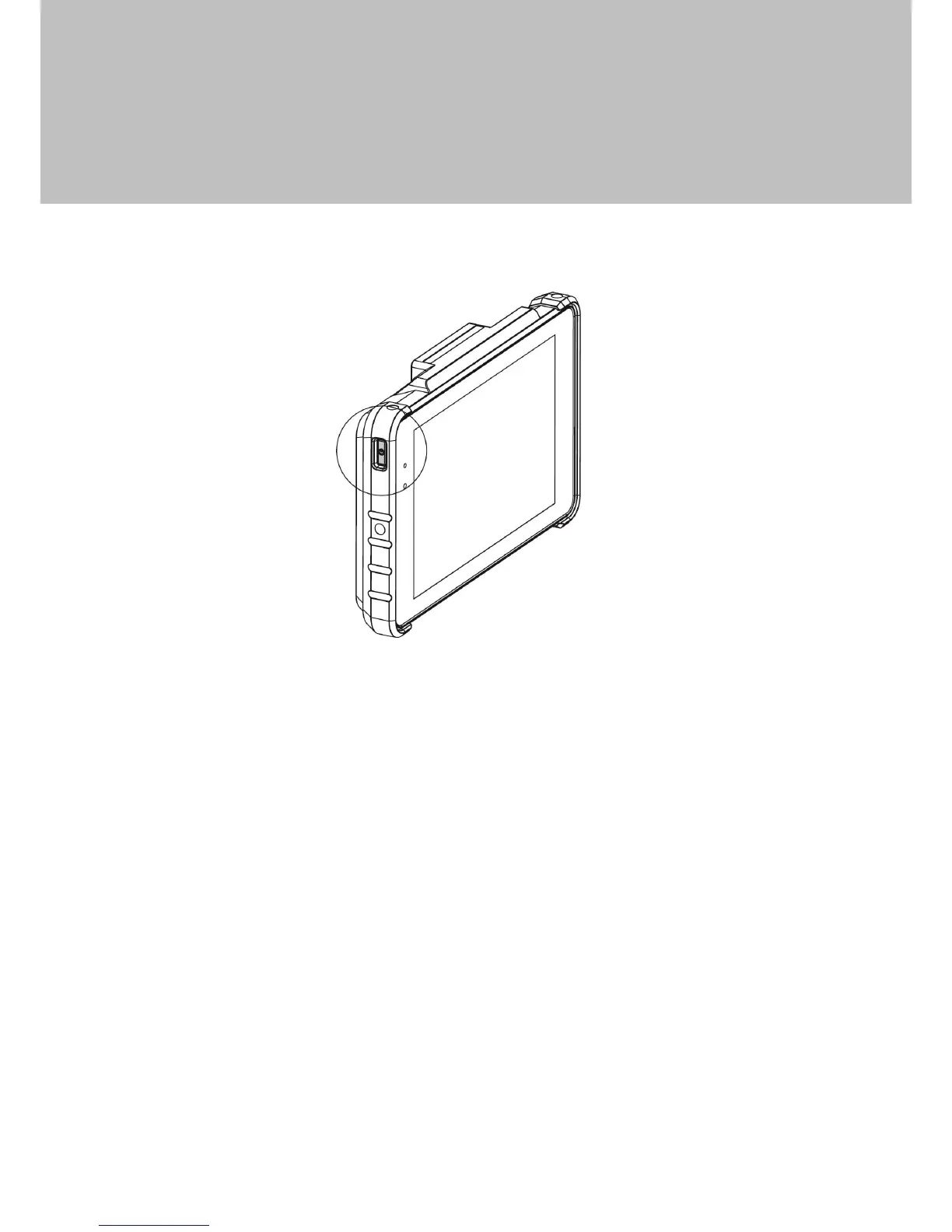
1. Push the power button to turn on the system and hold 4~5 seconds to turn off
the system.
Note: For best touch performance, remove the protective plastic overlay from the
LCD screen by peeling it away from one of the corners. Be sure to use a soft
pointing device or finger tip to avoid scratching the screen during normal use.


 To Next Page