2-5 Mass storage device connection
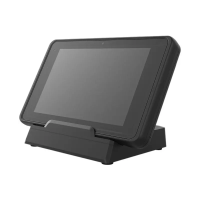
1. To transfer the files to the tablet from the mass storage devices (USB HDD, USB
thumb drive) you can use cradle and the micro USB to USB-A female cable.
Simply plug the cable into the charging dock and connect the mass storage
device to the USB-A connector.


 To Previous Page