EasyManua.ls Logo

Touchstone Whisper Lift II PRO - User Manual

Touchstone Whisper Lift II PRO
32 pages
Print Icon
To Next Page IconTo Next Page
Loading...
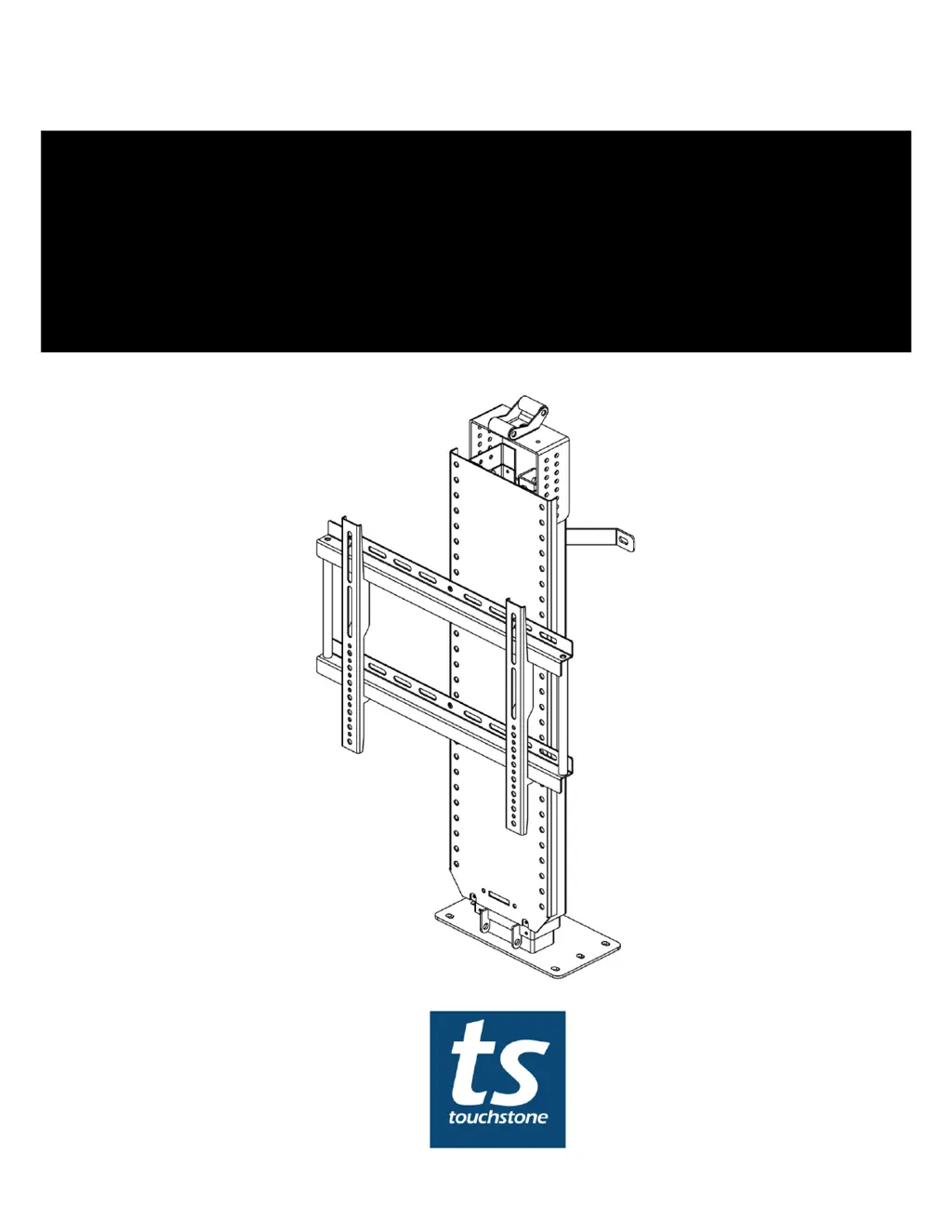
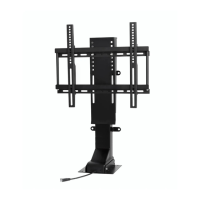
WHISPER LIFT II PRO 23401
WHSIPER LIFT XL PRO - 23601
WIFI ENABLED TV LIFT
OWNER’S MANUAL

Questions and Answers

  • S
    Stephanie FisherJul 27, 2025
    What to do if my Touchstone Whisper Lift II PRO TV Mount displays a 'HOT' error?
    • M
      mary30Jul 27, 2025
      The 'HOT' error on your Touchstone TV Mount indicates the control box temperature is too high (above 167°F/75°C) or the system ran continuously for 2 minutes. To resolve this: 1. Wait 18 minutes for the code to disappear, and the lift should operate normally. 2. Alternatively, unplug the power cable, wait 30 seconds, and then plug it back in. The error code should disappear automatically.
  • D
    David TaylorAug 1, 2025
    How to fix Touchstone TV Mount error code E01?
    • A
      Andrew ReedAug 1, 2025
      The E01 error on your Touchstone TV Mount typically means there's an issue with the control box connections or the lift motor signal. Here's how to troubleshoot: * Check all cables connected to the control box and lift to ensure they are properly secured. Wait 3 seconds after securing the connections to see if the error disappears. * If the error persists 3 seconds after restoring power, it indicates a problem with the motor, and the lift may need replacement and reset.
  • J
    Jessica BrownAug 6, 2025
    What does E07 mean on my Touchstone Whisper Lift II PRO TV Mount and how do I fix it?
    • T
      Tracey MartinAug 6, 2025
      The E07 error on your Touchstone TV Mount indicates that either the load weight exceeds 177 lbs or the electric current is above the maximum set value. To fix this: 1. Remove items from the lift to ensure the total load weight is below 177 lbs. 2. The error code should disappear automatically once the electric current decreases below the maximum set value.
  • K
    kevin99Aug 11, 2025
    Why is my Touchstone TV Mount showing error E08?
    • R
      Rachel ObrienAug 12, 2025
      The E08 error on your Touchstone TV Mount indicates that the power voltage is lower than required for operation. This code should automatically disappear once the power voltage resets to the normal value.
  • C
    christopher76Aug 16, 2025
    What does error E09 mean on a Touchstone TV Mount?
    • J
      Jeffrey BridgesAug 16, 2025
      The E09 error on your Touchstone TV Mount means the power voltage is higher than what's required. Once the power voltage resets to the normal value, the error code should automatically disappear.
  • D
    Daniel MasonAug 21, 2025
    Why does my Touchstone TV Mount display error E10?
    • B
      Brittany FergusonAug 21, 2025
      The E10 error on your Touchstone TV Mount appears when the handset is plugged in after the control box is already powered on. To resolve this, wait 1 second, and the code should disappear automatically.

Summary

About Your Touchstone Whisper Lift II PRO;XL PRO Advanced TV Lift

Lift Features

Details the key features and benefits of the TV lift mechanism.

Technical Specifications

Lists the product's technical details, dimensions, and capabilities.

Safety

Important Safety and Pre-Installation Instructions

Critical safety guidelines and prerequisites before starting installation.

Lift Components & TV Installation Hardware

Components

Identifies and lists all the included parts for the lift mechanism.

Hardware

Lists the various screws, brackets, and fasteners included in the kit.

Dimensional Drawings

Whisper Lift II PRO Dimensional Drawings

Provides detailed diagrams and measurements for the Whisper Lift II PRO model.

Whisper Lift XL PRO Dimensional Drawings

Provides detailed diagrams and measurements for the Whisper Lift XL PRO model.

Assembling and Installing Your Whisper Lift II PRO;XL PRO TV Lift

Tools and Component Diagram

Lists necessary tools and provides a visual guide for component identification.

Installing C Bracket

Step-by-step instructions for mounting the adjustable C-Bracket to the lift.

Roller Installation Instructions

Guide for installing the roller mechanism, typically for hinged lids.

Install Rear Brackets

Instructions for attaching the rear support brackets to the lift mechanism.

Fasten Lift To Cabinet

Hooking Up Lift Components and Operating Lift

Control Box Connections

Instructions for connecting the motor cable to the control box.

Wired Handset Control Connection

Steps to connect the wired handset to the control box.

Power Supply Connection

Guide for connecting the power supply to the control box and wall outlet.

Operating the Lift

Wired Handset Operation

How to use the wired handset for lift control and setting memory positions.

Wireless RF Remote Operation

Instructions for using the wireless RF remote for lift control.

RF Remote Pairing

Procedure to pair the wireless RF remote with the control box.

Wireless IR Control Setup

Instructions for setting up and using the infrared remote control.

RS232 Controls

Details on connecting and controlling the lift via RS232 serial communication.

Mounting and Installing the TV

Attaching TV Mounting Brackets

Steps for attaching the TV mounting brackets to the flat panel TV.

Assembling the Flat Panel TV Mount

Instructions for assembling the TV mount using horizontal brackets and vertical rods.

Mounting TV Mount to Lift

Procedure for attaching the assembled TV mount to the lift mechanism.

Installing TV on Lift

Guide on how to hang and secure the TV onto the mounted brackets.

Locking TV to Mount

Steps to secure the TV to the mount using locking screws.

Technical Support and Troubleshooting

Error Code Resolution

Explains error codes displayed on the handset and their troubleshooting steps.

Resetting the Lift

Procedure to reset the lift mechanism by holding the DOWN button.

Warranty

Touchstone Whisper Lift II PRO Specifications

General IconGeneral
Control MethodRemote Control
Lift MechanismMotorized
MaterialSteel
ColorBlack
Power Requirement110V AC
VESA Compatibility200 x 200mm to 600 x 400mm
InstallationCabinet Integration
Screen Size Compatibility32" - 80"

Related product manuals